Santhosh veer

Forum Replies Created
-
Forum: Themes and Templates
In reply to: [Astra] Astra V2 not Comfortable with w3 Total cacheI Debug the issue in many way still same issue some CSS Functions are not working example: Container background not working
I think Default theme CSS and JS Minification not properly working with w3 total cache
PS: Me not minify the CSS/JS via other pluginsForum: Themes and Templates
In reply to: [Astra] Astra V2 not Comfortable with w3 Total cachethe cache is Cleared but in v2 CSS and JS Functions are not working properly
No Minify
No Issues on Cache Plugin
Can’t Debug the issue right nowSo I roll back to v1 it working well with Total cache plugin
@daanvandenbergh Thanks for your Quick Support 🙂
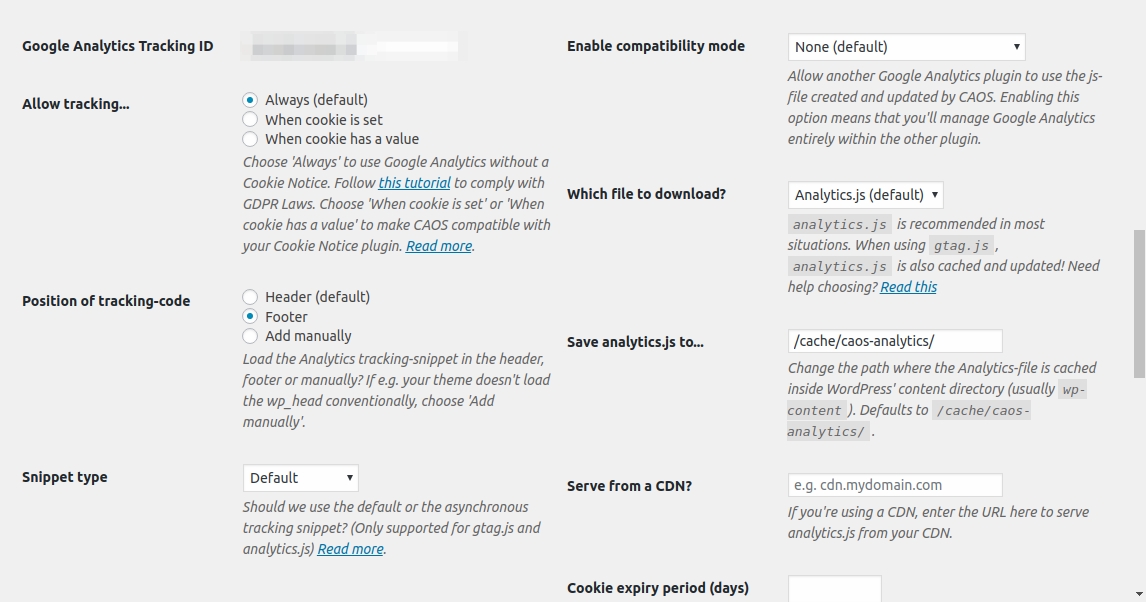
Ok, there was one major change in the update script since then. Could you try saving the settings again (perhaps some default values are missing in your database) and running the update script again?
After Clicking the Save Settings it downloads the JS File
but I have doubted Will Cron Job Auto script Update will work Perfect like Previous Versions?@daanvandenbergh From which version did you update? –
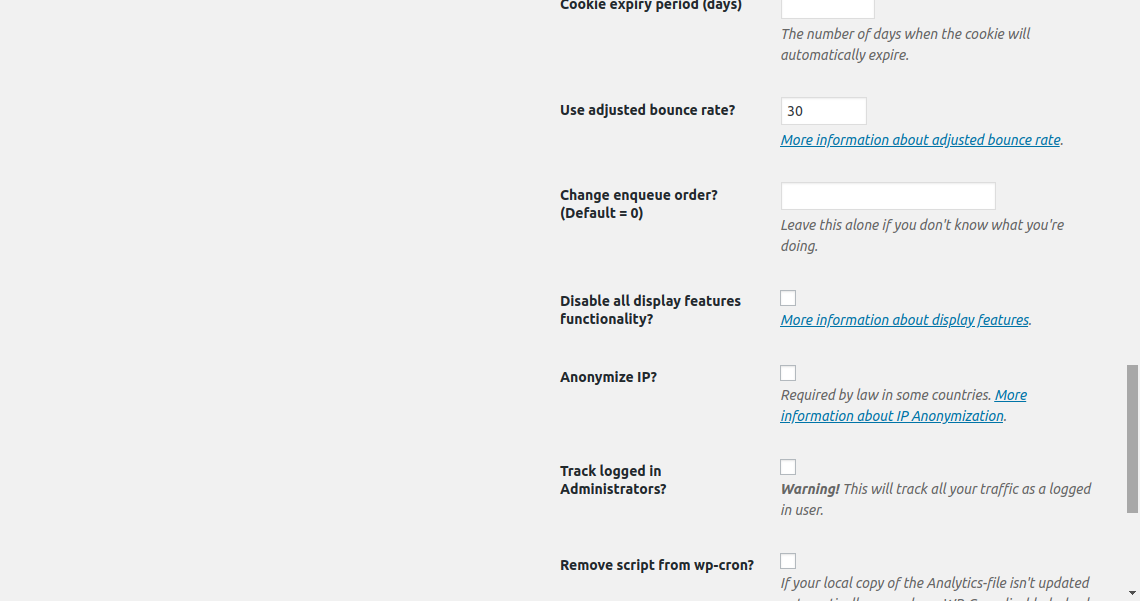
2.4.3/2.4.4Thanks for the screens. I’ve tried to generate to generate analytics.js using your settings, but I can’t reproduce the error you’re getting. Everything works fine. Where are you getting this error?
Previously I am not facing this Kind of an issue
after this Update, It’s not downloading the JS FileIf we clear the Caches in our site again I see that console error
Now I Click Save changes to Generate the Script again
Update analytics.js seems not to trigger the script file Redownload and Update@daanvandenbergh wait for a Moment I will share
Forum: Plugins
In reply to: [W3 Total Cache] Exclude Specific JS File From CachingSorry Not for Minify
I want to exclude it from Brower CachingForum: Plugins
In reply to: [WPS Hide Login] Keeps Logging Out Problemfound the issue
I am using Quicklink for WordPress plugin (this make the page load faster) – https://wordpress.org/plugins/quicklink/
While scrolling the Page to the Comment box Site will automatically log out and Session was Expired Makes Keeps Logging Out Problem- This reply was modified 7 years ago by Santhosh veer.
It’s working After I prevent SuperPWA Files from caching on w3Total Cache plugin
– Performance > Browser Cache > General (section)
Tick the Option
Do not process 404 errors for static objects with WordPress– Next, add this Below Rule on the textBox under the Option we tick
robots\.txt
superpwa-manifest\.json
superpwa-sw\.js
sitemap(_index)?\.xml(\.gz)?
[a-z0-9_\-]*sitemap[a-z0-9_\-]*\.(xml|xsl|html)(\.gz)?
([a-z0-9_\-]*?)sitemap([a-z0-9_\-]*)?\.xml
Clear cache Done…!
- This reply was modified 7 years, 6 months ago by Santhosh veer.
- This reply was modified 7 years, 6 months ago by Santhosh veer.
Tried this code
No changes same 404 errors
1.9 version works well no 404 errors@josevarghese Done
I rollback to
1.9working fine
2.0causes the issue.- This reply was modified 7 years, 6 months ago by Santhosh veer.