Kel Santiago-Pilarski

Forum Replies Created
-
Forum: Themes and Templates
In reply to: [Twenty Twenty-Four] Issues with mobile versionHi @dino01
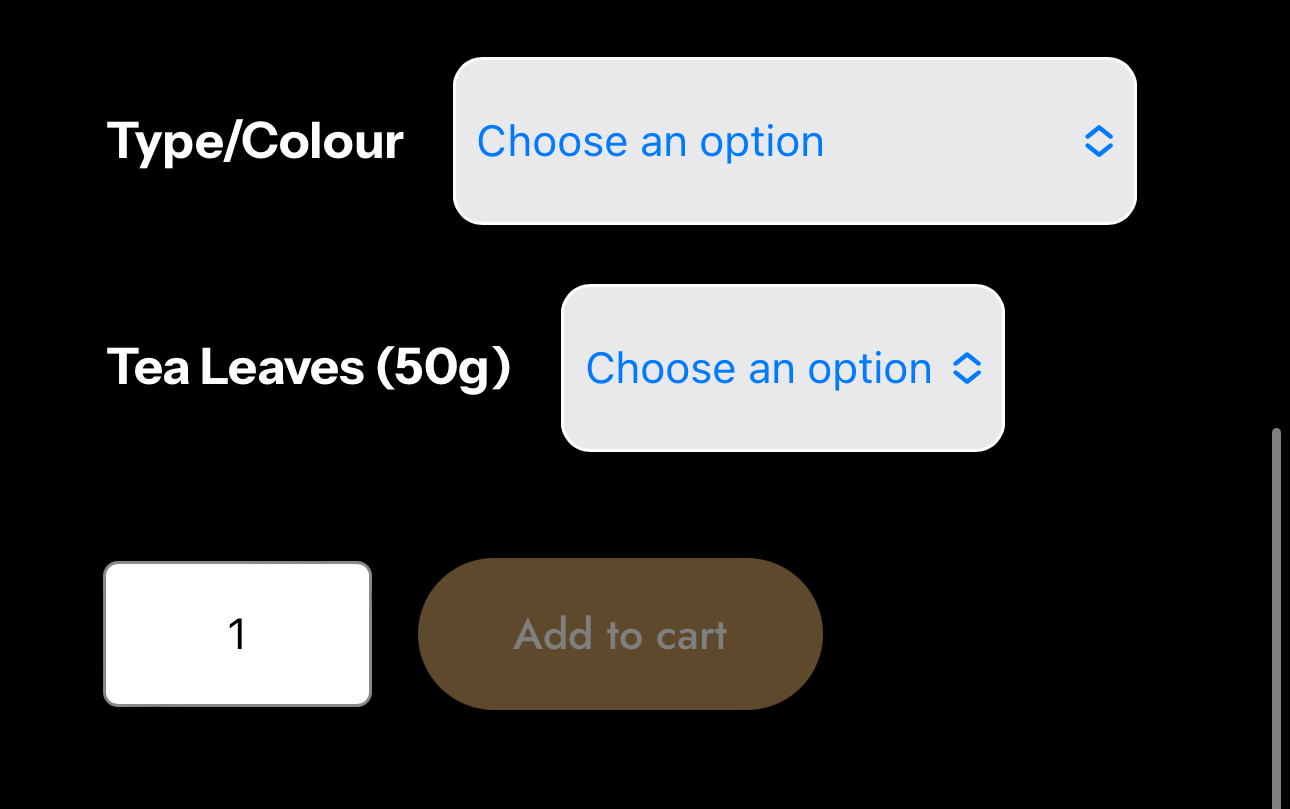
I checked your site’s shop page in mobile and the words are not cut off. ‘Type/Colour’ appears in one line. Here’s how it looks on the Panda Tea Set bundle, see screenshot: https://supportmedia.tech.blog/wp-content/uploads/2024/09/panda-tea-set-bundle-d-no-coffee-tea.jpeg
If you’re still seeing words that are cut off, clear your mobile browser cache or try to use another browser and check again. On the other hand, if this is solved, you can mark this topic Resolved or let us know. 🙂
Forum: Plugins
In reply to: [Gutenberg] Gutenberg Woocommerce ConflictHi @strictlysocialnz, thanks for writing in!
From your forum topic in WooCommerce, I understand that even with only WooCommerce and Gutenberg active, you are not able to select the region in the shipping zone. But you were able to in the past.
I’ve tested this with a new site with only WooCommerce and Gutenberg active and I’m not able to replicate this. On my test site in Zone regions, I can type in the box next to it and can also click ‘Limit to specific ZIP/postcodes’. I’ve checked also for bugs and there were no similar reports on this.
Do you recall what changes you’ve made to the site before this issue with zone regions happened? Do you see any error messages? What happens if you clear your browser cache or use another browser, are you able to select the zone region? Can you also click ‘Limit to specific ZIP/postcodes’ and select postcodes?Forum: Plugins
In reply to: [WordPress Importer] Inquiry About Upcoming Plugin UpdateHi @ahmedrazaabbasi , the WordPress Importer plugin current version is 0.8.2 which was updated eight months ago. If there’s an update available, it will be visible in your dashboard Plugins section. Do you still see this message? If yes, what is your current WordPress version? And can you share some screenshots where you see this message? Thank you!
Forum: Plugins
In reply to: [Classic Editor] Stop Gutenberg pages from being edited in ClassicHello @intercommsa
If you prefer the Classic Editor, you can go for that plugin instead.Or use Gutenberg if you prefer to work with blocks. Using Gutenberg, there’s an option to use the classic blocks which looks like the Classic Editor but only in block form. Please check this guide for that: https://wordpress.org/documentation/article/classic-block/
Forum: Reviews
In reply to: [Twenty Twenty-One] Sample wpHi @sergeyieffe
Thank you for leaving a review. We’re glad to hear that you find it nice, though we’re sorry to hear that you find it uneasy to design with. Your feedback is invaluable, and we want to make improvements wherever we can.
Could you share more about what made the design process uneasy for you? What are you designing in particular? Do you experience this design difficulty on a certain page of the site, or in all pages?
Was it something specific about the tools, options, or layout? Additionally, for the narrowness, what pages on your site you prefer the width to be wider?
Thanks again for your insights!Forum: Themes and Templates
In reply to: [Twenty Twenty-Four] Removing whitespace in footerHello @justanothertechbro I checked your site again and the space in the footer after “Brochure” is shorter than the one in your screenshot, and it’s quite close to the bottom of the page already.
Hello @geekiro!
1. Is it possible to add related posts based on tags?
Yes, by creating
related-poststag or any tag name and using that to tag your posts. You can also use the Post Tags block.2. Can an author box be added to the articles?
Yes, there’s a Post Author block that can be added to your articles.
3. Can I insert a code (for example, AdSense) within an article, after the first paragraph?
You’ve mentioned you don’t want to use plugins, but for adding the AdSense code, you’ll have to use an ad inserter plugin for that.
4. Can I add share buttons to articles without installing other plugins? If yes, how?
Without using a plugin, you can have a share function on the site by using a custom code. Though adding the custom code directly to the theme is not recommended, as when the theme updates the codes you’ve added will be removed.
5. When a new theme like Twenty Twenty-Five is released, how complex will it be to export and import templates from this theme? I’m thinking about doing updates in the future as new features are released.
In the dashboard Appearance > Themes section, you can change to a new theme. Note that changing to a new theme will also change the layout and design of the site. Before changing themes, create a site backup first or clone the site and test the new theme on a staging / testing environment before making actual changes to the original live site.
Forum: Themes and Templates
In reply to: [Twenty Twenty-Four] No PUBLISH buttonHi @jos447
Does the Publish button display again on the page editor after you clear your browser cache or use another browser? Here’s the link to the instructions if you’re using Chrome.
You can also troubleshoot to check if another plugin or if the Twenty Twenty-Four theme is causing the Publish button to be missing from the page editor. To do this:- Install the Health Check & Troubleshooting plugin then activate it.
- Then go to WP Admin > Tools > Site Health > Troubleshooting (tab) to start troubleshooting. This will add a new Troubleshooting Mode menu item to the toolbar at the top of the WP Admin screen.
- From there, you can enable and disable plugins and change the theme for your site, without affecting what visitors usually see on your site while you troubleshoot.
- In a new browser tab or window, open the page editor.
- In the troubleshooting screen, change Twenty Twenty-Four theme to another theme, then refresh the page editor in the new tab to see if enabling another theme makes the Publish button appear. And do the same for plugins and enable plugins one by one, then refresh the page editor in the new tab.
- Then note which plugin or theme active makes the Publish button disappear.
Forum: Themes and Templates
In reply to: [Twenty Twenty-Four] Reducing space in header elementsHello @antoniovolpon !
I’ve checked the site link you’ve shared and the logo, title and tagline are already very close to each other. Do you still need help with this?
Forum: Themes and Templates
In reply to: [Twenty Twenty-Four] Tag Cloud BackgroundHi @terry2124!
You can change the background color of the tags from white to something else using CSS code:
.wp-elements-8e04bc959d2655b45a60f349dc85a0f4 a:where(:not(.wp-element-button)) {
     background: red;
}
And change
red;to another color by choosing from https://htmlcolorcodes.com/Forum: Themes and Templates
In reply to: [Twenty Twenty-Four] Group fixed widthThanks for sharing the links to your pages, I see what you mean. The Services page have the blocks the same size, but not the SEO Audit page. Have you tried copying all the blocks from the Services page? Please see this guide on The Top Toolbar > Copy All Blocks section.
After copying all blocks from the Services page, paste them into a draft test page, then replace the contents with the ones from SEO Audit. If that worked, you can publish the draft test page as the new SEO Audit page.Forum: Themes and Templates
In reply to: [Twenty Sixteen] Turning off author photoHello @dkennedy56 !
Please try these CSS codes to reduce the space below the site description and below the menu:.site-branding, .site-header-menu, .header-image {
margin-bottom: 0em;
}
.site-header {
padding-bottom: 2em;
}You can also adjust the number value before
em;Hey @pradg! Consistency might be something to consider here. If site visitors expect to see the full post title, but only see a shortened version, it could cause confusion.
Can you share more details why you’d like to only show the first two texts of the post title “How to” instead of the full post title “How to display only the first 2 words of a post title”?Hi @sailjumper !
The Twenty-Twenty-x themes get updated for various reasons like fixing errors or other issues. The Twenty Twenty-Three theme is still active so you can continue using that if you’d like. Although it’s not necessary to change themes when a new one comes out, you’re free to switch to the new theme or any theme of your choice.You can either check the preview of the Twenty Twenty-Four theme or launch a WP Playground with Twenty Twenty-Four theme to see how it looks, and compare that with Twenty Twenty-Three.
Forum: Plugins
In reply to: [Classic Editor] Save Button GoneHi @stevepett, I’ve tested this and only had the Classic Editor plugin active. The Save button in pages and posts always remained.
I also see your message in the ASE plugin forum and glad to hear that the Save button has reappeared on your site. I’ll mark this topic resolved.