Venkat Raj

Forum Replies Created
-
@mejstro WP Optimize does only does HTML page caching. It doesn’t do Object caching. Since your provider supports Memcached, you can use this plugin https://wordpress.org/plugins/memcached/
You need
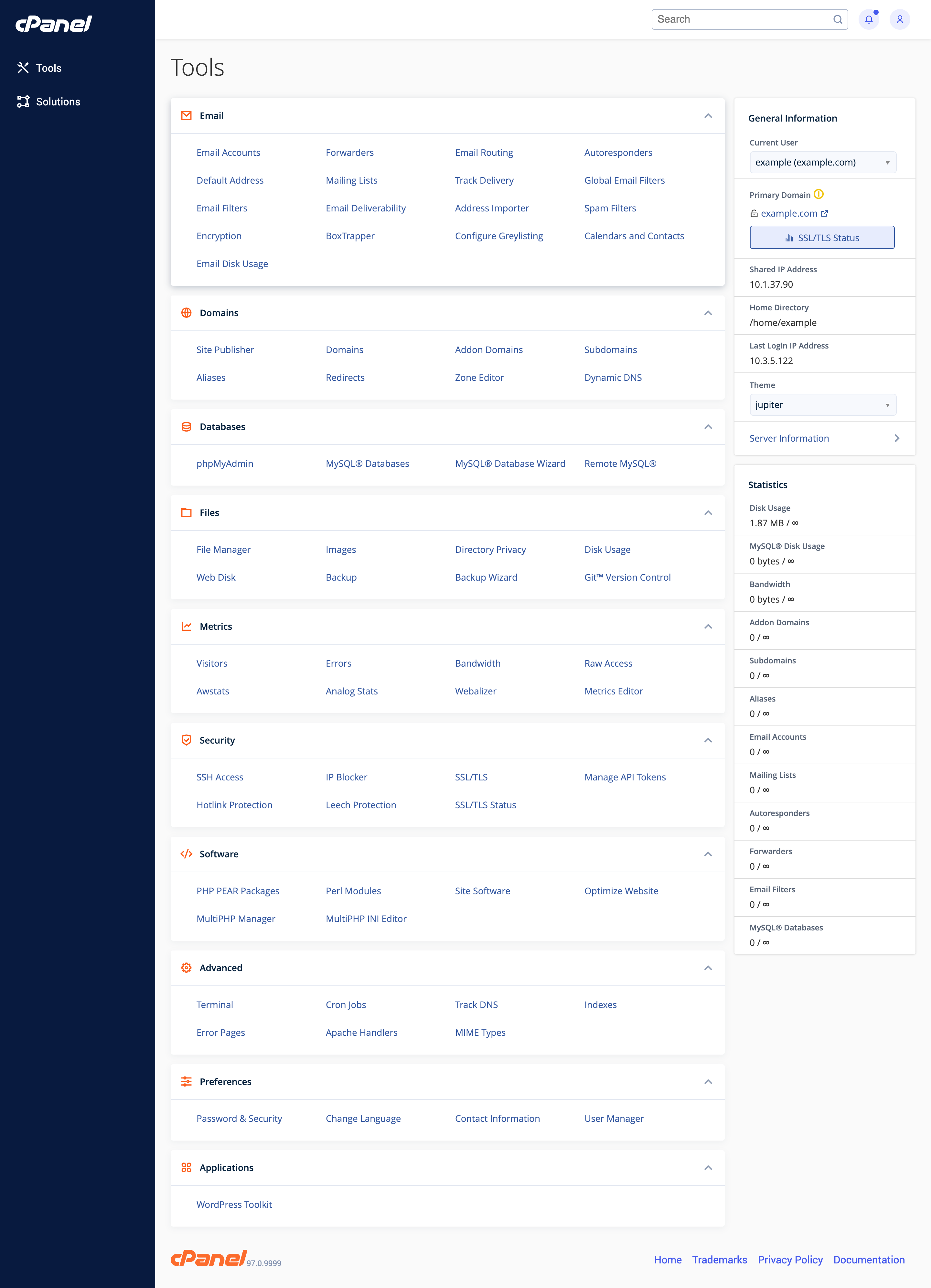
SSH accessfor that. If you happen to use cPanel hosting, You can see it undersecuritysection
https://blog.cpanel.com/wp-content/uploads/2021/07/Jupiter-tools-page.pngWP_CLIshould be installed on your site. Here is a guide to do that
https://make.wordpress.org/cli/handbook/guides/installing/Then you can run
wp optimize cache preloadcommand.To see list of available commands with WP Optimize use
wp optimizeOR simply you can ask your hosting provider to setup a cron job using crontab that runs the
wp optimize cache preloadat whatever interval you like (once a day, weekly, etc)@vminenko When you click
preloadit first gathers all URLs and setup a queue. If not all URLs are loaded within a specific time frame, they are loaded using a WP cron job which runs every 10 minutes until all URLs in the queue are loaded.So what you suggested is something we are already doing.For some reasons we have issues with some servers which we are investigating.
You can see list of available CLI commands by running
wp optimizecommand
Or consult this article https://getwpo.com/new-command-line-feature-for-wp-optimize/Happy to help! 🙂
@rarcher30 Usually a user doesn’t know the list of stylesheets and scripts that are enqueued from core, multiple plugins and theme.
They can’t exclude or async a specific stylesheet or script without knowing the path. The minify features shows which css/js files are minfied and merged. From that information they can choose to exclude/async
Hi @altesin
You can’t prevent a part of page being cached.
But
1. You can exclude a list of URLs from being cached.
2. You can exclude based on conditional tags, like is_product, is_tag, is_category, etc
3. based on cookie namesHi @briandd
This will be added in one of our upcoming releases.
Thanks for reportingHi @rarcher30
You can’t async. load a processed css file. You can only do that for individual css stylesheets. When you click on
Show informationin processed file, it will containsExclude | asynclinks for every individual stylehsheetsIf you visit https://getwpo.com/ and view the source code you can see inline css and css are processed.
WP Optimize don’t alter generated HTML when CSS processing is turned on.
May be you could turn off
HTML minifyand see if that fixes issue?@vminenko Did you
cancelthe preload (which was stuck) before running the cli command? If so, it shouldn’t happen@webpart We are unable to reproduce the issue at our end. So there is no development on this subject. Cache is working fine for other users. Even if there is an issue with
upgrading from 3.2.3 to new version, if you disable/enable cache or deactivate/activate plugin, the issue should be resolved.I mean, those actions will add
WP_CACHEconstant towp-config.phpfile,advanced-cache.phpfile is generated, etc. ie. everything that is needed for caching will be generated once you deactivate/activate the plugin.We can only proceed when there is a way to reproduce the issue
@markhowellsmead Yes,
wpo_logo_smallimage is a plugin asset which is also used for webp conversion test. We are aware of the php warning and the next release will have a fix for that.Not sure about the vips issue, I’ve added a bug report to our to do list. Will investigate it further and update you.
@markhowellsmead Yes, it can happen even webp conversion is not active. Because WP Optimize runs a self test to decide which conversion tools are available to use in order to show the feature.
@gokh The table
wp_ctf_feed_locatoris created and used bycustom twitter feedsplugin. Since it is no long active the table is not needed (if you don’t plan to activate it again), so it can be removed from your database.May be this article can help you to decide between MyISAM and InnoDB engines
https://www.liquidweb.com/kb/mysql-performance-myisam-vs-innodb/@vminenko Preload is a long running process. This can happen for two reasons.
1. Your server doesn’t support the attempt to close browser connection.
2. Your server kills long running php processes automatically after certain time period.Could you please run this WP CLI command and see if that works?
wp optimize cache preloadHi @gokh
You need to exclude that particular script. You can inspect it by going to Dashboard => WP-Optimize => Minify => Advanced tab and click on
Show InformationI believe the script name starts with
rev