sabino106

Forum Replies Created
-
Forum: Plugins
In reply to: [Genesis Slider] Images Not Fitting to Slider?Well, I cannot say I understand this completely – but I can say that this is now resolved for me. I’ll be resizing and cropping the feature images used by the slider manually/myself moving forward. The dimensions will be precisely those of my slider, based on my theme configurations: 600 pixels wide x 300 pixels high.
The most perplexing thing, perhaps, is why the resizing functioned just fine for feature images before the slider, but so be it.
Thanks for reading, and thanks for the help…
Mark
Forum: Plugins
In reply to: [Genesis Slider] Images Not Fitting to Slider?Hi Ron –
What puzzles me are two things:
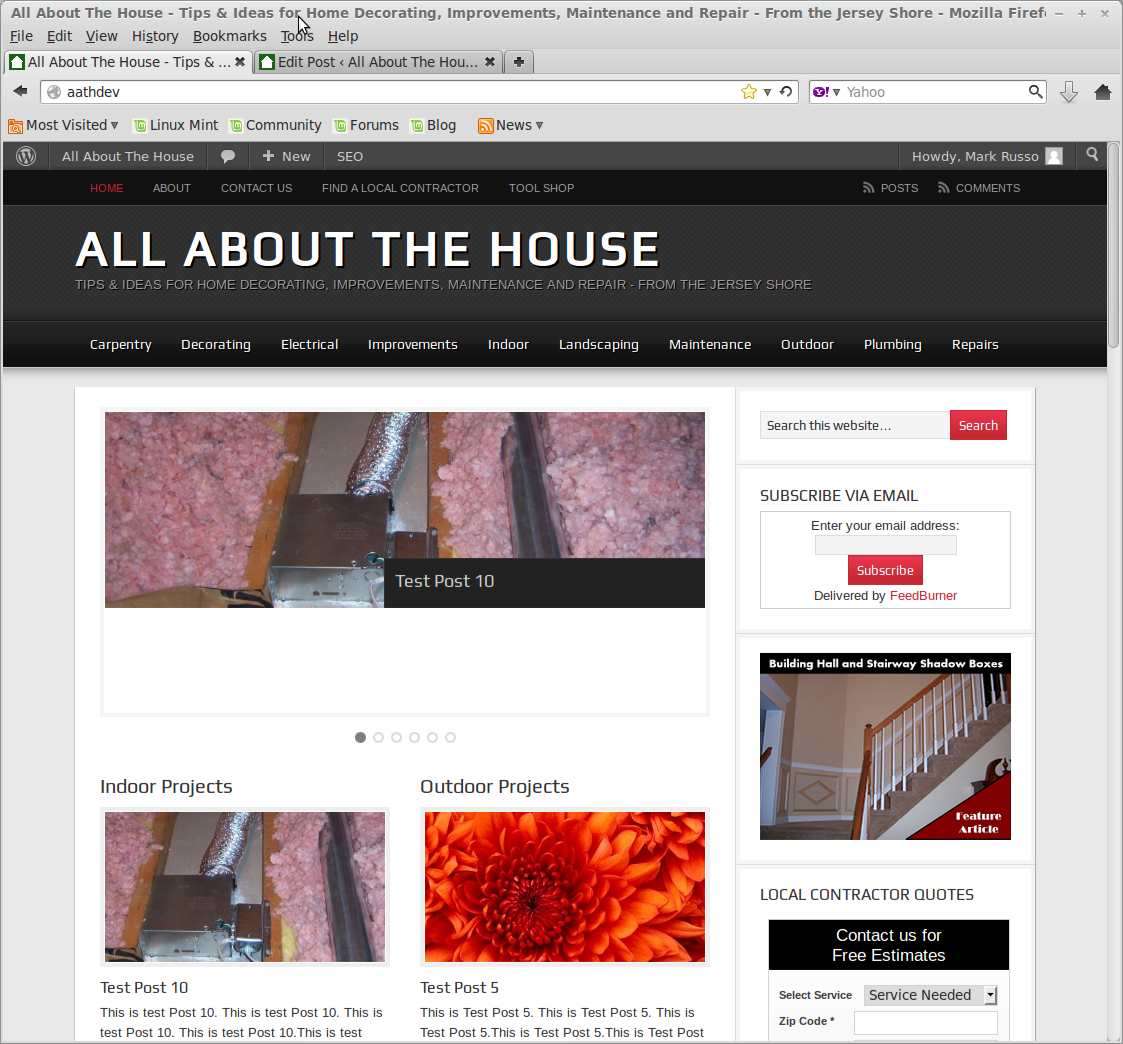
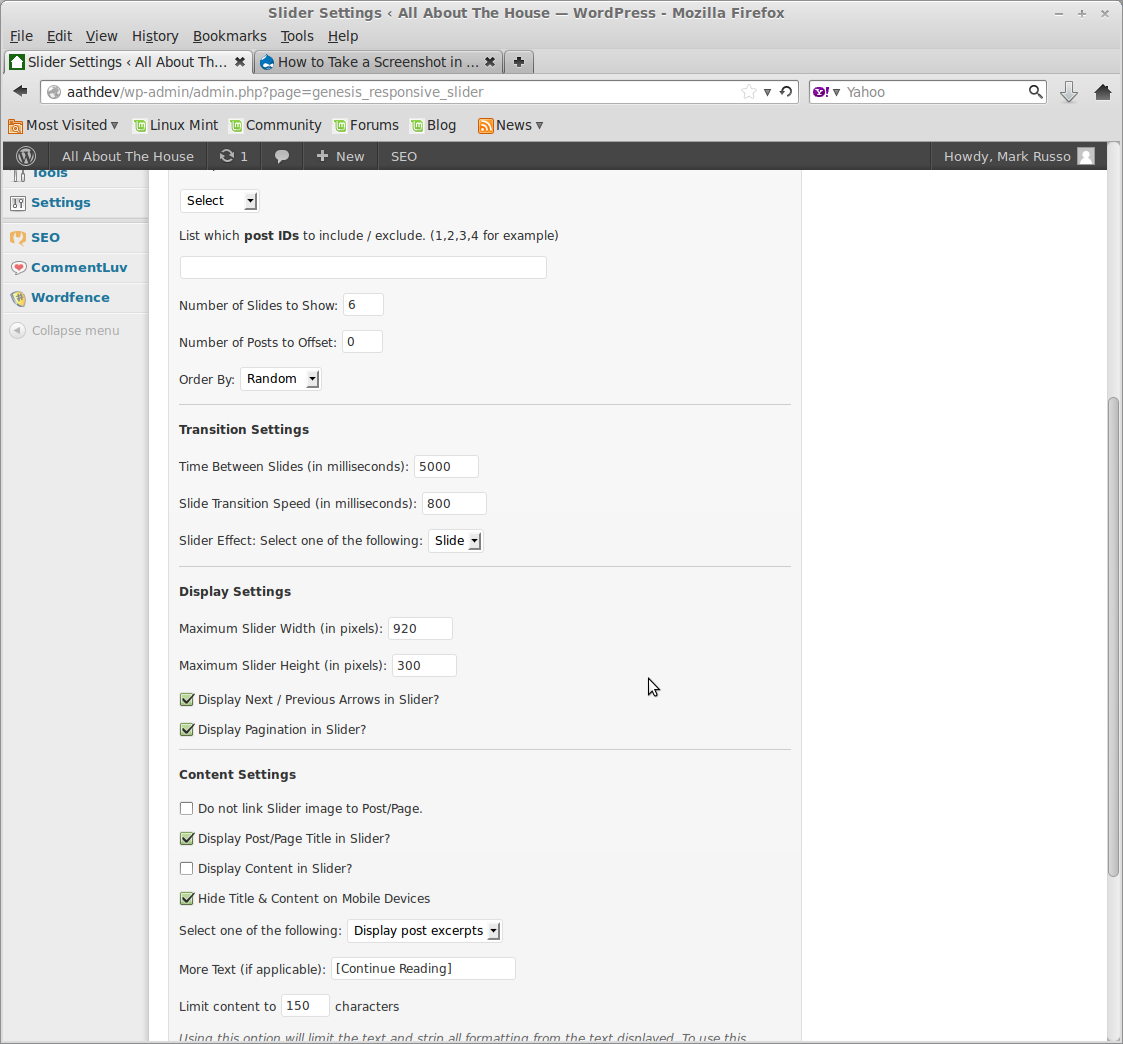
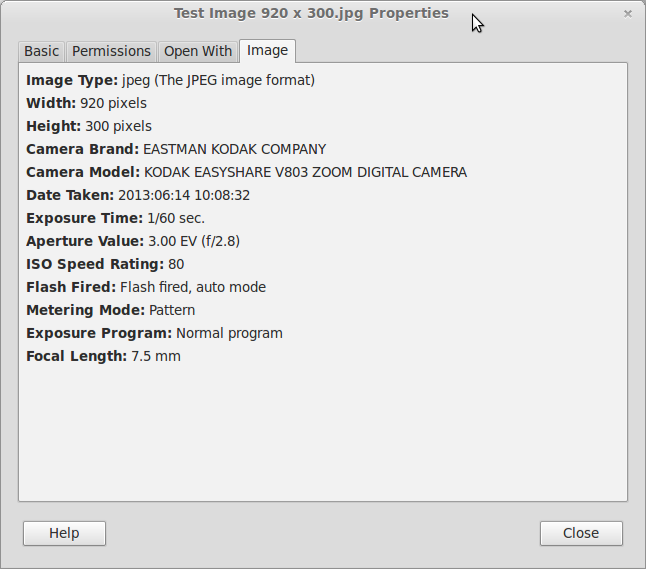
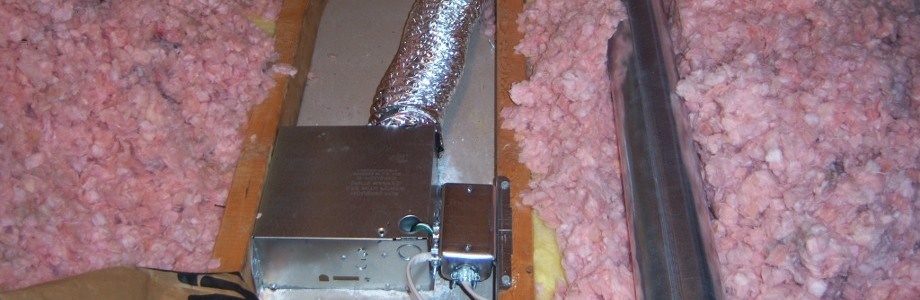
1) I believe I’ve tried this. First, resizing the feature image in gimp to get to 920 width and then cropping it in a reasonable place to get it to 300 pixel height. Same outcome. (And of course these are the settings I have in the slider.) Some screenshots (and images) from my test environment are embedded [temporarily] in the links just below.
(I’ve also tried 690 x 920 for the 3:4 aspect ratio [not linked below] – and it’s still seems to resolve the same as you can see in the screenshot [from the fist link] – with all that white space on the bottom.)
http://www.all-about-the-house.com/comment_photos/Image3.png
http://www.all-about-the-house.com/comment_photos/Image2.png
http://www.all-about-the-house.com/comment_photos/Image4.png
http://www.all-about-the-house.com/comment_photos/Image1.jpg2) The older feature images (pre-plug-in) are truly just fine via the slider rendering.
Based on my description above, is there something else I may be missing?
Mark
Forum: Themes and Templates
In reply to: Software Switch to Disable CSS in Widget Areas?Thanks, Theme Diva (cool name, BTW)…
Even though that’s kind-of what I expected – I was *really* hoping there might be some kind of override for an imported script. Bummer. I’ll go into style.css and mess around on my LAMP environment — see what I can do. Appreciate the feedback!
Mark
Forum: Fixing WordPress
In reply to: Integration of Adsense – Color Mismatch from Theme?Thanks kmessinger –
I know… it *really* seems like this should be an Adsense problem to me. I have a thread open on the help forums (link below), but it hasn’t gone too far – and I can’t find any obvious way to reach google.
But the most disconcerting thing is that nobody else seems to have this problem!
I’m definitely going to set this up for a test on my LAMP environment in the next few days as you suggest. At somewhat of a loss here…
Google Thread: http://www.google.com/support/forum/p/AdSense/thread?tid=28a41a6575bd9545&hl=en
Forum: Plugins
In reply to: Sociable – Any Issues with Post Entry Page?All –
Never mind — this is “resolved” as it had *nothing* to do with Sociable in any way… When I upgraded to WordPress 3.1, some of the previously-default screen fields (which I noticed on the ‘Edit Post’ page) simply became configurable options. I have them all back now.
Had nothing to do with Sociable or any other plug in.
Further strengthens the case for changing one things at a time, of course…
Mark
Forum: Themes and Templates
In reply to: First Site: Customizing Sidebars to Specific Pages?Chip –
If you’re reading this — You ROCK!
I checked-out the plug-in you suggested, and it’s just black & white. It’s a one-page php file, highly-rated, cleanly-coded and it worked perfectly. I have variations in the sidebar rendering on a few different pages on my prototype site right now, and this is going to eventually make this all very easy to manage. Thank you!!
Mark
Forum: Themes and Templates
In reply to: First Site: Customizing Sidebars to Specific Pages?Thanks, Chip –
I’ll check this out…
I have to say, I’m a little wary of installing too many plug-ins as I’m thinking there could surely be compatibility issues with upgrades and the like as time progresses. If I code this myself, I presume (this is a “guess”), I would create a function in functions.php that would be called to assess sidebar rendering. Perhaps I would even call it, “render_sidebar()” or something. I would want this called with every page or post that’s displayed. That being said, two follow-on Q’s:
1) Where would I call this from?
2) What does it take to define and register a sidebar?Not looking for a tutorial in php coding, of course — but could you possibly point me to the key files and ultra-basic sidebar registration approach?
Thank you so much for the feedback!
Clearly on the right path already… 🙂
Mark
Forum: Fixing WordPress
In reply to: Adding image thumbnails to a category / newsHi groober1 –
The link you referenced above is my site!
I started with the Obscure theme from WPcrunchy, after quite-a-bit of looking around. There’s a free version available; you can google for it. I’ve actually customized it a little over the past couple of months – and I’m still working on it (have two threads posted in here), but what you’re looking for is native to the theme. Thanks for posting my link – makes me feel good! Now, if I could only get links from, you know, “The New York Times” or something, maybe I would start getting more traffic… 😉
Hope this helps…
Forum: Your WordPress
In reply to: Help with my first WP siteHi Diamond E –
I have a theme I used that provides what you’re asking about by default: categories and sub-categories right under the header. I don’t want to detract from your thread by posting a link here, but I have a thread up for a couple of days called “A Noob’s First Site: Tunes/Comments.” The link is in there if you want to look, and I also mention reference to the theme, as someone else asked me about it as well.
I think your site has a lot of information on it — my personal preference is for simpler, that’s that’s purely a style decision. One tangible item, though: it’s a little hard to see your navigation text on top of the cow as well. Now, I like cows as much as the next guy, but you might want to consider a different background there? 😉
Best of luck to you!
Mark
Forum: Your WordPress
In reply to: My first site and i need feedback on how to make it betterModifying your theme can be easy or hard, depending on what you try to do… If you want, for example, to hard-code a Copyright notice into your footer, you open the appropraite theme file (likely “footer.php”) and add in the HTML. However, WordPress uses php code to essentially render CSS-styped HTML.
In other words, the software itself *generates* code.
Start with HTML, but you’ll need to understand CSS and PHP as well.
And be sure you backup everything!
397 visits in 2 weeks sounds pretty decent to me – I think I’m going to add some social network bookmarks to my site next; I think link backs from there may help.
Mark
Forum: Your WordPress
In reply to: My first site and i need feedback on how to make it betterHi sammied79 –
I think the layout is nice and clean for what it’s worth, and regarding the comments above – do be careful those articles aren’t copyright protected. Even though you’re explicitly giving credit, you need to check with the authors in most cases to ensure you have their permission to reprint as I understand it.
Can I ask, though, how long have you had the site up and are you generating significant traffic?
I’ve been struggling with the traffic – and haven’t ventured into any advertising yet. Just put up a thread yesterday: “A Noob’s First Site: Comments/Tunes?” within this forum. If you (and any/everyone else reading this) could take a look, I would appreciate it. I don’t want to detract from your thread here, though.
Hope this is of some help…
Mark
Forum: Your WordPress
In reply to: website reviewI think your site is beautifully aesthetic – the multi-use panel at the top jumps right out and after navigating just a few clicks, makes it quite clear what you’re striving to communicate.
I think the question is whether this is search-engine friendly, though, if that’s what you’re striving for. Often, videos (from what I understand) are mostly invisible to the search engines relative to indexing. So, if your traffic is directed – tells a great story.
If you’re striving to generate organic traffic, you may want to work a little more on the wording down below, targeting specific keywords and the like. This is the same nut I find myself trying to crack as well, so if you make any breakthroughs, please do let me know!
Hope this is of some help…
Mark
Forum: Your WordPress
In reply to: A Noob's First Site: Comments/Tunes?Thanks, 67m –
The base theme I started with is called Obscure by WPCrunchy. You can google for it – he has a free version and he’s been a pleasure to work with. I only wish I could figure out how to generate more traffic. I still need to open the site for user registration (and eventually advertising), I know — but I’d like to see a higher level of search engine hits first.
It’s currently, well, not very impressive!
Mark
Forum: Your WordPress
In reply to: A Noob's First Site: Comments/Tunes?Thanks, jonaco –
I really appreciate the review and comments; I’ll surely mess around with the various fonts in the coming days and see what I can do. Much appreciated!