john

Forum Replies Created
-
@imagely I’ve done this already with the plugins. I had spoken to you a few weeks ago about a sorting issue in my gallery pages. I deactivated all of the plugins and reactivated them as you suggested as well as updating to the most current version of NextGen. It did resolve my sorting issue so I never tried temporarily switching my theme. I guess that may need to be my next step. Thanks!
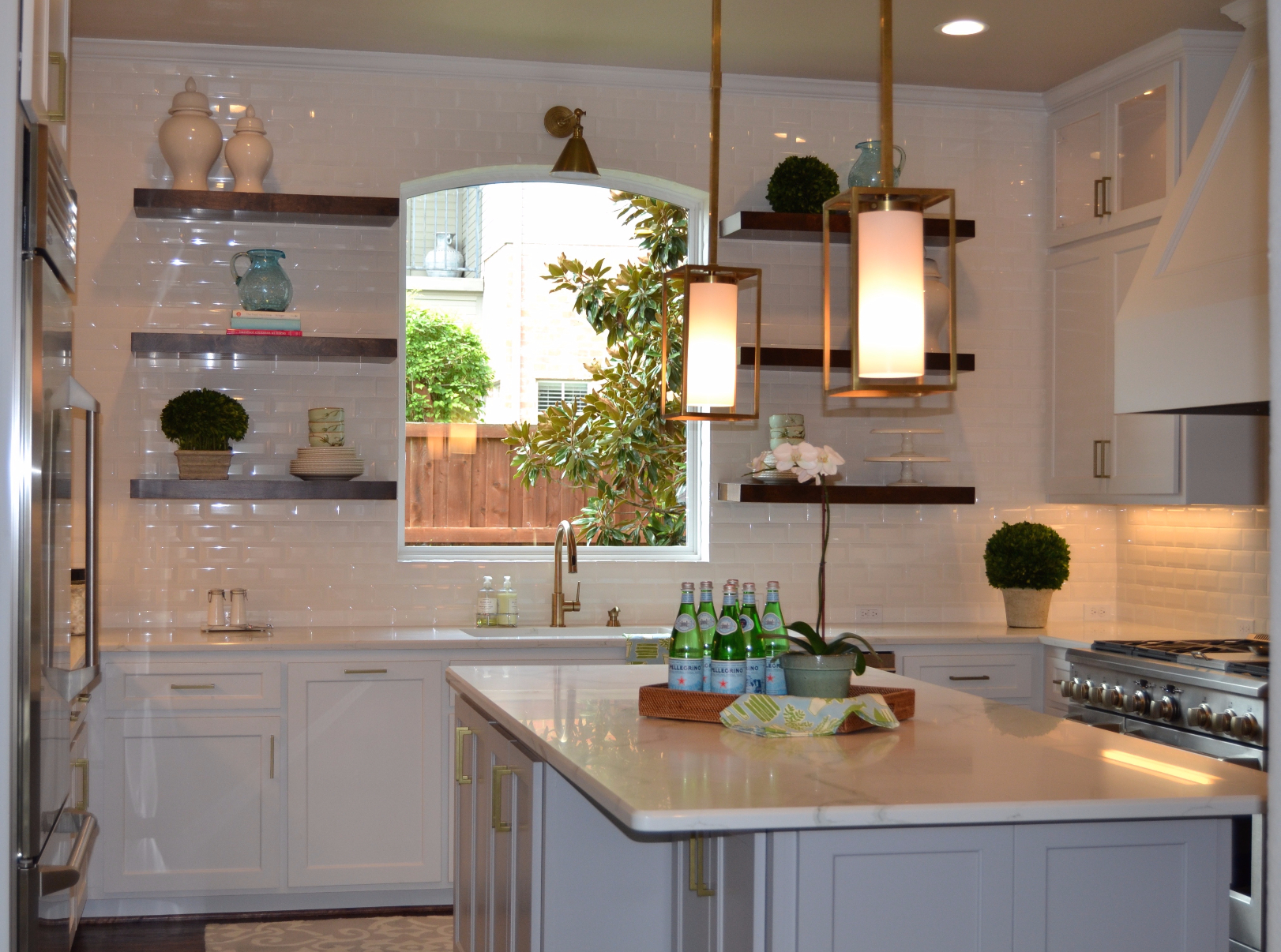
@imagely – I’m going to send you 2 url’s. The first one shows one of our photo galleries so you can see what our clients see, http://thegallgroup.net/?page_id=58. And then this is the 2nd url after you select the first photo, http://thegallgroup.net/wp-content/gallery/kitchens/dsc_0125.jpg. From this 2nd url, we used to have arrows that would allow us to then scroll to the next photo.
Thanks!
@imagely That’s a really good idea regarding the plugins but wow, I didn’t create this site…I’m just maintaining it so I have to admit, making these types of changes concern me and how I could impact our website. I literally only have 2 plug-ins. Under Construction which I’ve never seen being used and Next Gen Gallery. I’ll try your suggestion and see if it works. Changing the theme really isn’t an option because it would change the whole look of the website and I don’t want to do that. @chumbleyblog sounds like he is having a similar situation and I hope your suggestion works. Thanks.
@imagely Just checking to see if you’ve had a chance to review my reply regarding the sorting issue using the next gen gallery. Thanks!
I don’t entirely understand what you’re asking. Let me explain what I’m doing. I upload my photo through the add gallery/upload photo option. Then I go to manage gallery and select the page that I want to sort and that I just uploaded my photo to. I select sort gallery and I get all of the thumbnails of that page. Above the photos are the terms: presort: unsorted | image id | filename | alt/text title | date/time | ascending | descending. I have selected unsorted and ascending. If you’re talking about this being the sort/exclude accordian panel then yes, I am using the drag-n-drop functionality and then I select update sort order and my photo goes back to the front.
Thanks!
Forum: Fixing WordPress
In reply to: Next Gen Gallery will not allow me to sort galleryThanks, I will!
Forum: Fixing WordPress
In reply to: error message on mobile devicesNo I am not using a mobile plugin. I contacted mysitemyway over a week ago through email and I have not heard anything which is why I tried this forum. Thanks!
Forum: Fixing WordPress
In reply to: error message on mobile devices