gianloga

Forum Replies Created
-
Forum: Plugins
In reply to: [Payment Plugins for Stripe WooCommerce] Unable to buy with Gpay buttonThat error message will appear if you change the Stripe account that the plugin is connected to. That customer ID exists in your old account.
You will need to go to your Edit Profile page and remove that customer ID then save. The plugin will then create a new customer ID in the Stripe account that the plugin is connected to.
Hello, we are not able to find that setup.
Actually form the plugin we turn on test mode (from live) but in Dashboard stripe we can’t find customer id.
Could you please provide some screenshot or suggest us how to find customer id in Stripe account?Thank you in advance
GianlucaForum: Plugins
In reply to: [Payment Plugins for Stripe WooCommerce] Unable to buy with Gpay buttonThank you.
Make sure you configure your webhook since Sofort and Giropay require it.
Are these informations available in stripe account or…
where are these informations available?Forum: Plugins
In reply to: [Payment Plugins for Stripe WooCommerce] Unable to buy with Gpay buttonHello,
thank you for your suggestion.
We will check stripe account as soon as possible.
Please wait to close the ticket until next monday.In the meantime i ask you an information about the other gateways in particular sofort and giropay. We have tested payment in test mode and it seems they work fine.
With your plugin, are that payment system also available in live mode stripe? We have to activate some extra modules (such as Elements or Checkout stripe modules) or with plugin we don’t need anything else?Thank you in advance
GianlucaHello, is it possibile to mark as private the status report from woocommerce?
Thank you in advance
GianlucaOk, solved with latest release.
Thank you
GianlogaOk, but i have a similar setup in the settings of vendor:
https://snipboard.io/CFPGOh.jpgIn your screenshot setup is made in global configuration but we have different % commission per vendor.
So, if you want to give the vendor 100% of the commission to the vendor set commission mode as a vendor and commission amount as 100. Make sure not to set coupon code discount as 100%
Let us know if you need any further clarification.
Hello, sorry i didn’t understand how to set plugin to achieve my goal.
Could you explain me better?In my case i have a vendor that has a commission of 80% on the price product…
Our products are variable and prices change based on the user’s selection of product options (variations) so it is important for us define a % commission and not a fixed amount fee for vendor.Hello team, do you have any news or suggestion to solve my problem?
Thank you in advance
G.Hello,
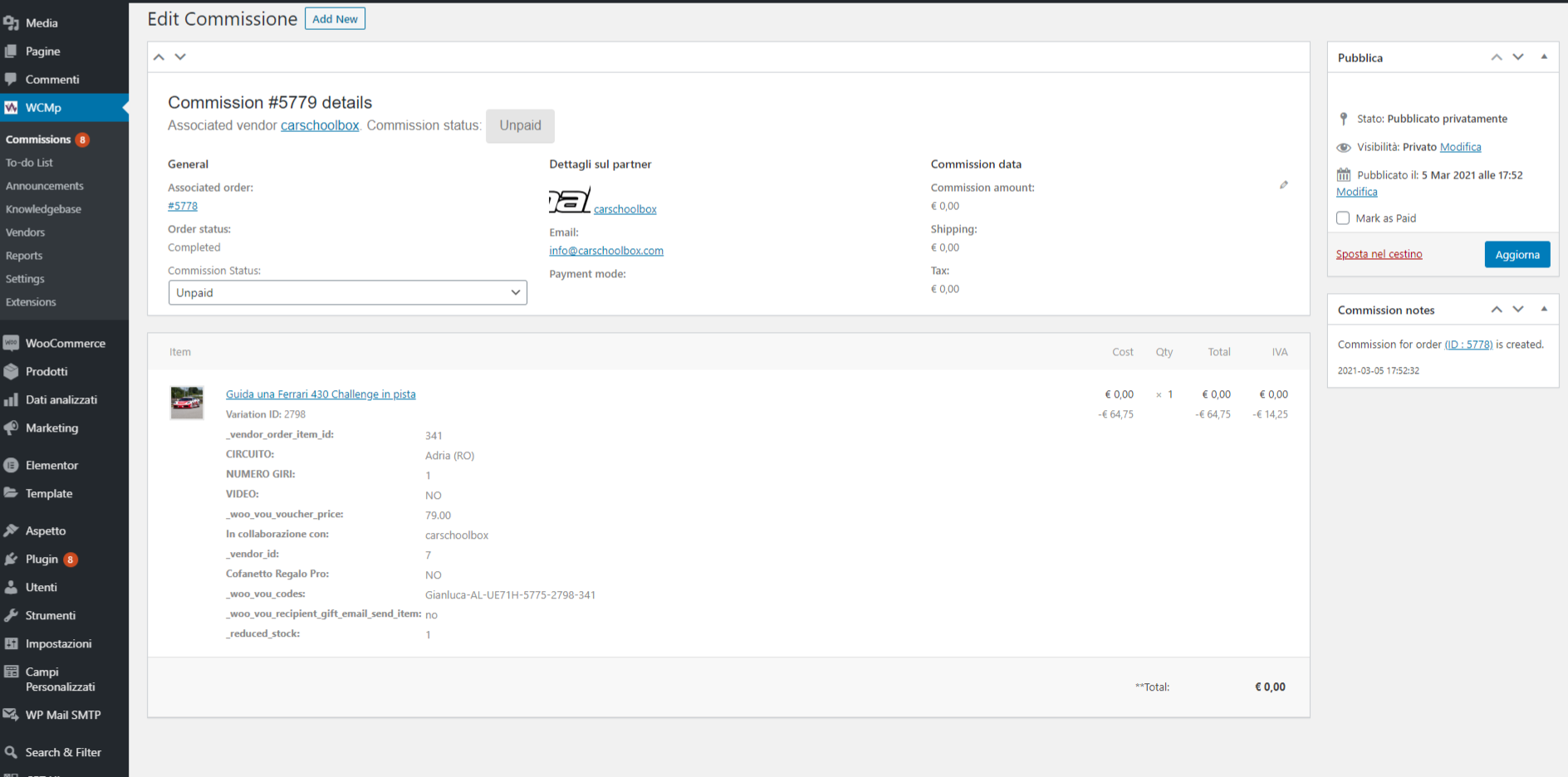
i share with you screenshots:
1. WCMp payment settings
https://snipboard.io/rJ3upm.jpg
2. Woocommerce order’s details
https://snipboard.io/OkUqlV.jpg
3. commission details of that order
https://snipboard.io/wljKHe.jpgThank you for your support
GianlogaHello,
i noticed that the issue persists.
I tried to deactive some plugins but i have always the same error.
I have the same issue also in an other website.
I tried to reinstall the add-ons and to activate new account in your website to have new key but problem is not solved?Any suggestions?
Thank you in avance
GianlucaHello, i found a quick solution to solve my issue.
In Property overview code, after the line:
<?php foreach ( returned_properties('load_gallery=false') as $property) { ?>
Add
<?php

        $property['property_type_label'] = apply_filters('wpp_stat_filter_property_type', $property['property_type_label'] );

        $property['my_custom_field_example'] = apply_filters( 'wpp::attribute::value', $property['my_custom_field_example'], 'my_custom_field_example' );

    ?>
Regards
GianlucaI think you should investigate that issue with the team of WPML… They have already replicated that problem and in my opinion it is a compatibility issue within plugins.
Regards
GHello,
as you can see:
https://drive.google.com/open?id=1sddePLr7IXlMWnVC5MaOLpfG90E6zTf4i already translated that values.
But the output is only in the primary language.
Gianluca
I miss to link a screenshot of the issue:
https://drive.google.com/open?id=1ZJcuBtM5484WjSkJz7vGU30FoHGPV60gGianluca
Ok, thanks, but I mean… to add link of the property to the thumbnail.
Regards
Gianluca