Hi
Thanks for contacting to us. It’s not a theme related issue.
There are many reasons occurring in this type of issue.
To fix the issue refer below tutorial link.
https://www.wpbeginner.com/wp-tutorials/how-to-fix-the-wordpress-white-screen-of-death/
https://www.dreamhost.com/blog/troubleshooting-wordpress-white-screen-death/
Let me know for any confusion.
Thanks
Webriti Support Team
HI
Our theme appointment version 2.7.7 and appointment green child theme version 1.1.2 working well in the latest version of WordPress.
Let me know which version of the appointment parent theme are you using ?
If you are using the latest version 2.8 of the appointment theme.
In that case,
1 Find the header.php file located in appointment green child theme folder.
2 Open it and Replace the code of header.php file with the code mention in this link.
Let me know for any confusion.
Thanks
Webriti Support Team
This is not related to the 5.4.2 update, but is related to the update to the theme which now requires bloatware to be installed to function. Reverting the theme to an earlier version fixes the problem
HI @bhsmw
In our current version of theme we have fixed all the issues.
You can update theme with the latest version.
After updating the theme you need to install webriti companion plugin.
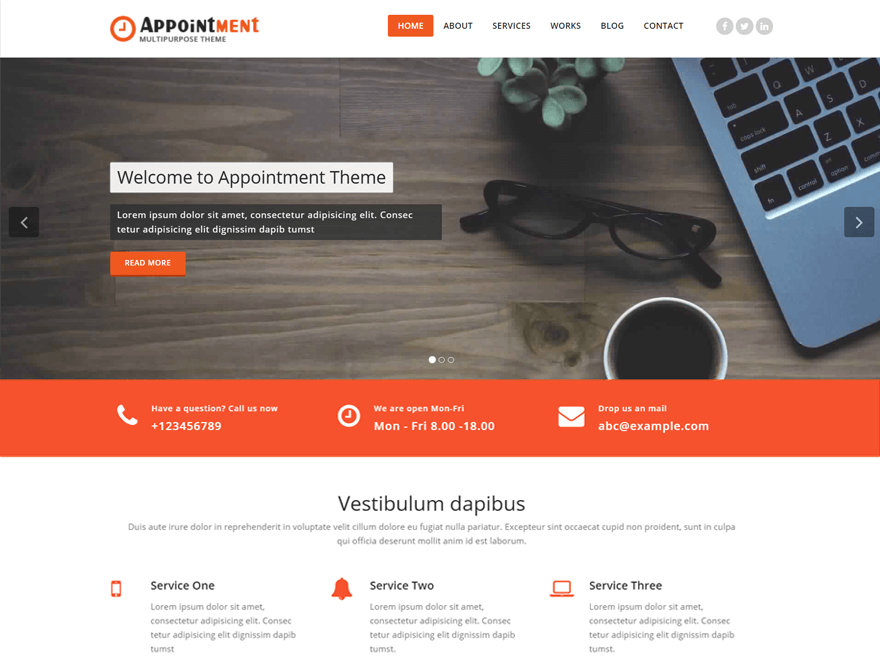
Actually, in the new update, we have moved the homepage sections in our companion plugin.
Once you will install and activate the “Webriti Companion” plugin, your homepage will show. And service settings and other section settings will show in the customizer.
Thanks
Akhilesh