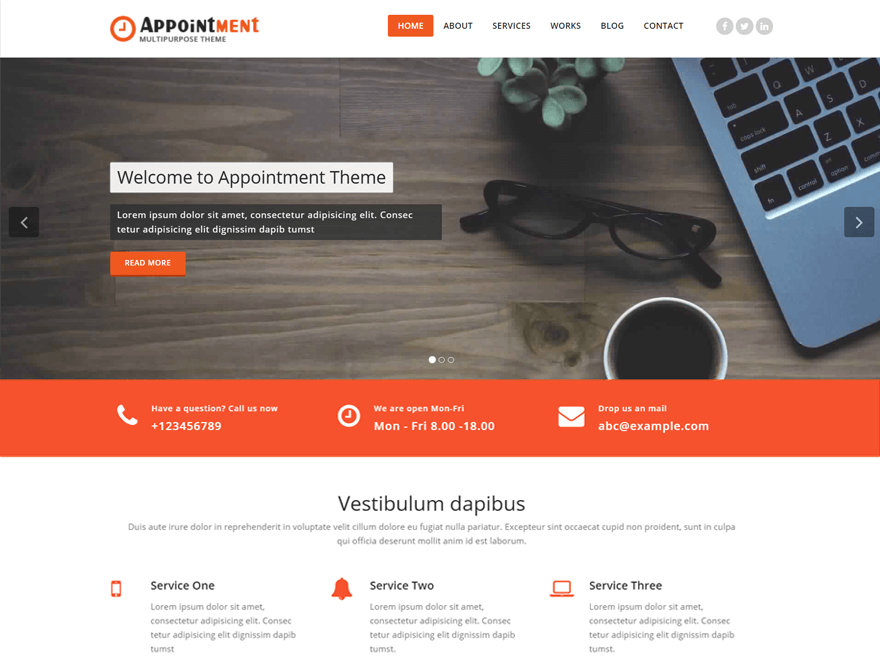
Hi
try below code in custom css Filed (Theme Dashboard >> appearance >> customize >> header setting >> custom css)
.navbar > .container .navbar-brand {
margin-left: 20px !important;
}
Change margin according your need.
Thanks.
Thanks, Imran – great response time!
Unfortunately that didn’t exactly fix it. I just found out that the entire top/nav bar that includes the logo shifts slightly to the right when you open up new pages – you should be able to test for yourself (page links slightly shift as well as the logo).
Hi link2999
Its working perfect our end,please deactivate wp-flexible-map then check now.
let me know any confusion.
Thanks.
Plugins weren’t it either.
Tried a few different browsers and the same thing happens on all of them (Chrome, Safari, Firefox).
It only happens when you move from the page’s index (home page) to another page (contact, about). If you look at the site’s logo, you should see a slight shift (maybe 5px) to the right.
Was thinking it had to do with the page’s being selected (link background shows active), so I added a custom link for the index (home), but that didn’t help either.
It has something to do with the height of the page. Was just able to test it.
Opened up an inspect box (opens at the bottom of my window) and there was no shift between index and contact because the browser used the full height on each page – but there was a shift between the About page and both the index and Contact pages. Closed the inspect box and the problem went back to index and either the about or contact pages (because these pages have no scroll and don’t reach the bottom of my window alone). Resized my window’s height so that only the top bar was showing and the shift problem disappeared.
Adding more content on my pages would be a measure to hide the problem, but there is still an underlying issue somewhere.
I apologize if I’m making the problem sound more confusing than it already is.
Hi
I am check its working perfect our end, If you are using wp-flexible-map ( Map Plugin ) or any shortcode for map then occur this problem, Plz detective plugin or remove shortcode then check.
You are using wp-flexible map and two other plugin check below Image URL
http://share.pho.to/AFTlu
Thanks.