Thread Starter
 Avery1
(@avery1)
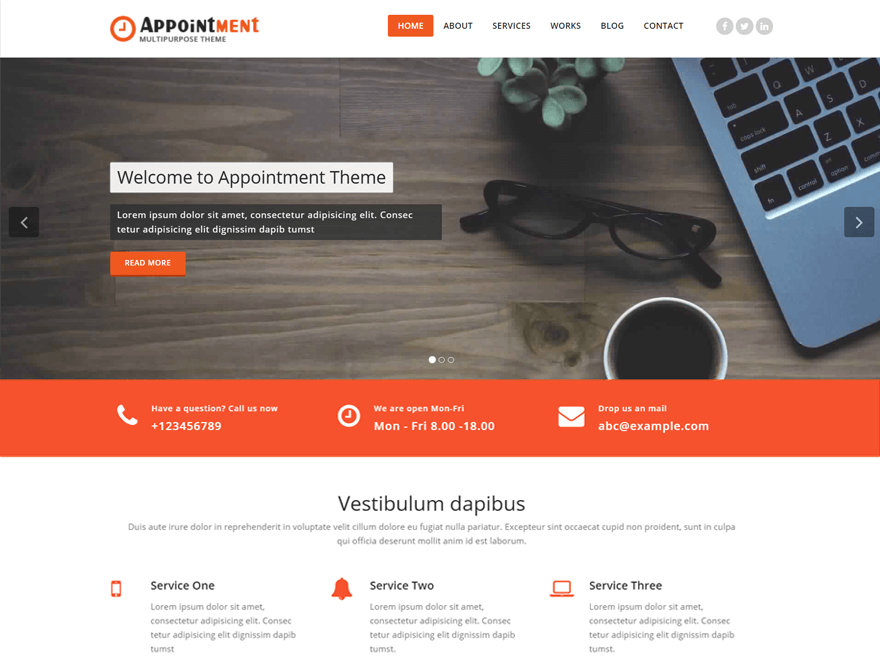
I don’t have a theme by Templatic. The one I am using is a Webriti theme, Appointment v. 1.5.3.
Thread Starter
Avery1
(@avery1)
Regardless of what changes I make to the Footer Custom CSS the footer.php reflects this:
‘<!– /Footer Section –>
<div class=”clearfix”></div>
<!– Footer Copyright Section –>
<!– Custom css —>
<?php
if($current_options[‘webrit_custom_css’]!=”) { ?>
<style>
<?php echo $current_options[‘webrit_custom_css’]; ?>
</style>
<?php } ?>
<!– Custom css —>
<div class=”footer-copyright-section”>
<div class=”container”>
<div class=”row”>
<div class=”col-md-8″>
<div class=”footer-copyright”>
<?php echo $current_options[‘footer_copyright_text’];?>
</div>’
Thread Starter
Avery1
(@avery1)
This is the Footer Customization code I’m using:
‘<p>Copyright © 2015 · All Rights Reserved · <a href="http://mysite.com">My Site</a></p>‘
Hi
please check your website
I resolve your issue
can i close this ticket
Thanks.
Thread Starter
Avery1
(@avery1)
My Pages are behaving the way I want them to now. Thank you. However, I can’t seem to get rid of the sidebar in my Custom Posts. That option doesn’t show up in Attributes on the Custom Post editor.
And how do I get rid of the “About the Author” section on Custom Posts?
Thread Starter
Avery1
(@avery1)
My theme updated to the new version, but in the process my images and tagline/banner text, etc., was replaced with stock images and generic text. It wasn’t a huge deal because the site is under maintenance, but I don’t want that happening when it goes live again. Is there a way to turn off automatic updating?
Btw, the new version seems to work a lot better, and the Options Panel is now cooperating! 🙂
im pretty sure you will have to use a child theme in order to not lose material with updates