Override Facebook OG Image?
-
Hi,
Reading in the settings it says I can override the facebook OG image for each post, but I see no field in the post to do this?
How can I override this? Thanks.

-
Yes, you can find documentation about this here – http://semperplugins.com/documentation/social-meta-settings-individual-pagepost-settings/
Make sure you’ve enabled the Social Meta module in Feature Manager.
I’ve look at that and enabled it – doesn’t show up an option.
I’m not sure what you mean. Do you mean that the Social Settings tab isn’t appearing in the All in One SEO Pack box when you edit a post? I need more detailed information in order to help you. Please provide screenshots.
Correct – I don’t see the social settings tab.
Make sure you activated the feature by going to All in One SEO, Feature Manager and then make sure you’ve enabled Social Meta on any Post Type you want to set OG meta for by going to All in One SEO, Social Meta, Facebook Settings, Enable Facebook Meta For
Yes, I’ve done this.
In that case you’ve got a plugin or theme conflict that is causing that tab to get hidden. It’s probably a plugin that is interfering with the styles for the WordPress admin.
If you know how to use Firebug or Inspect Element in Firefox or Chrome then you should be able to inspect the tabs and see where the bad style is coming from.
If you don’t know how to do this then send me your WordPress administrator login using the contact form here http://semperplugins.com/contact/ and I can take a look for you.
Hi hackernewbie,
I don’t see your URL. Please post it again. Bear in mind that for the last few weeks there have been issues with the Facebook Debugger not clearing it’s cache and displaying the correct information.
I am sorry.. I missed the URL!
Here it is: Honeymoon in Havelock
That seems to be the case to me as well, however I am not very sure.
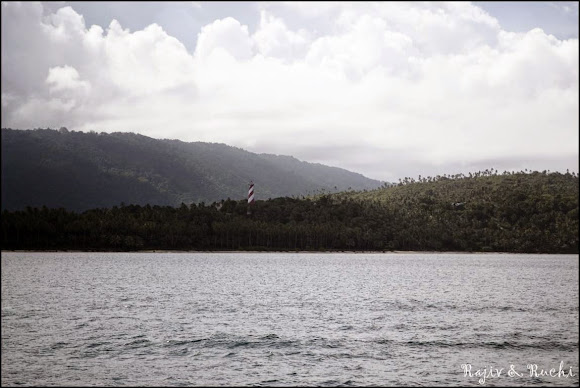
This is the OG:Image you have set for this post – https://lh4.googleusercontent.com/-7e4KyzGoD1o/VDPheI0I_EI/AAAAAAAABRo/xPsYuylpWs4/s580/20140815_120330_768x1022.jpg
Is this correct?
This is what Facebook is picking up and using when I share that post on Facebook. It’s also what their debug tool shows.
Thanks for taking the time to look into it!
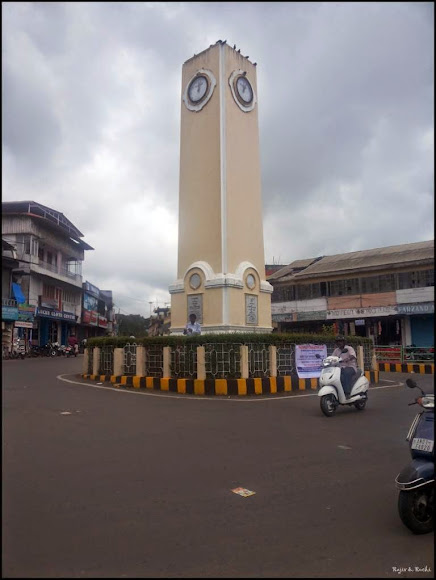
That is exactly what the FB debugger was giving me as well, even today! The correct OG image I had set is: ImageIn all probability it seems to be an issue with FB not clearing its cache or something, properly.
I tried the FB debugger today again… and the same wrong image used to show up.
Actually, the OG:image showed up correctly but the ‘When shared, this is what will be included’ had the wrong image in it!!
I did Fetch New Scrape a few times and volia!
The correct image showed up!Cheers!
RajivHi Rajiv,
This problem with the Facebook debugger started a few weeks ago and seems to be affecting lots of users. I’ve tested lots of sites and seen the same problems many times in the past few week. I’ve not seen any comment from Facebook about this.
I’ve seen instances where the debugger shows out of date or incorrect information but when you click the “See exactly what our scraper sees for your URL” link it clearly shows the correct meta in the source and when you share the page or post on Facebook it shows the correct snippet and image which points to an issue with the debug tool rather than a caching issue but without any comment or confirmation from Facebook it’s hard to say what’s going wrong.
That exactly seems to be the case. But I am a bit surprised not to see any response from Facebook. Looks like they only love their users and not the developers, lol!
However, multiple clicking on Fetch New Scrape seems to do the job for me now!
Thanks for following along!
Cheers!
Rajiv


The topic ‘Override Facebook OG Image?’ is closed to new replies.