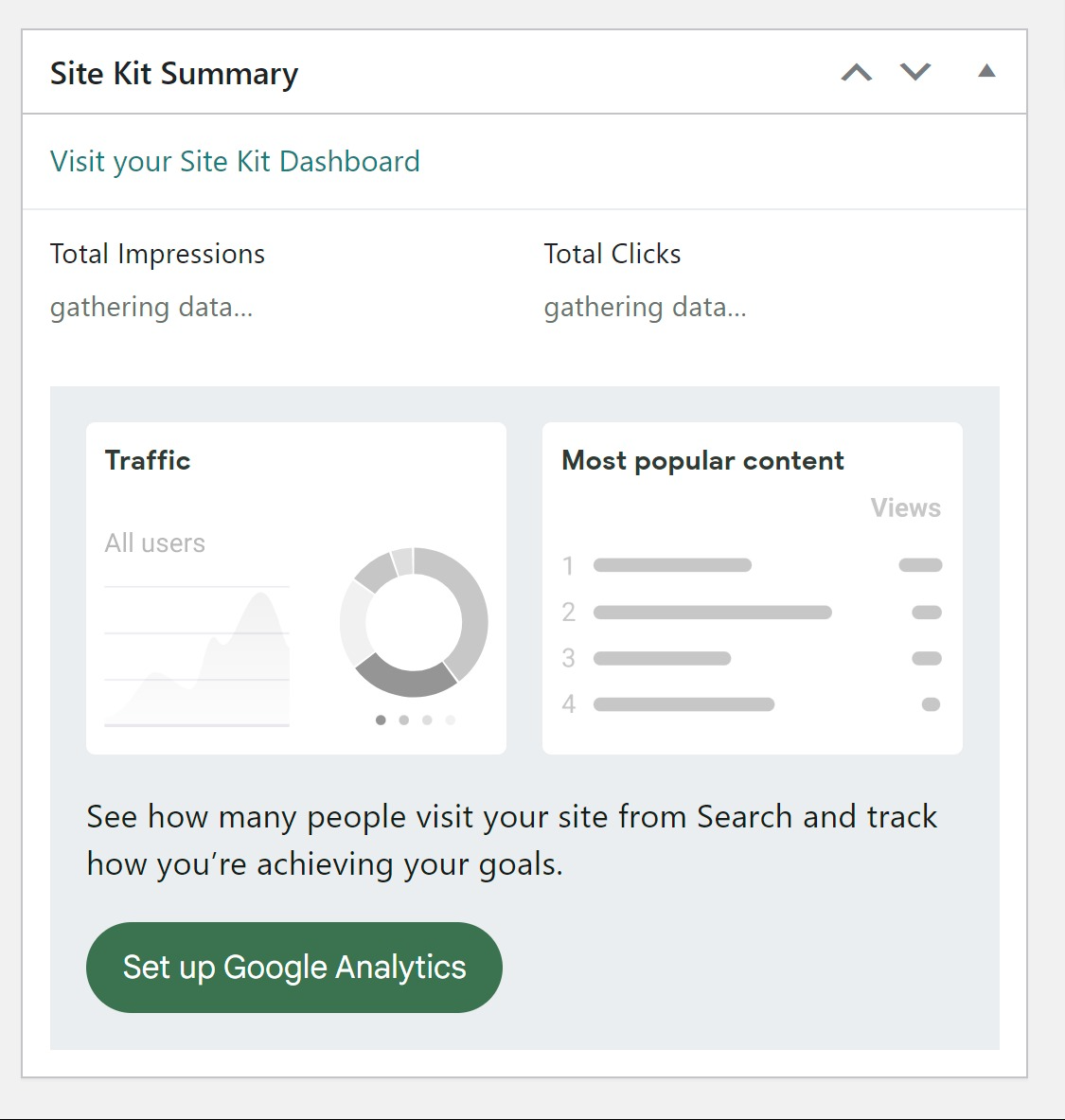
Thanks for reaching out @olgacola. Based on the error present, I suspect you may be encountering a Google Charts library conflict on the Site Kit widget on the main WordPress dashboard. To determine more on this, please share the following:
- Your Site Health information. You can use this form to share privately if preferred.
- Does this occur on the Site Kit dashboard, the main WordPress dashboard (via the Site Kit widget) or both?
Once I’m able to review your Site Health information above, I may be able to detect another plugin that does also load a version of the Google Charts library, or I can provide you with some checks we can perform to ensure this error no longer occurs.
Let me know if you have any questions with the above.
Thank you so much for your help, James!
- I have submitted the site health information via the link you provided.
- The error message only occurs on the Site Kit dashboard. On the main WordPress dashboard, it shows the Total Impressions and Total Clicks, but for “Total Unique Visitors” and “Avg. Time on Page”, it shows “Gathering data…” and doesn’t show numbers.
Please let me know what I should do next, thank you!
Appreciate the additional insights @olgacola. Given this is occurring on your Site Kit dashboard and I don’t see any active plugins with known conflicts, please follow the steps below, which will help us determine more on this:
- Login to your live site from a Chrome browser incognito window.
- Install and activate the Health Check & Troubleshooting plugin.
- Navigate to “Plugins > Health Check & Troubleshooting > Troubleshoot”.
- From the same screen click on the “Available Plugins” tab at the top right and then click on the “Enable” option next to “Site Kit by Google“.
- Check for the same error once more on the Site Kit dashboard.
If the same error does not appear while in troubleshooting mode, this indicates a likely third party plugin conflict or configuration impacting the Site Kit dashboard. You can enabled your other plugins one by one while in troubleshooting mode (see step 4 above), checking the Site Kit dashboard each time. Do let me know how the above check goes.
The error message only occurs on the Site Kit dashboard. On the main WordPress dashboard, it shows the Total Impressions and Total Clicks, but for “Total Unique Visitors” and “Avg. Time on Page”, it shows “Gathering data…” and doesn’t show numbers.
Good to know, thank you. The “Gathering data” notice is common if you recently added this Analytics property to your site, although it shouldn’t take more than a couple of days before data starts to appear.
Let me know if you have any questions with the above. Thank you.
Thank you so much James! I have resolved this issue. You’re so awesome!
-
This reply was modified 1 year, 5 months ago by
 olgacola.
Nice troubleshooting @olgacola, glad to hear it and appreciate the update. Out of curiosity, were you able to determine a conflict with a particular plugin?