Featured image or variation when page loads?
-
Hi,
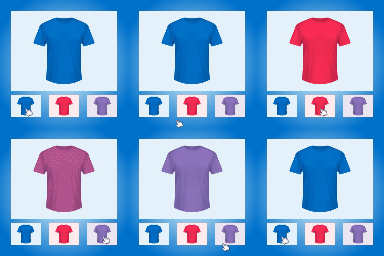
Thanks for all your hard work on this plugin! I’ve noticed on some of my products that the image that appears when I first load the product page is the “featured image.” This is the image that appears for products in the shop page. However, for some of our products, the image that appears on loading the product page is the main variation image. Compare this product page (http://jetsettest.burbankseoexperts.com/lesjardins2/product/bump/) to the URL I entered above. On the “bump” page, one of the variations loads, along with its gallery images. But on the “roam teak” page, it’s NOT the variation image, but the featured image that appears. The only way to get the variation image to display is to click the swatch. I don’t understand this discrepancy. My client wants the images that load first on the product page to be like “bump.”
Is there any possibility that the variation image is not displaying first because there are no gallery images accompanying it–or that there is only one “variation”? I’m just trying to figure out why two product pages are behaving differently. Thanks for any help.
And if there is a way to force each product to display the variation image by default, please let me know. Thanks again!
The page I need help with: [log in to see the link]


The topic ‘Featured image or variation when page loads?’ is closed to new replies.