Featured Image Not Showing
-
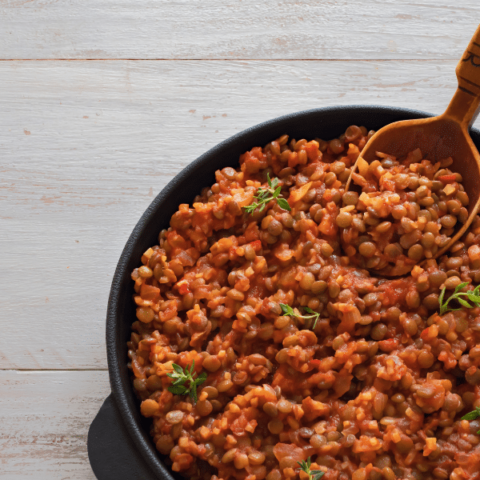
Right now, no featured images are showing for any of the recipes on our site. We keep our images on Cloudflare R2, and I suspect that has something to do with the problem. On the page that I linked to, you can see that the
srcproperty of theimgtag is “https://media.blog.yourdaily.health/2023/10/cooked-red-lentil-stew-1-480×480.png” (note the domain). But theimgalso has asrcsetproperty which only includes images on the same domain as the site (blog.yourdaily.health). Those images don’t exist on that domain. In fact, the images of various sizes that are specified insrcset(“https://blog.yourdaily.health/wp-content/uploads/2023/10/cooked-red-lentil-stew-1-480×480.png 480w, https://blog.yourdaily.health/wp-content/uploads/2023/10/cooked-red-lentil-stew-1-150×150.png 150w, https://blog.yourdaily.health/wp-content/uploads/2023/10/cooked-red-lentil-stew-1-200×200.png 200w, https://blog.yourdaily.health/wp-content/uploads/2023/10/cooked-red-lentil-stew-1-320×320.png 320w“) don’t exist on either domain.So, the bottom line is that the
srcsetproperty that is being generated by Create is specifying image files that don’t exist, and that’s a problem.Unfortunately, I can’t investigate any further because of this bug: https://wordpress.org/support/topic/no-admin-pages-load/
The page I need help with: [log in to see the link]


You must be logged in to reply to this topic.