Hi, lingoboat, I’m another WooCommerce user.
I believe that the issue you’re experiencing is because stylesheet(s) (or particular CSS styles, which determine(s) how the website looks) is/aren’t loading properly.
I would recommend you do some troubleshooting.
Please try using the “Health Check” plugin to diagnose the issue: https://wordpress.org/plugins/health-check/.
In the troubleshooting tab, you can disable all plugins and have the theme changed while logged in; visitors will see the website as if the plugin(s) and/or theme wasn’t changed.
Please try changing your theme to determine if that’s the cause for the error.
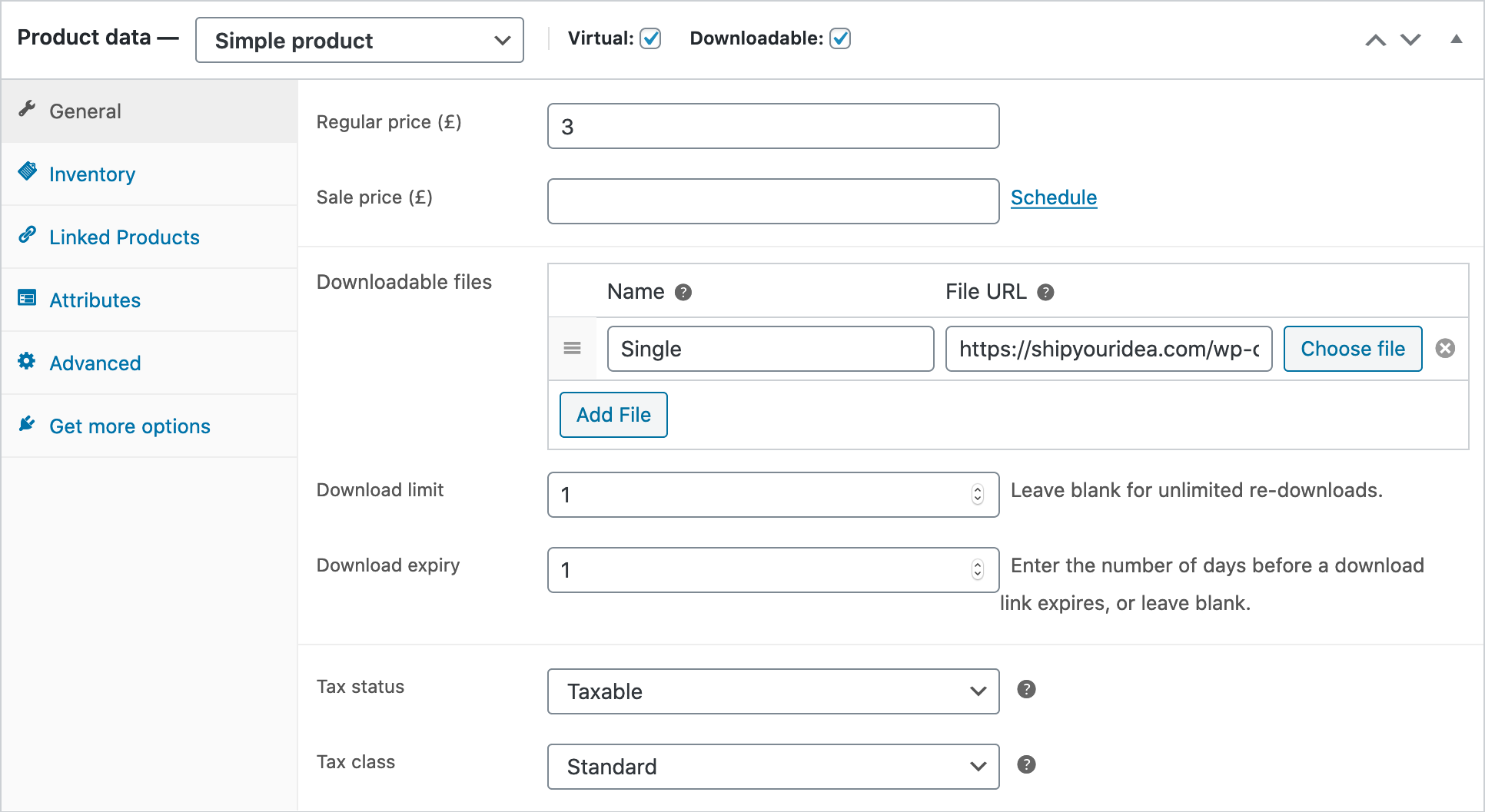
Out of curiosity, if you were to click on the General link in the product data metabox, would anything load?
If new text fields load, then I would say it’s a styling issue.
Hi Ian,
If I press “General” it just scrolls up, if I press anything below from “Inventory” down to “Get more options” it does nothing and adding product url also does not work.
And the Health Check & Troubleshooting shows nothing.
-
This reply was modified 4 years, 9 months ago by
 lingoboat.
Hi, lingoboat, try changing your theme using the Health Check plugin so that way we can rule out the theme causing the issue for you.
Hi @lingoboat,
Seems you’ll want to do a full conflict test here, involves disabling ALL plugins (except WooCommerce) and changing to a default WP theme like Twenty Twenty-One then checking for the culprit. Kindly follow the steps in this guide – https://docs.woocommerce.com/document/how-to-test-for-conflicts/
* The Health Chack tool suggested by @plantprogrammer will help you to make changes that only you the admin can see while not affecting visitors on the site.
Let us know how it goes.
Thanks.
Hi Abwaita,
I have changed the theme and turned all the plugins off before with no change.
It seems that the Woocommerce plugin is corrupted, 1st I had to lower my PHP version to 7.3 from 8.0 to not get the fatal error, than I had to add extra code to fix the product image opacity, which was set to 0 so the images were invisible and now this issue…
Is there way to fully reinstall the plugin, but I mean really, not just by pressing delete in the plugin dashboard.
Thanks
Hi @lingoboat 👋
Oh, that’s very strange! Before deleting WooCommerce entirely, please share the following so that we can help you to troubleshoot ihs issue;
- System Status: found under WooCommerce > Status. Select “Get system report” and then “Copy for support”. Once you’ve done that, paste it here in your response.
- Error log: found under WooCommerce > System Status > Logs
- Console log: When you load the productpage, right-click anywhere, and then in the menu that pops up, select “Inspect/Console” (it might be named slightly differently based on your browser). Then the tools that will pop up will have a space called “Console”. From there, please send us a screenshot of what’s being displayed in the browser console.
Thank you! 🙂
Hi gabrielfuentes
System Status: pressing the buttons doesn’t do anything (I guess same issue) so I have printed the whole page to pdf here https://smallpdf.com/result#r=c1cbb35e6a39d02313e8a5bc5d0b4a19&t=share-document
Error log was pretty long too so I saved to PDF as well here https://smallpdf.com/result#r=bf412fc017eafe8f6aba994119f27825&t=share-document
Console log: again wouldn’t fit to one image so I printed it to pdf
https://smallpdf.com/result#r=5692b96486048f99e36d8ac077ffea20&t=share-document
And by “productpage” I hope u mean in the woocommerce dashboard when u press edit product, because that’s what I printed there.
I hope those links to smalldpf.com will work, I have never used this site before…
Thank you in advance
-
This reply was modified 4 years, 9 months ago by lingoboat.
Hi @lingoboat 👋
Unfortunately, the links are not working (They are expired). I’d definitely recommend you to use Pastebin for sharing those logs 🙂 Here is a link to Pastebin:
https://pastebin.com/
Cheers!
The issue got fixed with woocommerce update but just got ne issue with elementor after its update the “edit with elementor” button is gone 🙁 cant edit my pages at all
Hi @lingoboat,
Thanks for informing us the issue was resolved updating WooCommerce. For issues related to Elementor plugin I can recommend reaching out to Elementor support team here: https://elementor.com/support/
I’ll mark this topic as solved for now. Please feel free to open a new topic if you have any other questions.
Have a good one!