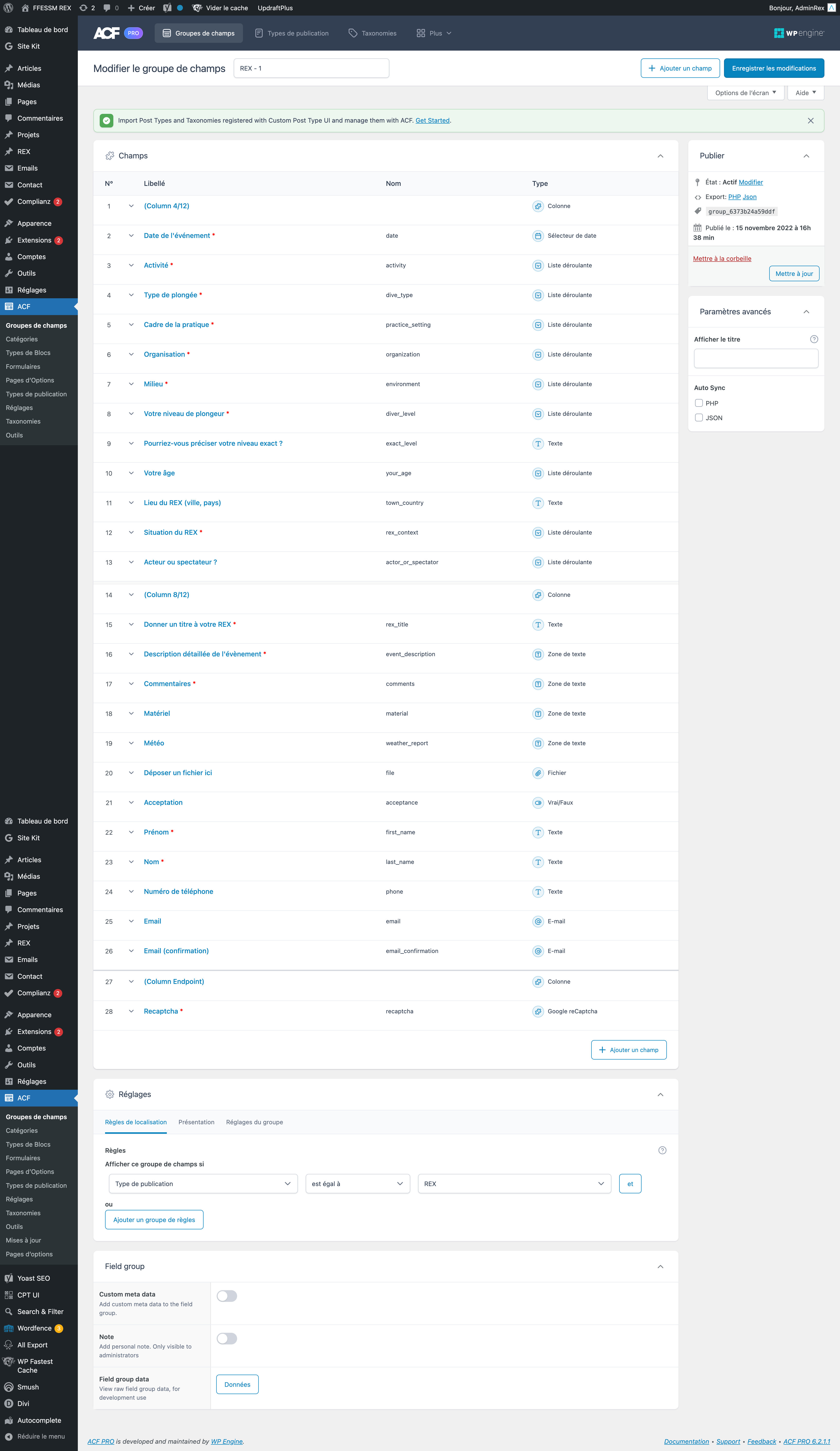
Hello,
Thanks for the feedback!
The error screen you shared (error messages on a grey background without any style) is the ACF validation fallback method in case the user browser doesn’t have JS enabled. This replaces the ACF Ajax Validation normally displaying errors dynamically above the form on submission.
This screen is also a symptom of JS errors on the page where the form is displayed. Since there are JS errors, the Ajax validation cannot be triggered either, resulting to this fallback validation screen.
I would recommend to check your browser console on the page showing the form (F12 on chrome), you’ll probably find some JS errors there.
Hope it answers your question.
Regards.
Many thanks for your answer.
I imagined it was a javascript problem but I don’t have any errors in the console.
Below is a link to a recording of what happens :
https://rex.ffessm.fr/wp-content/uploads/acf_extended.mov
Hello,
Thanks for details!
As we can see on the video, when you submit the form there no “red message” on top of the form (like in your WP Admin when you submit a form with ACF fields). Which means the ACF Ajax Validation is not triggered.
Going further in your video, the request sent shows that you’re using the native acf_form() ACF feature.
As described in the documentation, you must include the acf_form_head() function at the very top of your PHP template in order to enqueue ACF JS/CSS, trigger the Ajax Validation and correctly submit the form. You’ll find a code example here.
Hope it helps!
Regards.