Hi @dieptebom,
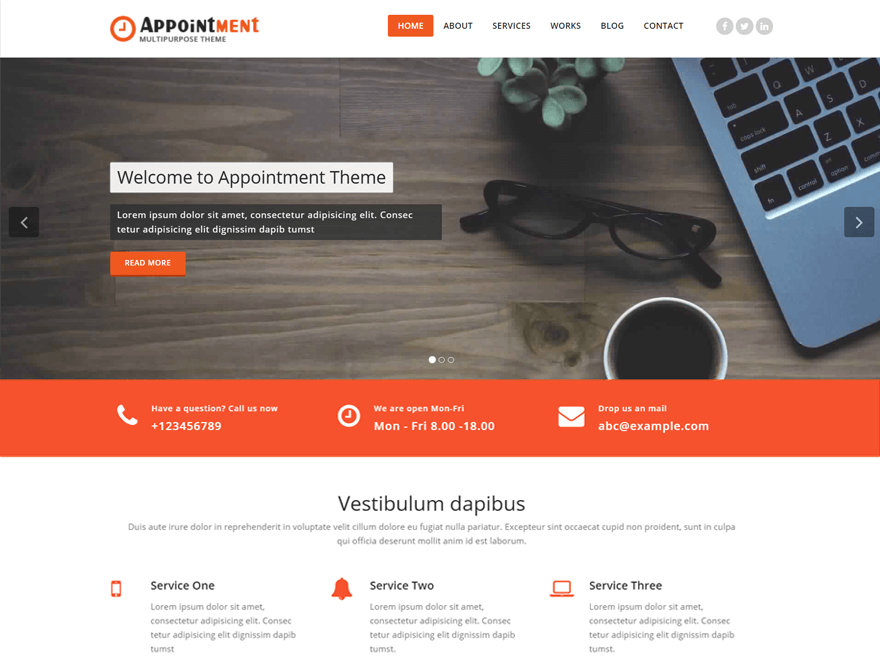
Use the following code in custom css field (Theme Dashboard >> appearance >> customize >> header setting >> custom css) to remove the space between the image and the service section
.Service-section
{
padding: 0px 0 0px !important;
}
and remove other page space
.page-builder {
   padding: 20px 0 0 !important;
}
Set padding or spacing according to your need.
Can you tell me through the screenshot, on which text on front page align: justify.
Any confusion lets me know.
Thanks
Can you tell me through the screenshot, on which text on front page align: justify.
Hi, thanks it worked fine.
I mean the 6 text blocks in the middle on my front page http://www.biznetnederland.nl
I want them to align justify.
Thanks!
Hi @dieptebom
for this use below code in custom css field
.service-area
{
    text-align: justify;
}
Any confusion lets me know.
Thanks
Hi @dieptebom,
Glad to know it worked for you.
We would really appreciate if you could provide us a review here:
https://wordpress.org/support/theme/appointment/reviews/#new-post
If you have any more questions, feel free to ask again!
Thanks
Thanks, i already provide u guys with a review