

Description
BEAR – WooCommerce Bulk Editor and Products Manager Professional (former name is WOOBE) is WordPress plugin for woocommerce bulk edit woocommerce products in the robust and flexible way! With a built-in MCP server, so an AI assistant like Claude or ChatGPT can work with your catalogue directly.
🖥️ Latest PHP 8.x.x – COMPATIBLE! WooCommerce compatibility: from v.6.0 to the latest WooCommerce version.
🔗 Backend demo request here
⚠️ ATTENTION! For WordPress posts, pages and custom post types use plugin WPBE – WordPress Posts Bulk Editor Professional
🌐 Documentation: https://bulk-editor.com/documentation/
🤖 MCP Server: https://bulk-editor.com/document/mcp-server/
🎥 Video tutorials: https://bulk-editor.com/video/
🔧 Support: https://pluginus.net/support/forum/woobe-woocommerce-bulk-editor-professional/
BEAR is a WooCommerce bulk editor and product manager: it edits many products at once from one screen, instead of opening each product separately. It is also the first WooCommerce bulk editor with a built-in MCP server, so an AI assistant like Claude or ChatGPT can work with your catalogue directly.
What people use BEAR for:
- Change prices for many WooCommerce products at once – set a new price, add or subtract a percentage or a fixed amount
- Bulk edit stock, SKU, status, categories, tags, attributes and any custom meta field
- Set sale prices with a start and end date across a whole category
- Find products by any combination of criteria and edit only those
- Bulk delete products, and bulk edit variations of variable products
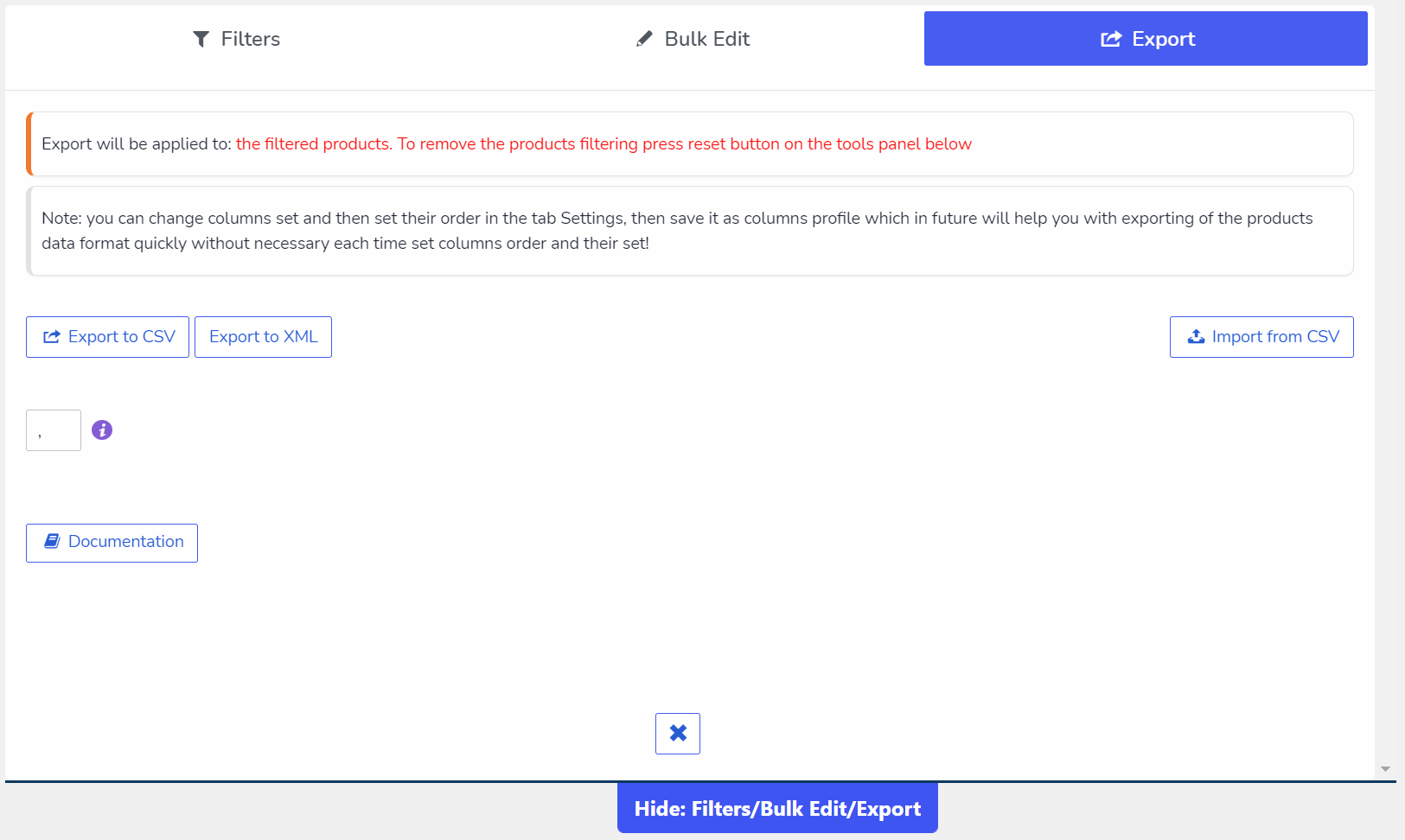
- Export filtered products to CSV with the columns you choose
- Undo any bulk operation – every change is recorded and revertible
Editing your shop with an AI assistant
BEAR ships an MCP server, the open standard for connecting AI assistants to software. Connect Claude, ChatGPT in developer mode, or an agent of your own, and manage the shop by describing what you want:
- Raise prices 20% on everything red
- What sold best last season, and what has not moved since spring?
- Which variation gets returned most often?
- How many days of stock do I have left at the current rate?
- Discount the “winter” category 30% until Sunday
- Export a price list for these products as CSV
Every change is previewed before it is written and can be rolled back with one click. How to connect an AI assistant
Bulk Editor Benefits:
🤖 AI Assistant (MCP Server) – connect Claude, ChatGPT or your own agent and manage the shop in plain language: filter, bulk edit, check what sells, export CSV – with a preview before every change and rollback from History
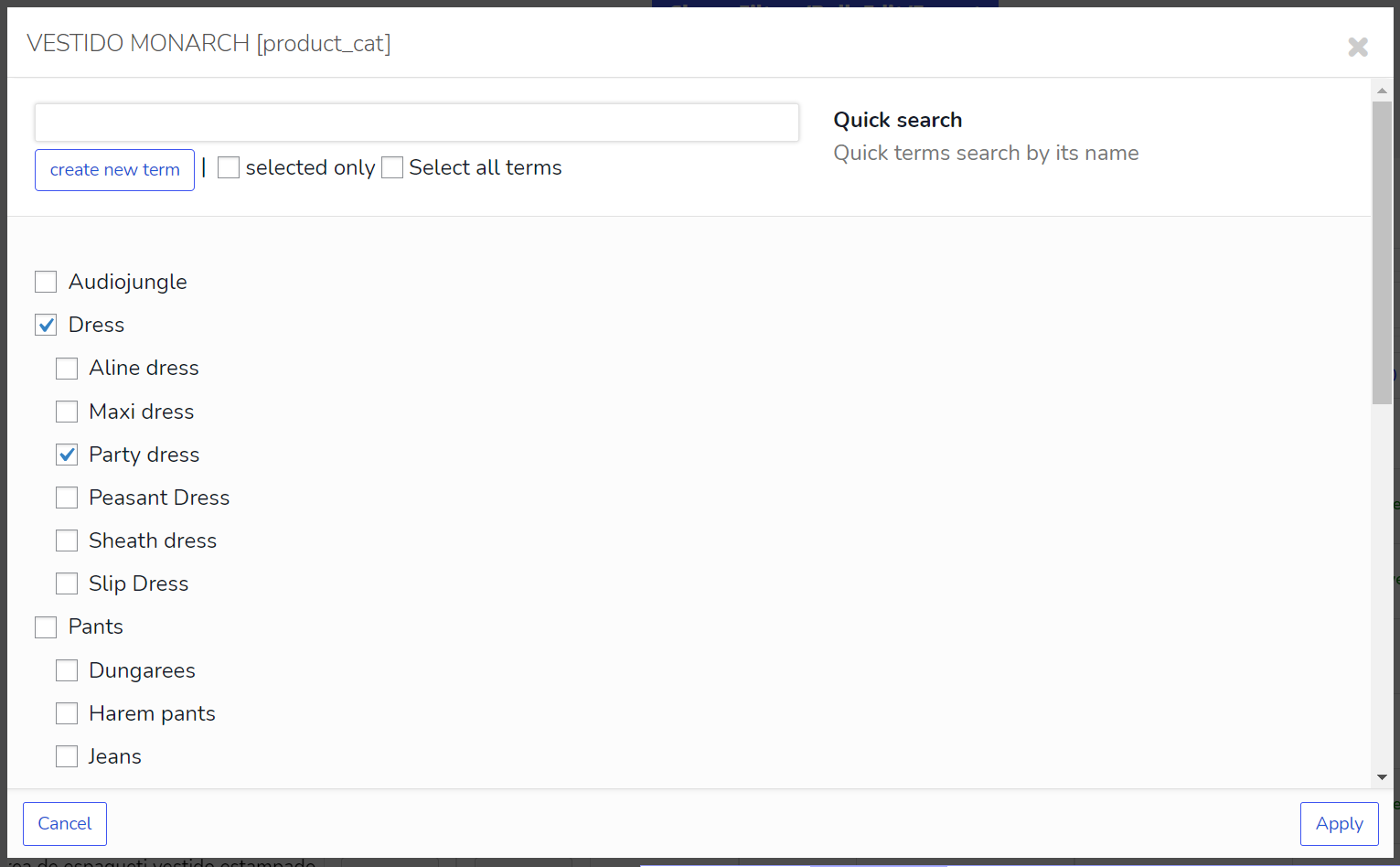
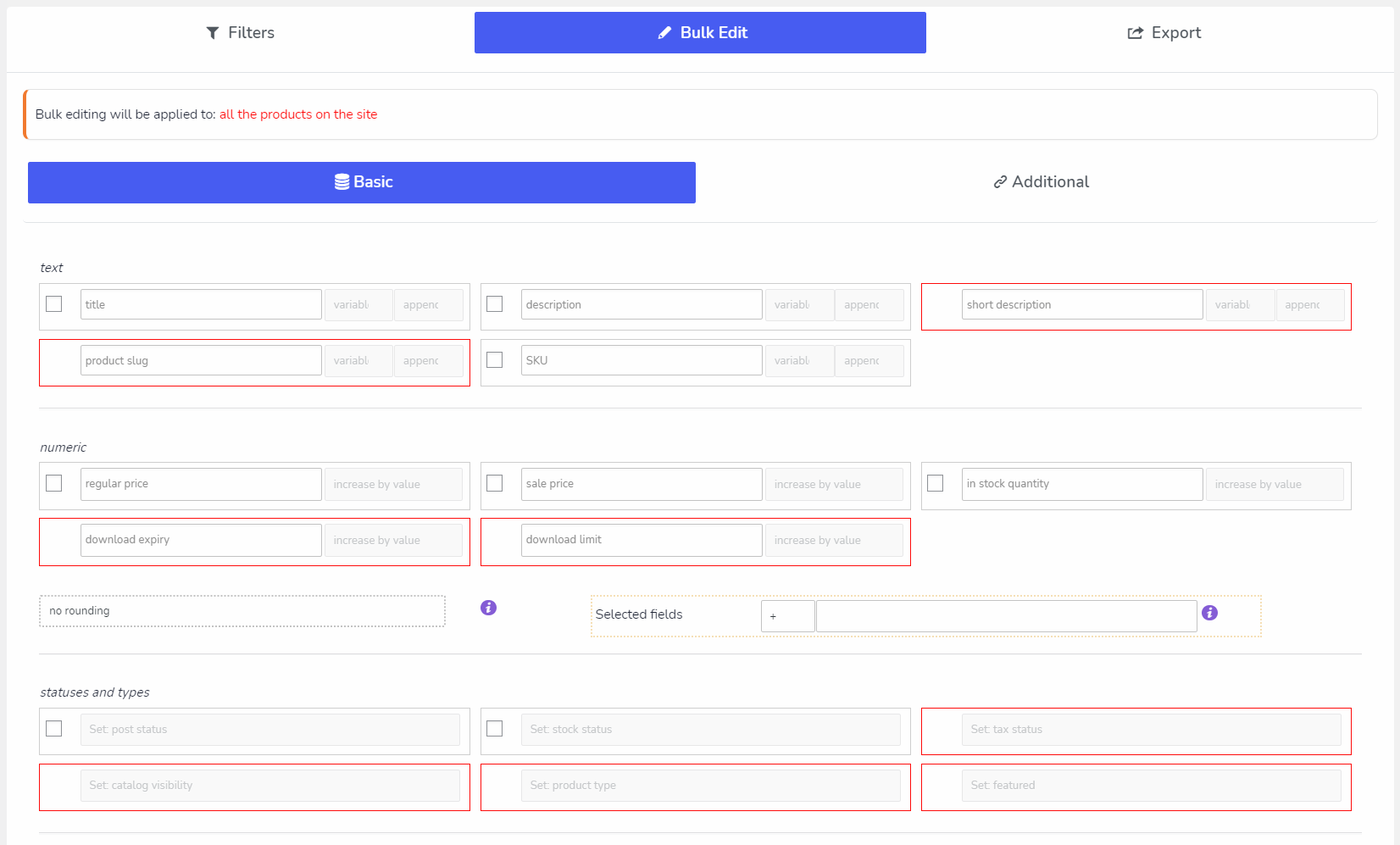
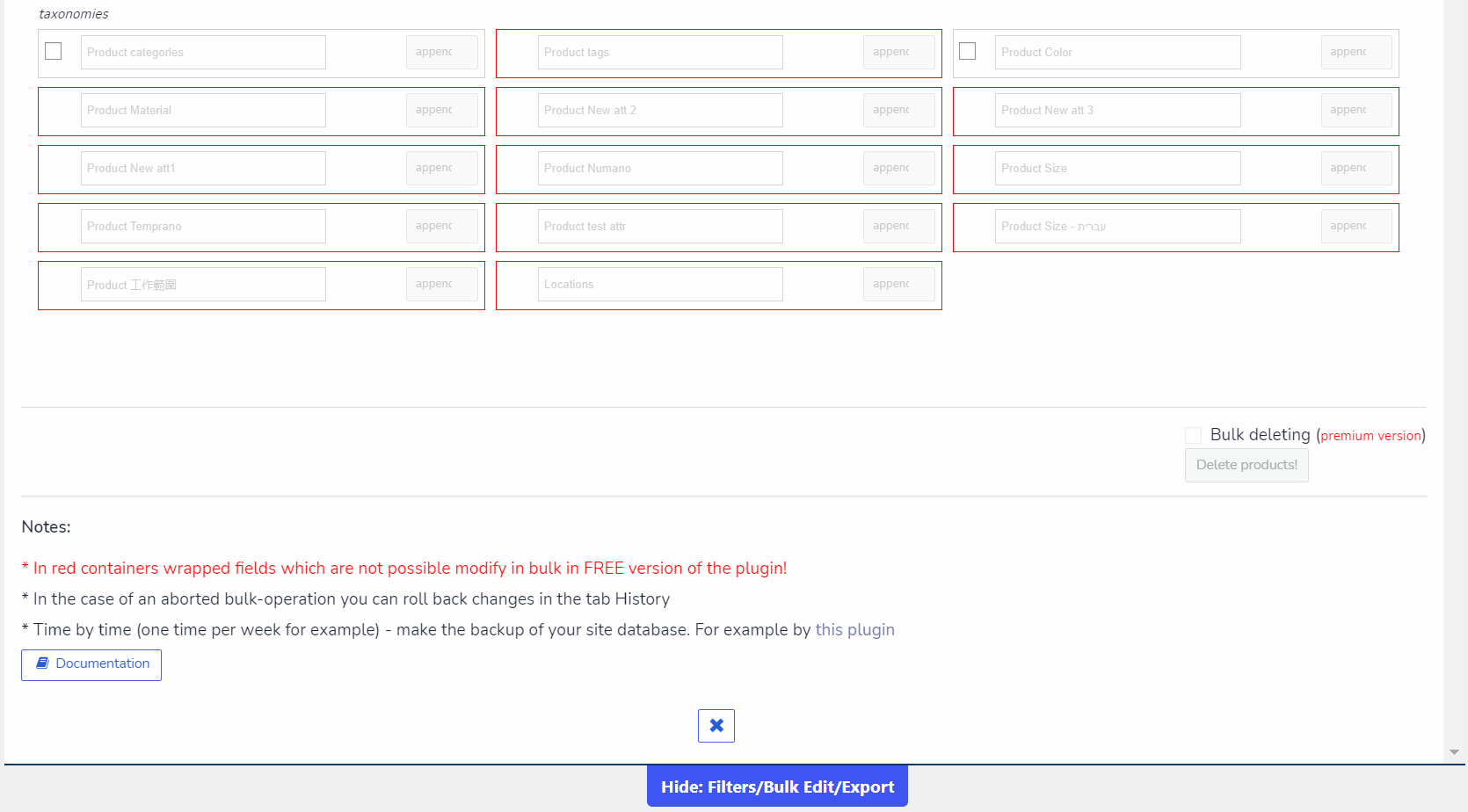
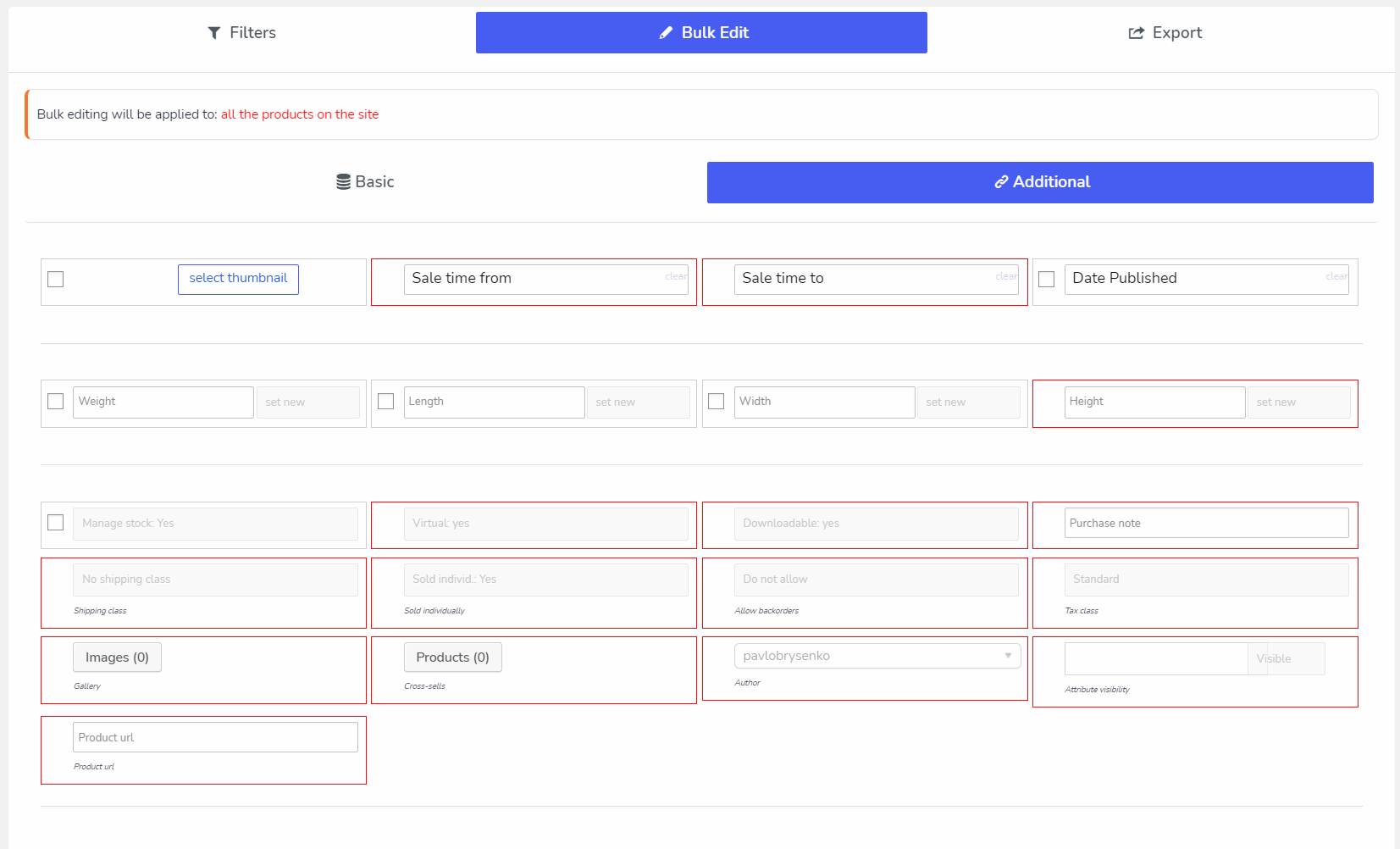
🛠️ Bulk Editing of all WooCommerce fields: attributes, categories, tags, custom taxonomies, meta fields
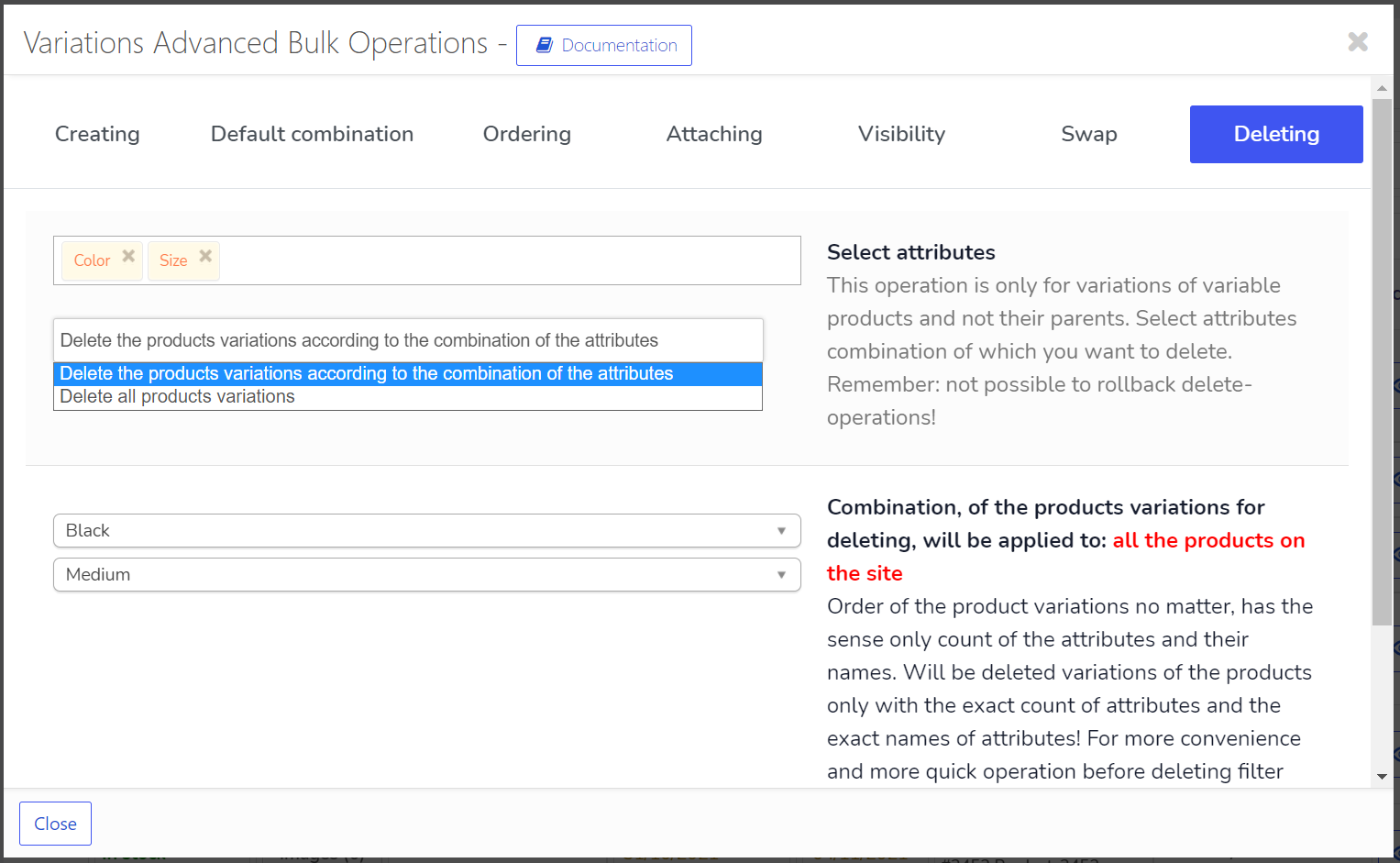
🗑️ Bulk Delete Operations – delete products in bulk using criterias combination
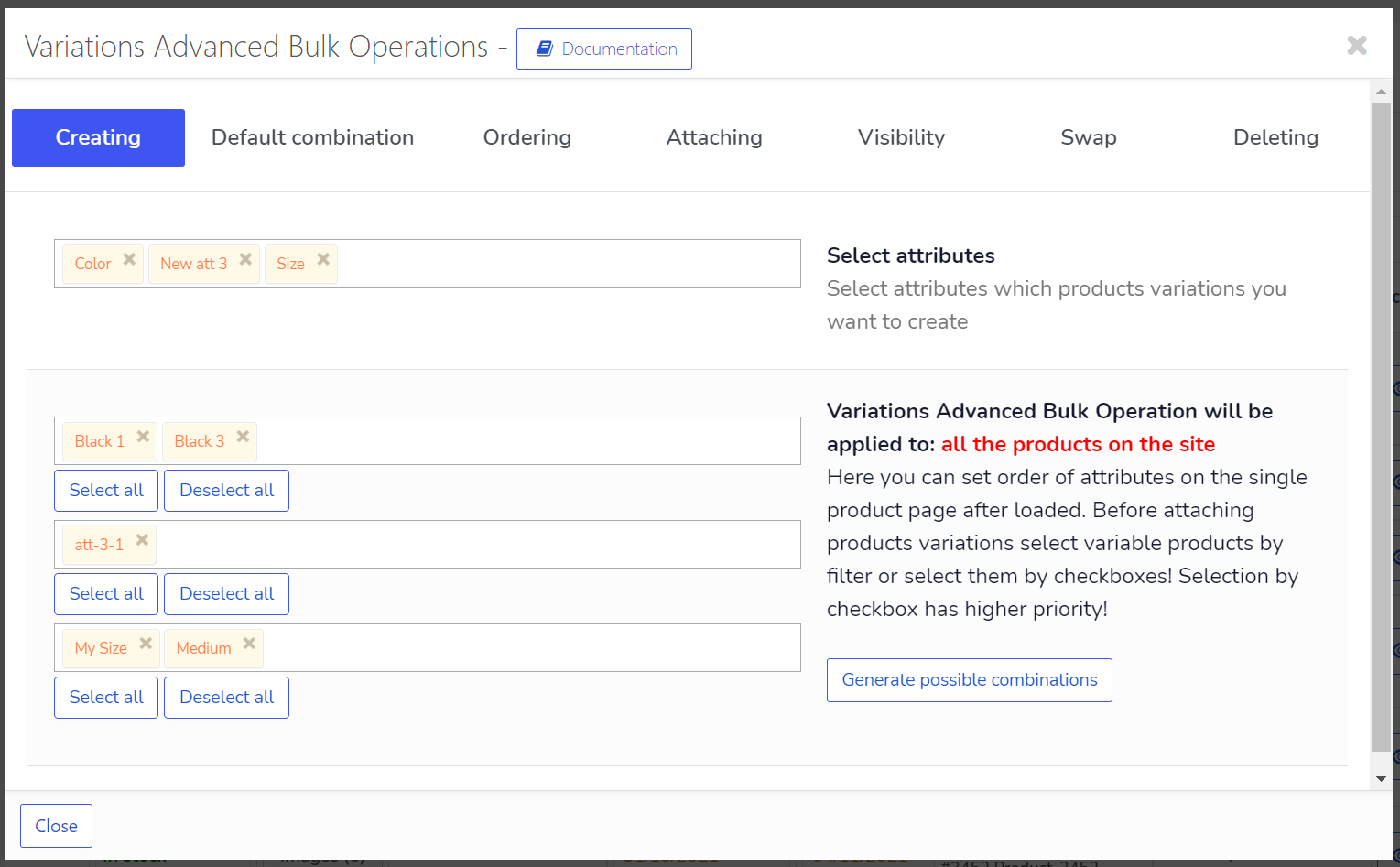
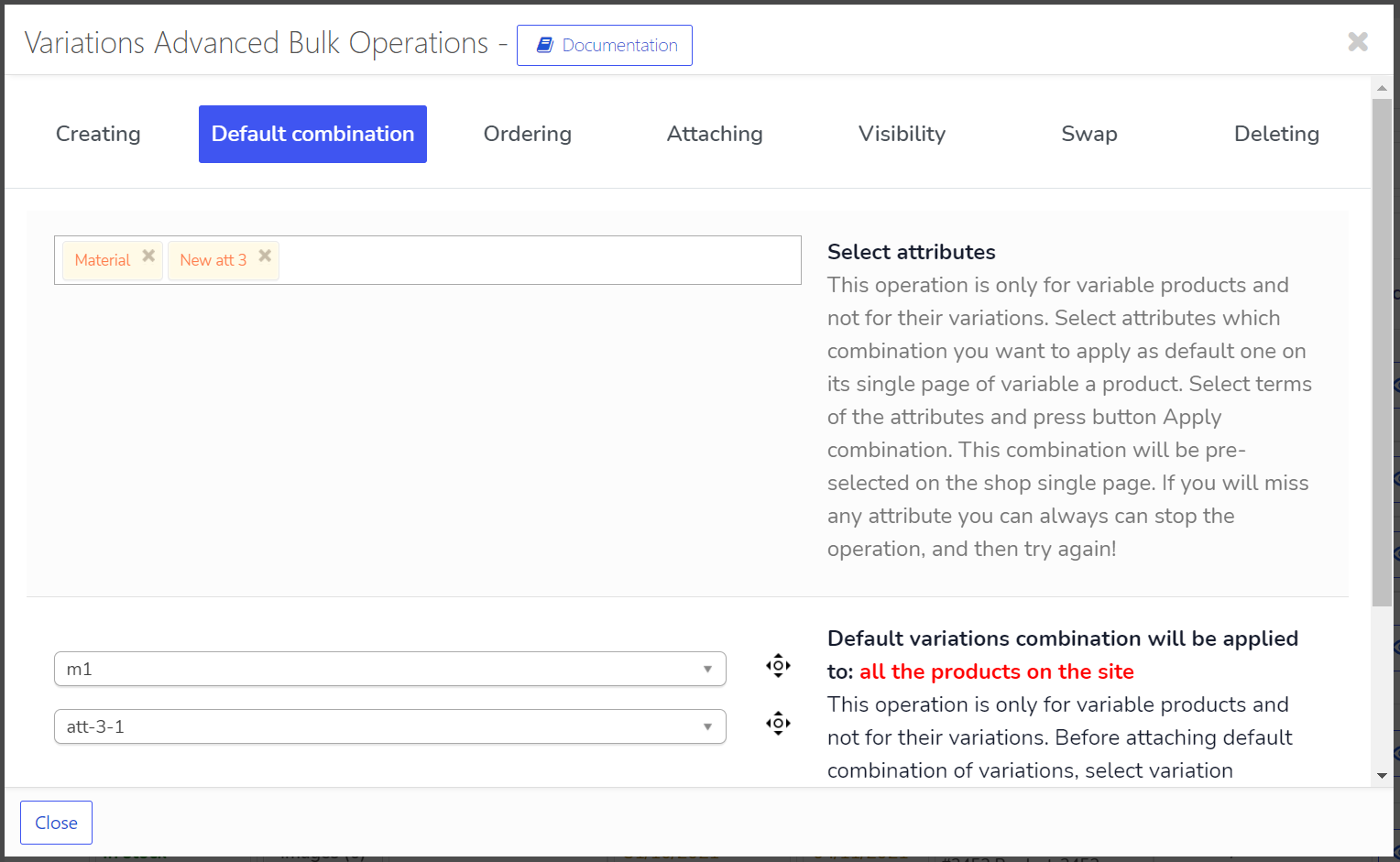
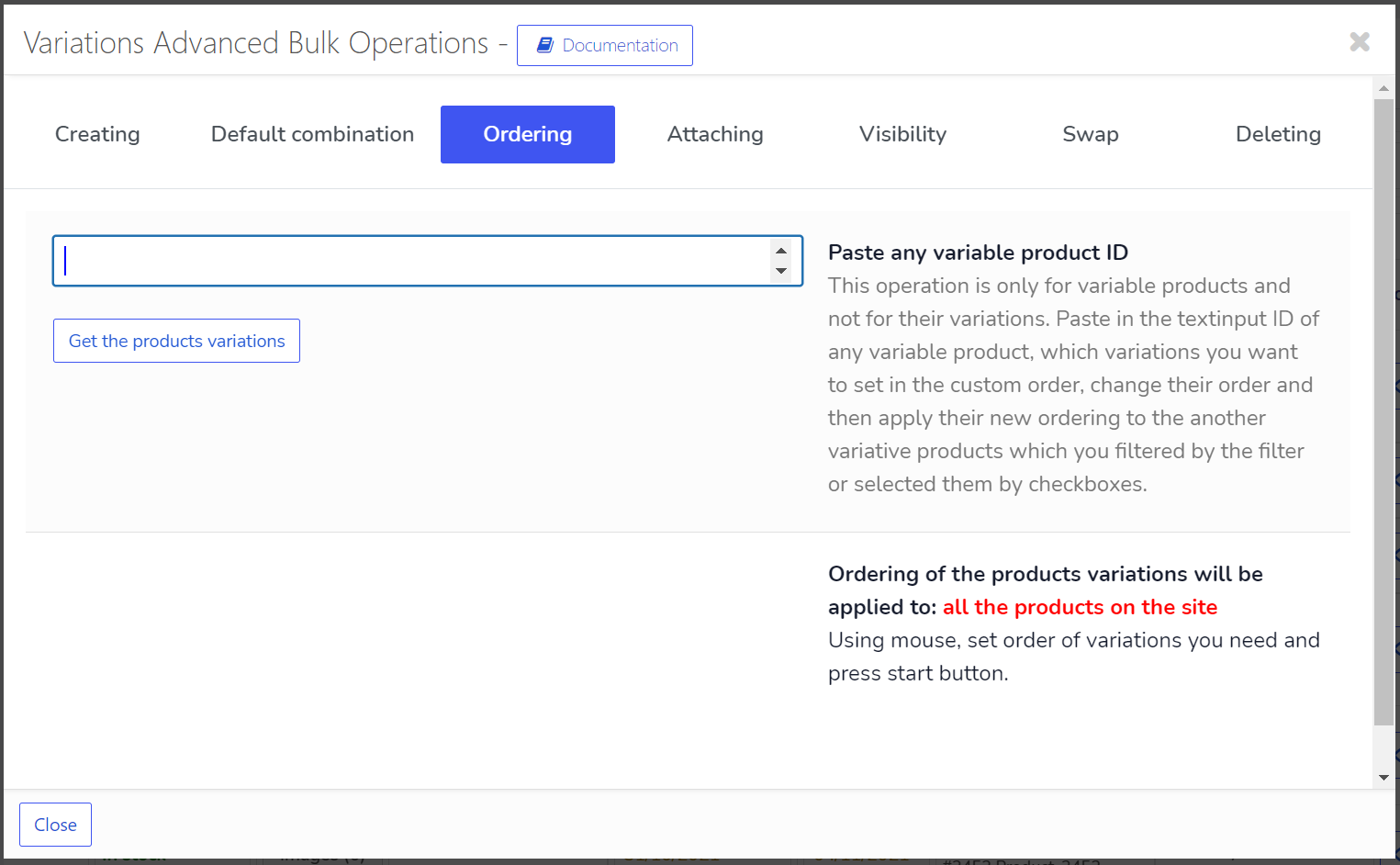
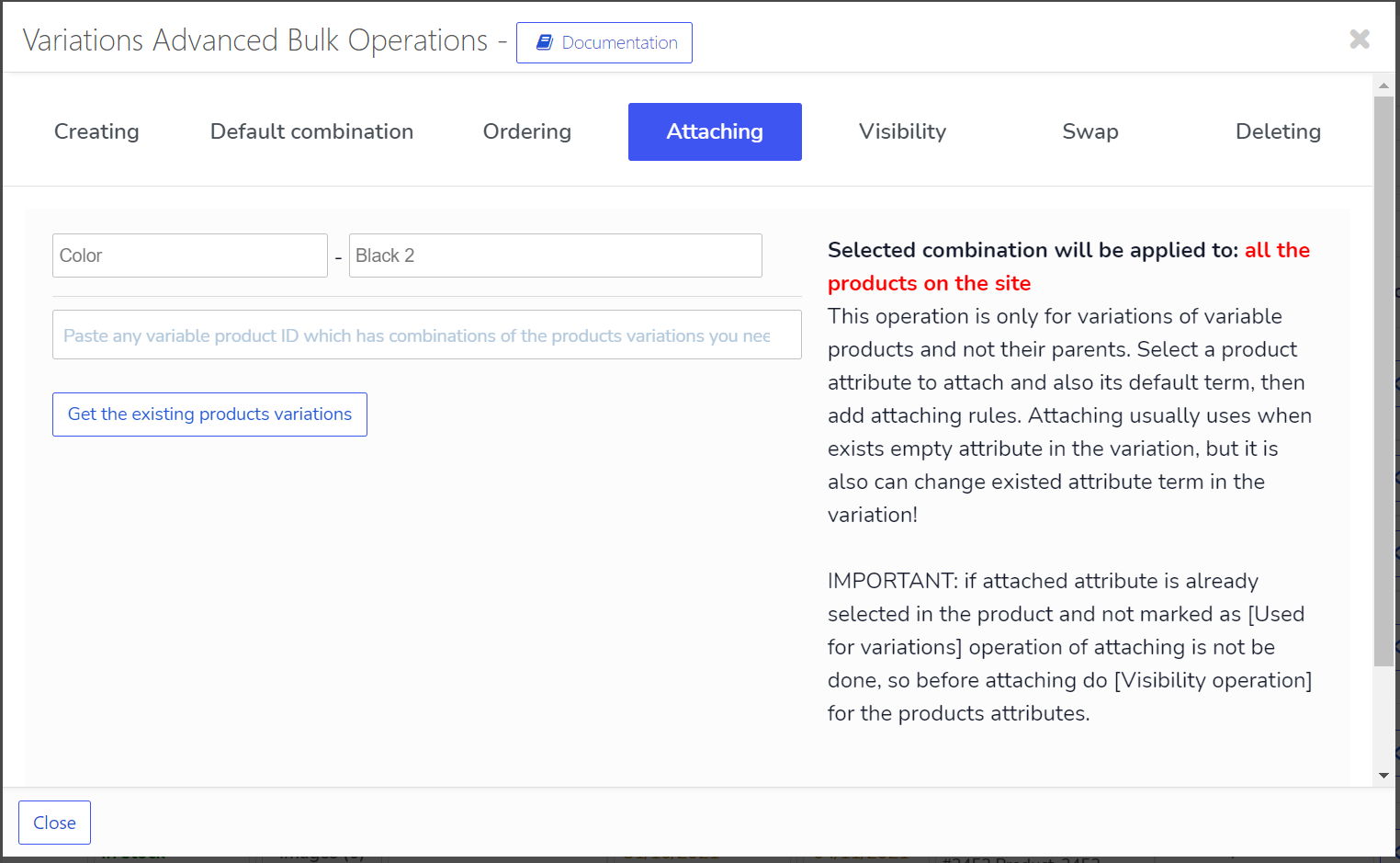
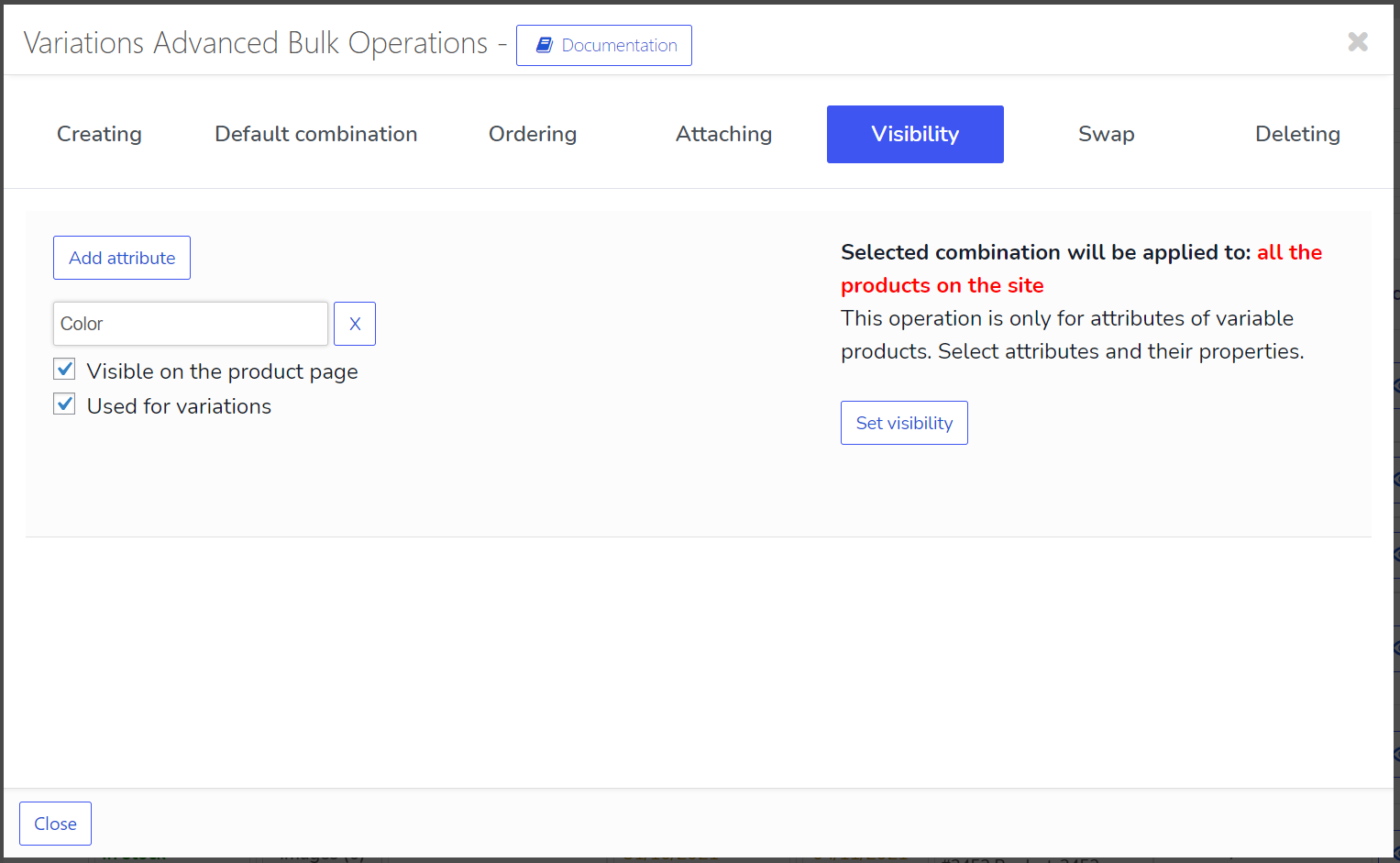
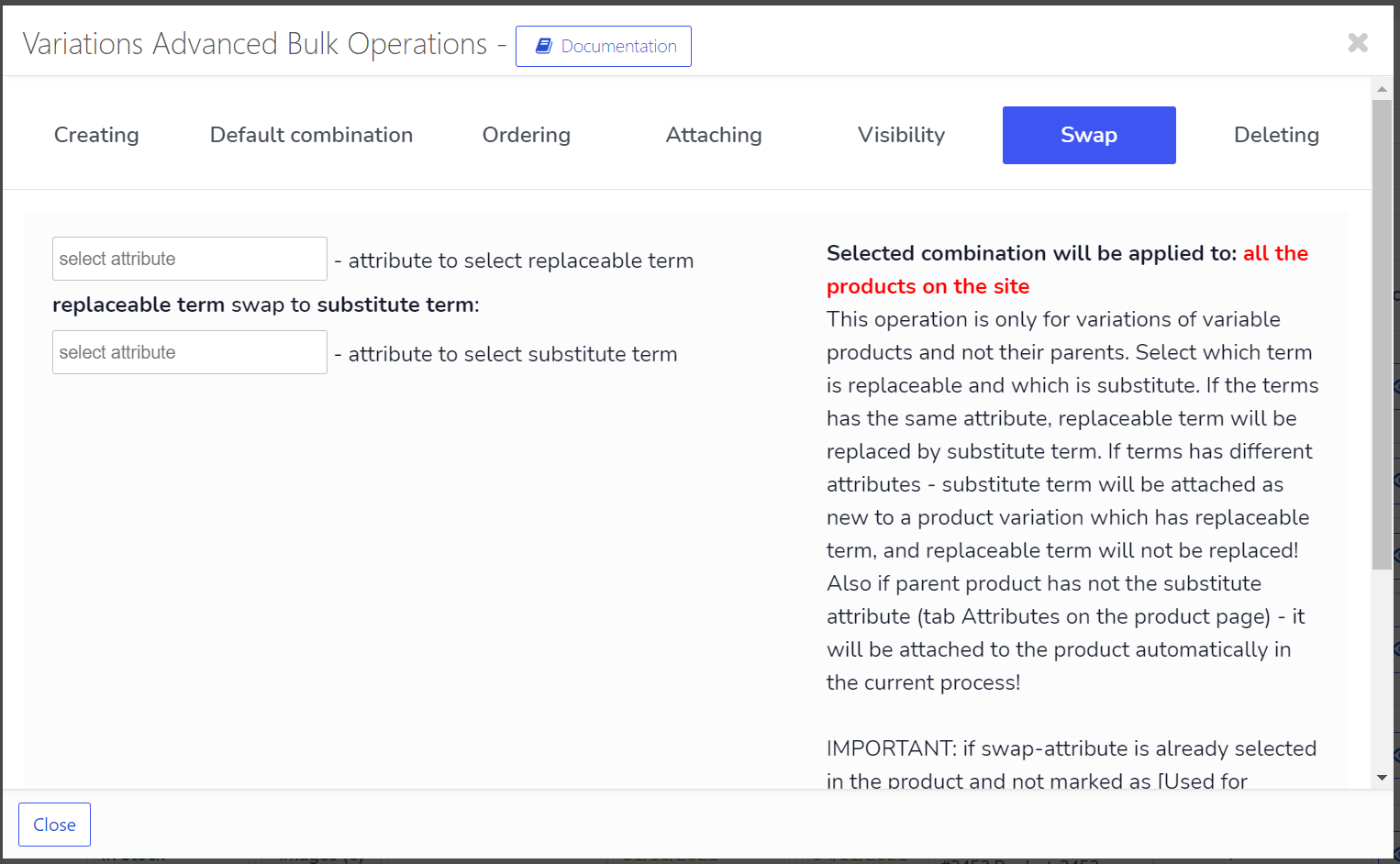
🔄 Bulk Operations with variable products variations
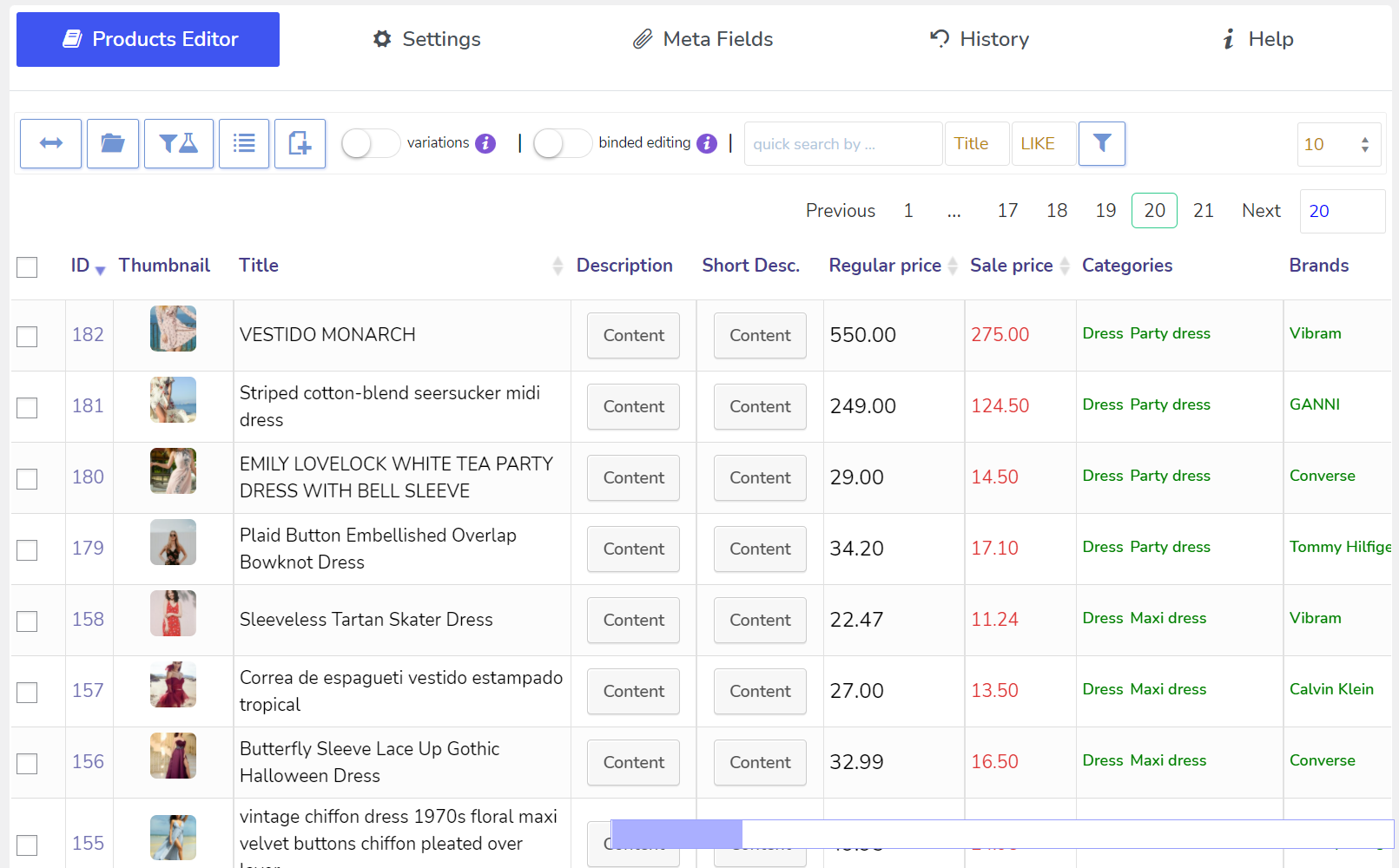
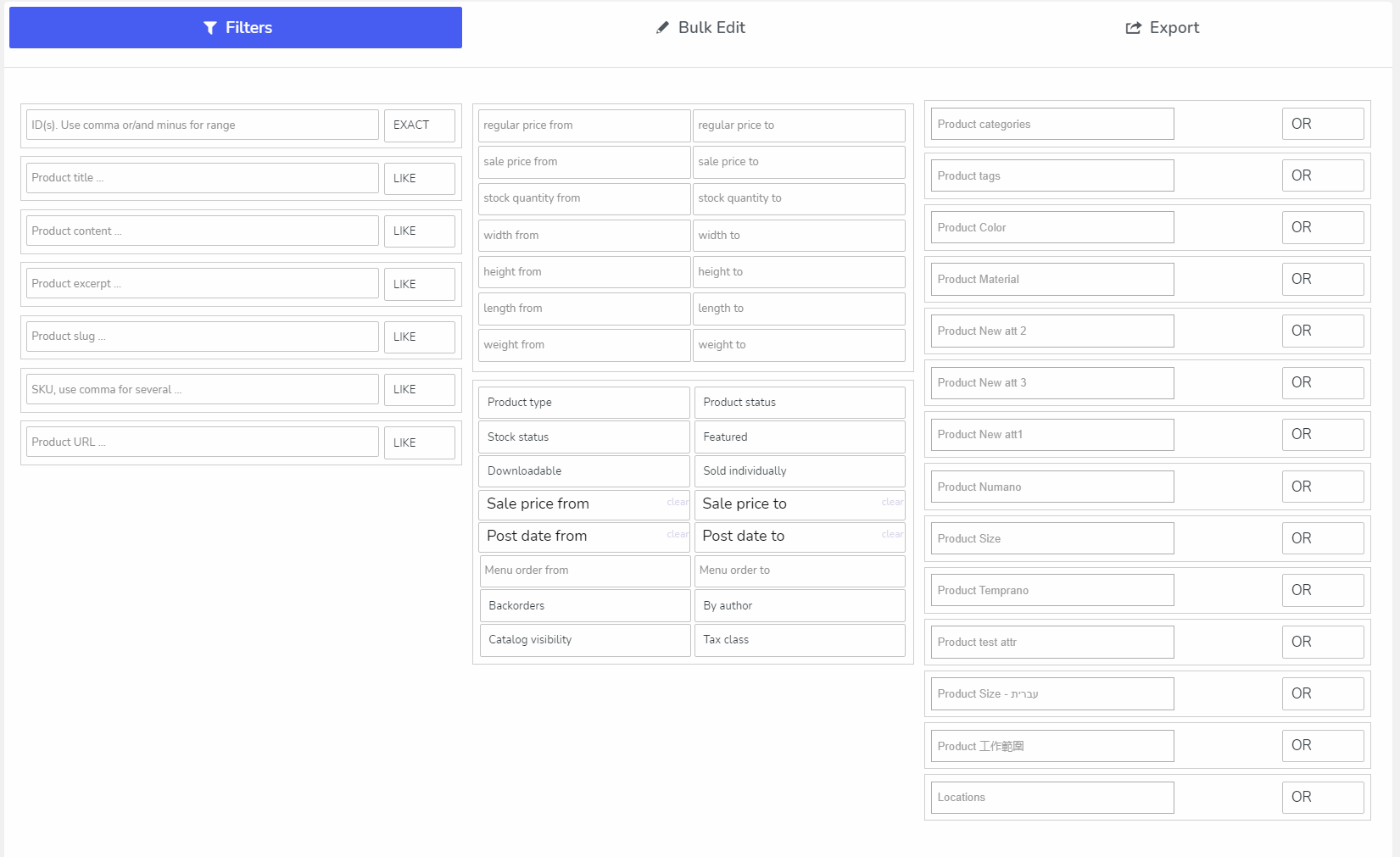
🔍 Filtering by all WooCommerce products fields for further bulk editing or export
📤 Products Export using native WooCommerce data format which allows import data back using native WooCommerce importer
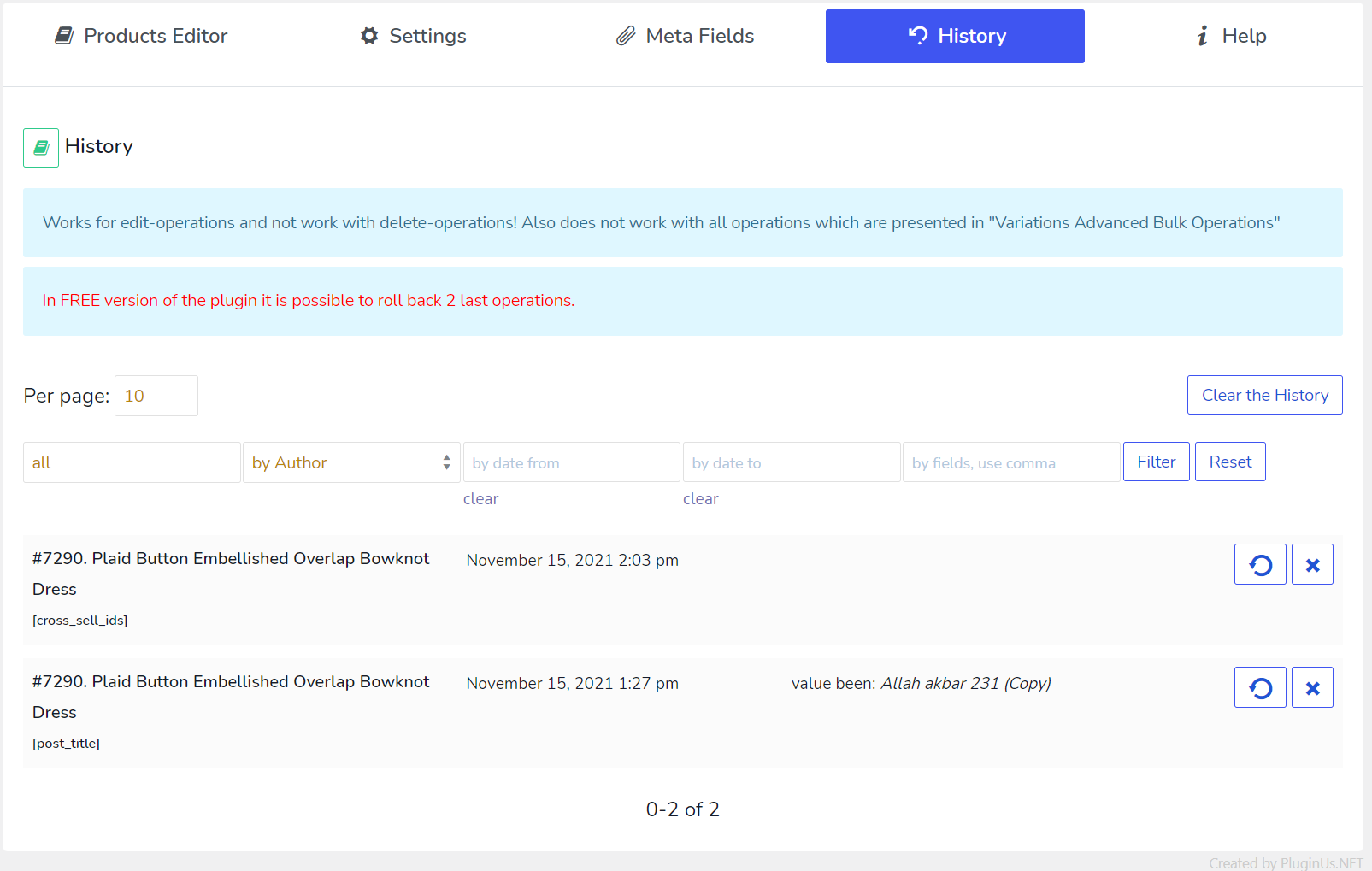
📜 History of Bulk and Solo operations with roll-back possibility
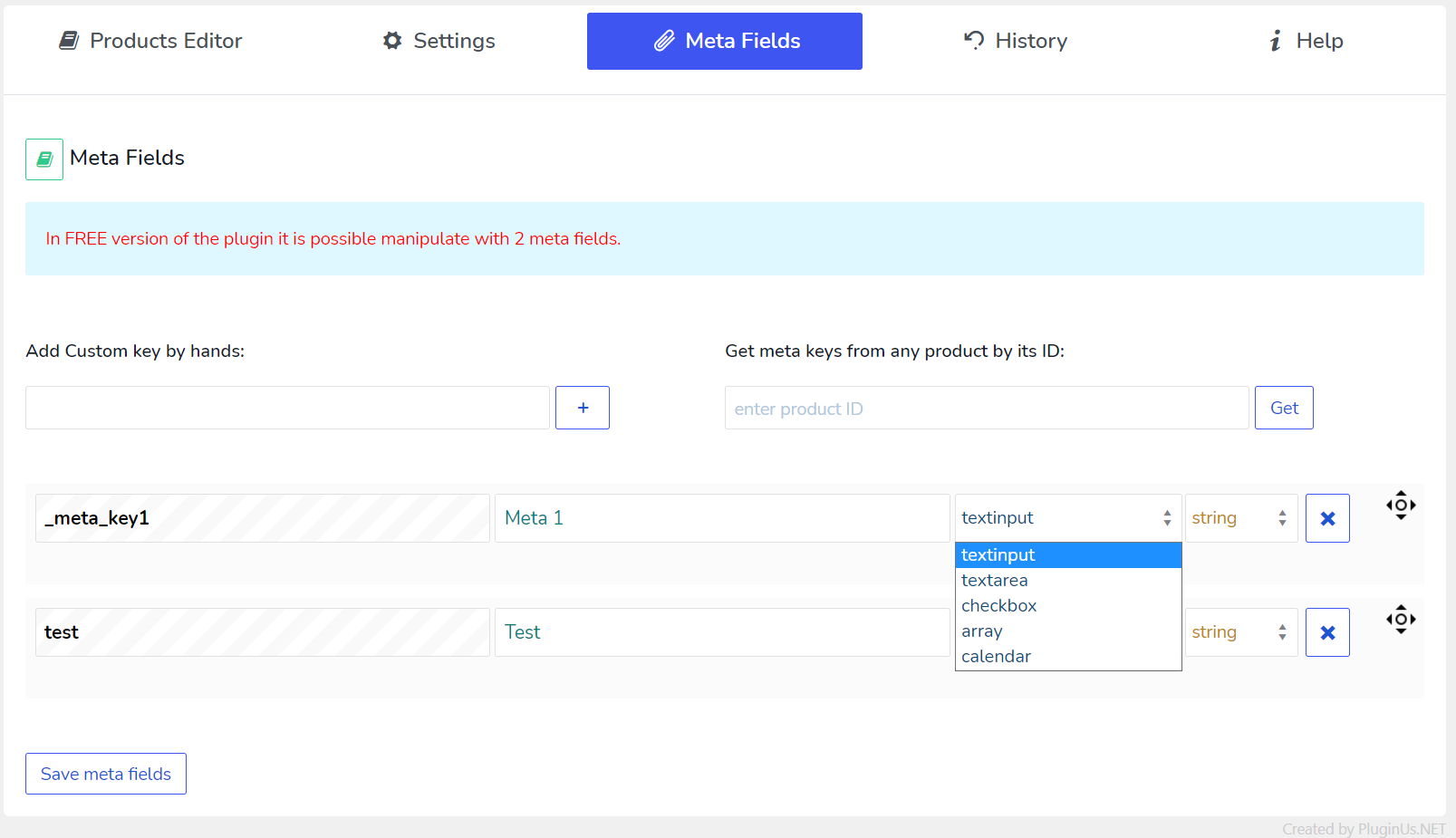
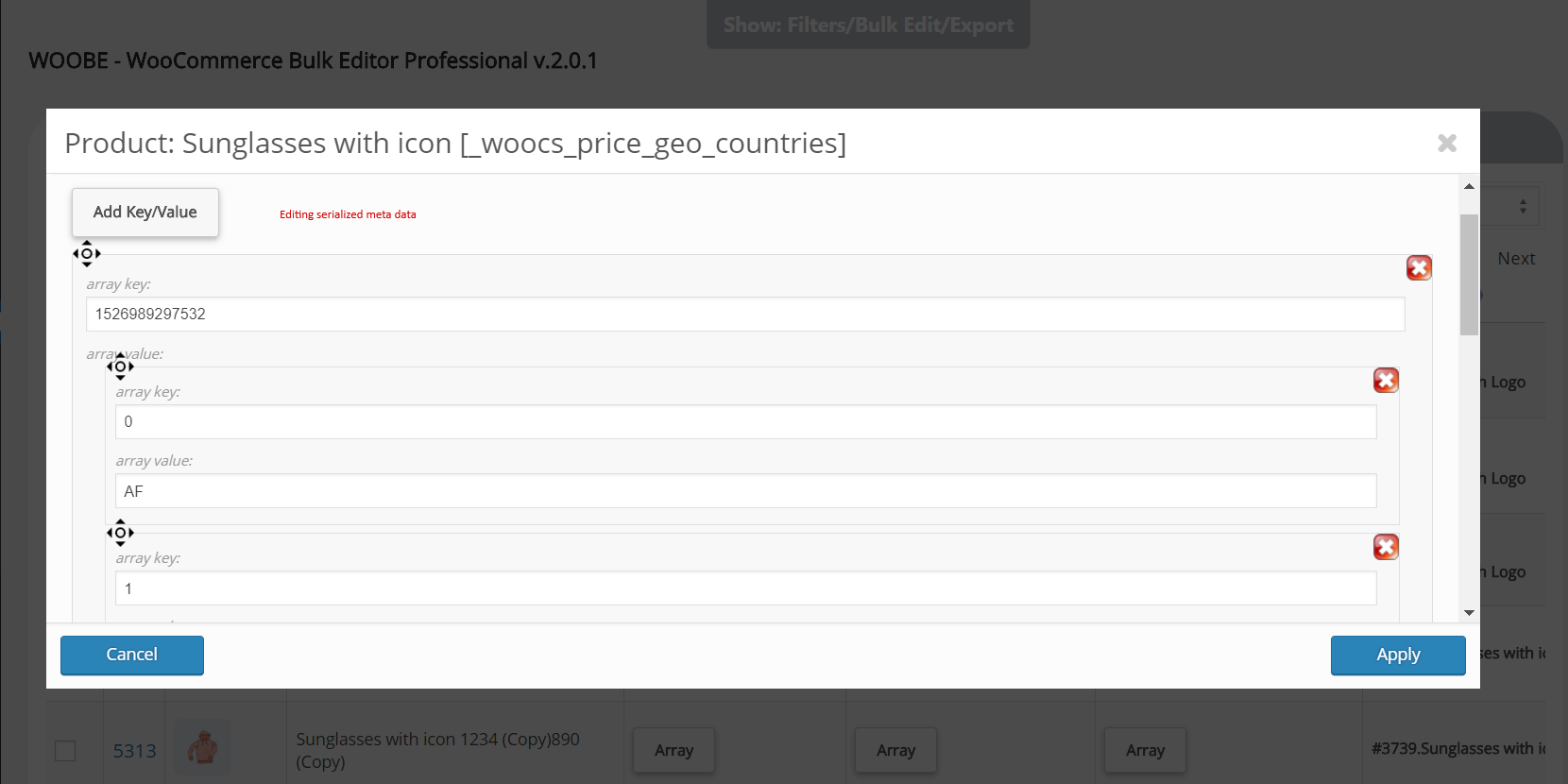
🔢 Add necessary Meta Fields to the system and manage by them. JSONed (serialized) metadata bulk editing is possible with nice popup where data constructor is in-built!
💲 Price Calculator for decimal fields
🔧 Advanced operations with variable products and their variations
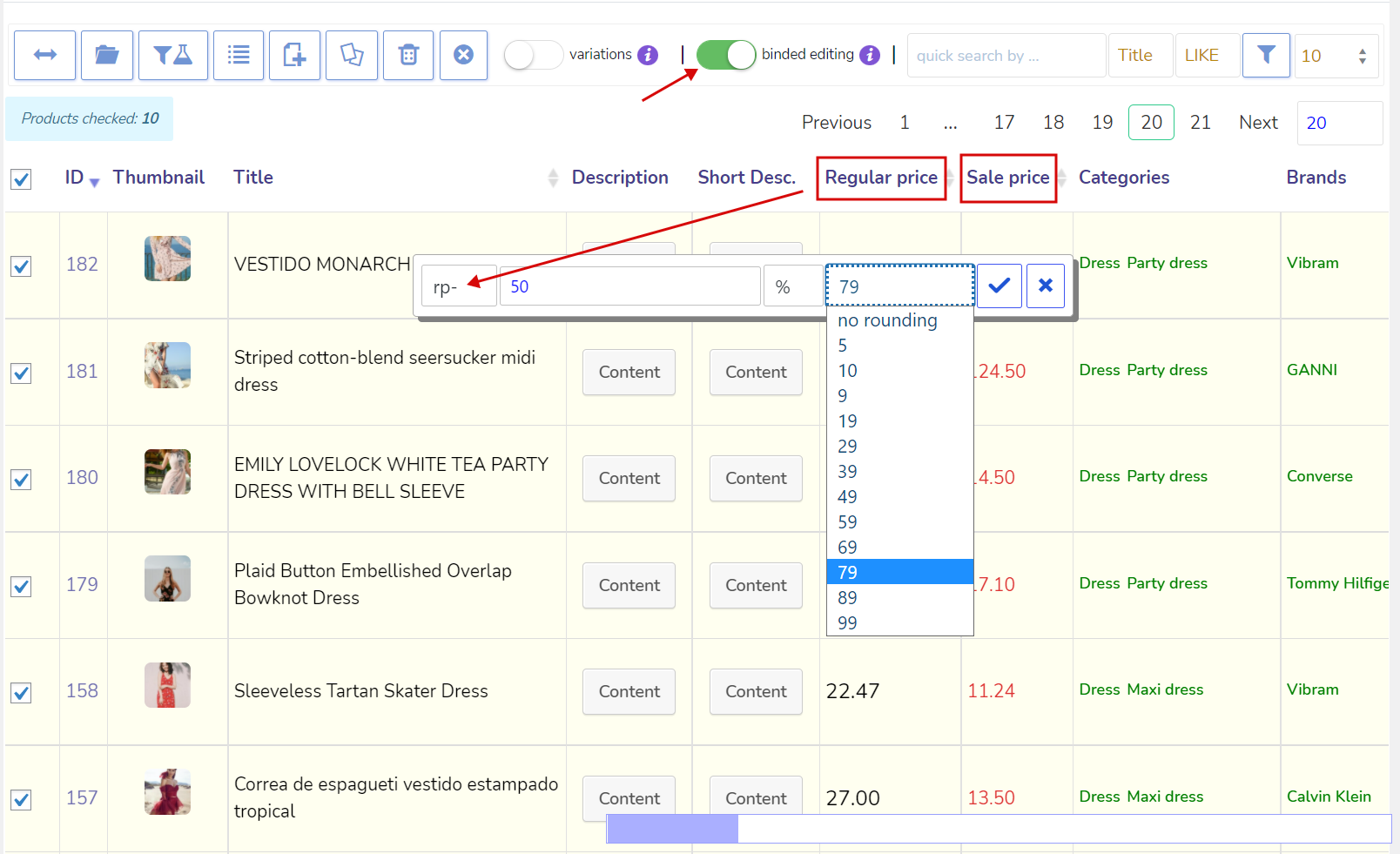
✏️ Binded editing – edit several products with two clicks!
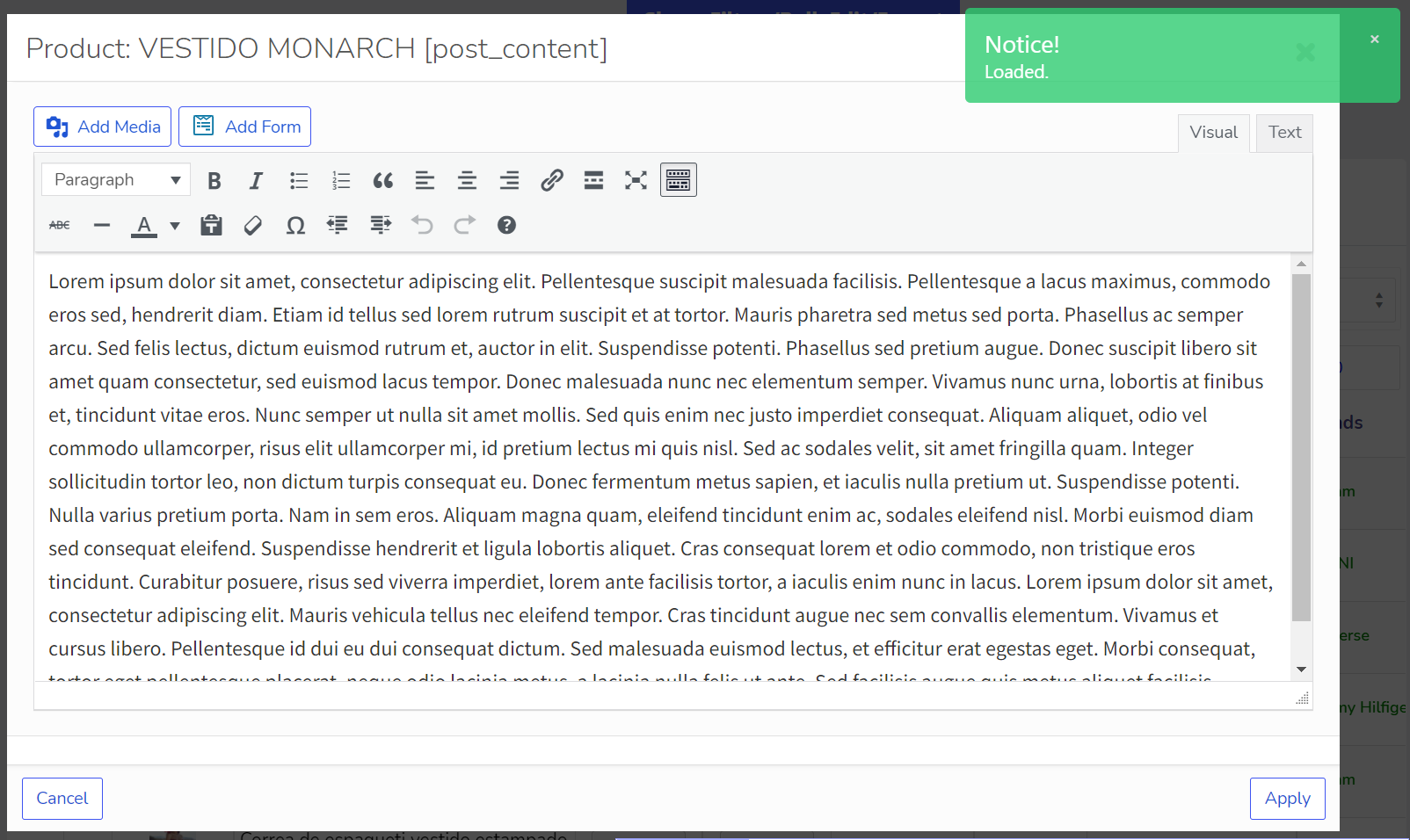
🖊️ Nice and convenient WooCommerce Products Editor with rich HTML elements
⏱️ Instant saving of entered data by AJAX
🔗 Automatic attach of any taxonomies related to the products for further editing
🤝 POSSIBILITY of joint editing of the products without interference to each other.
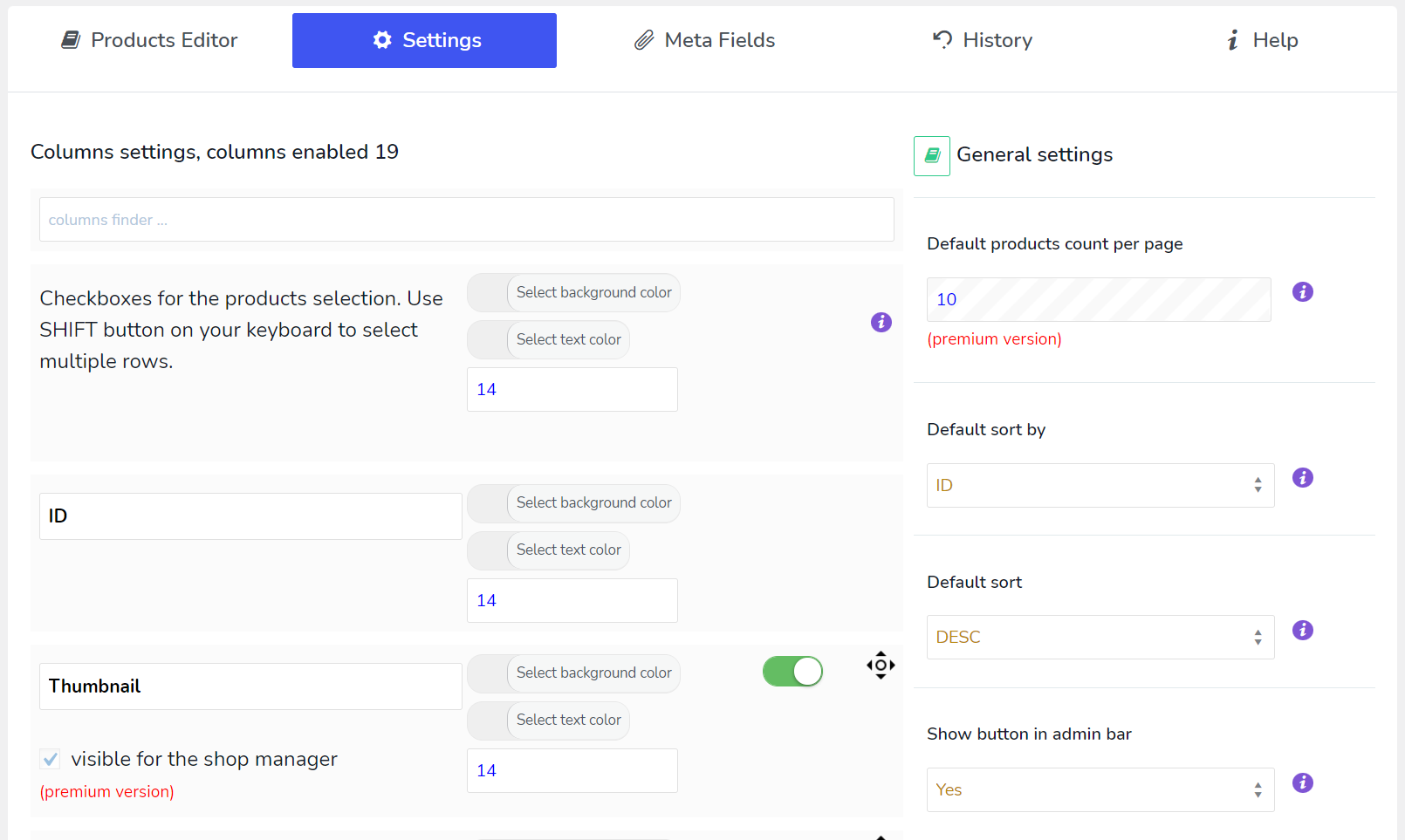
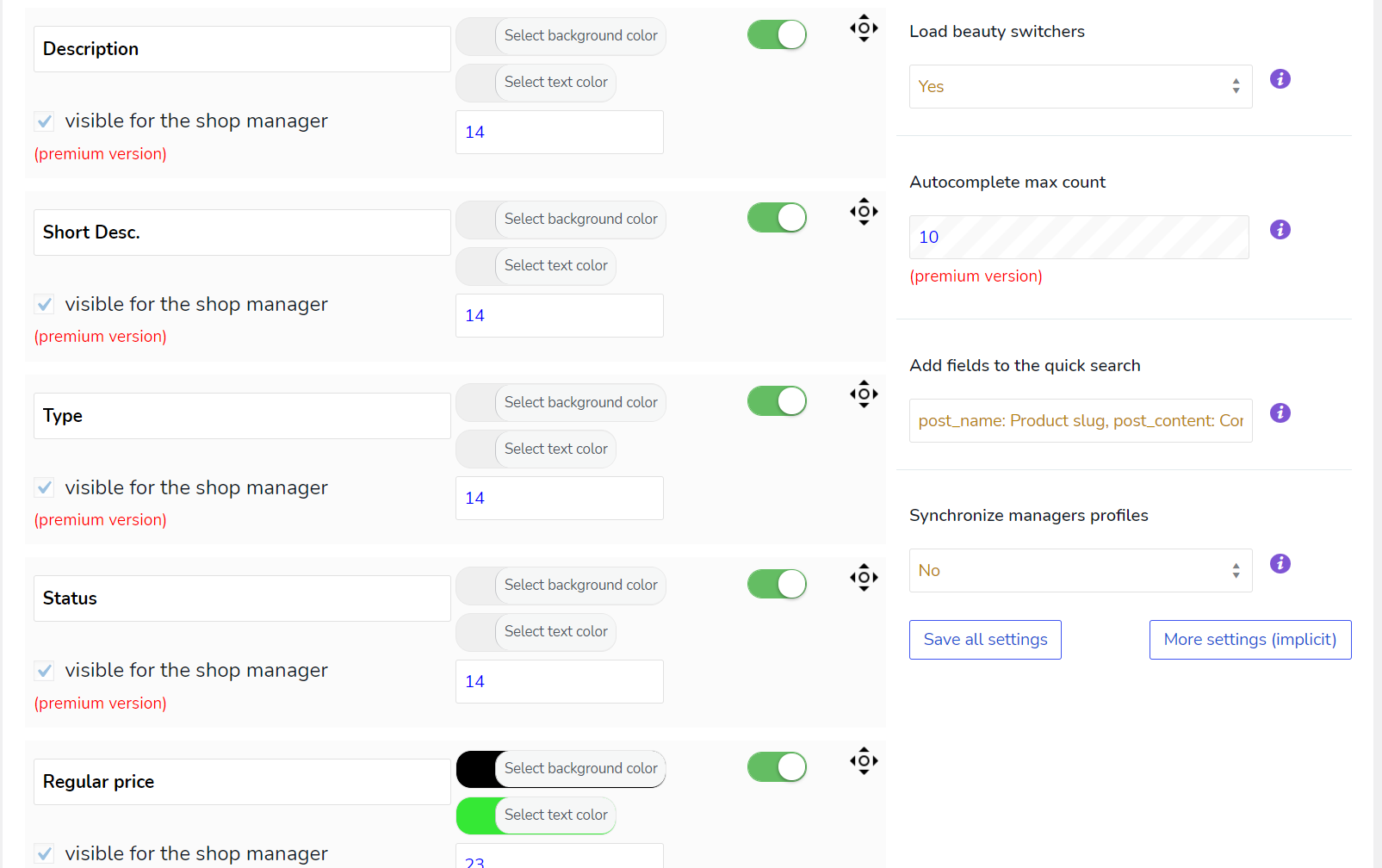
📋 Profiles for any set of columns for quick loading
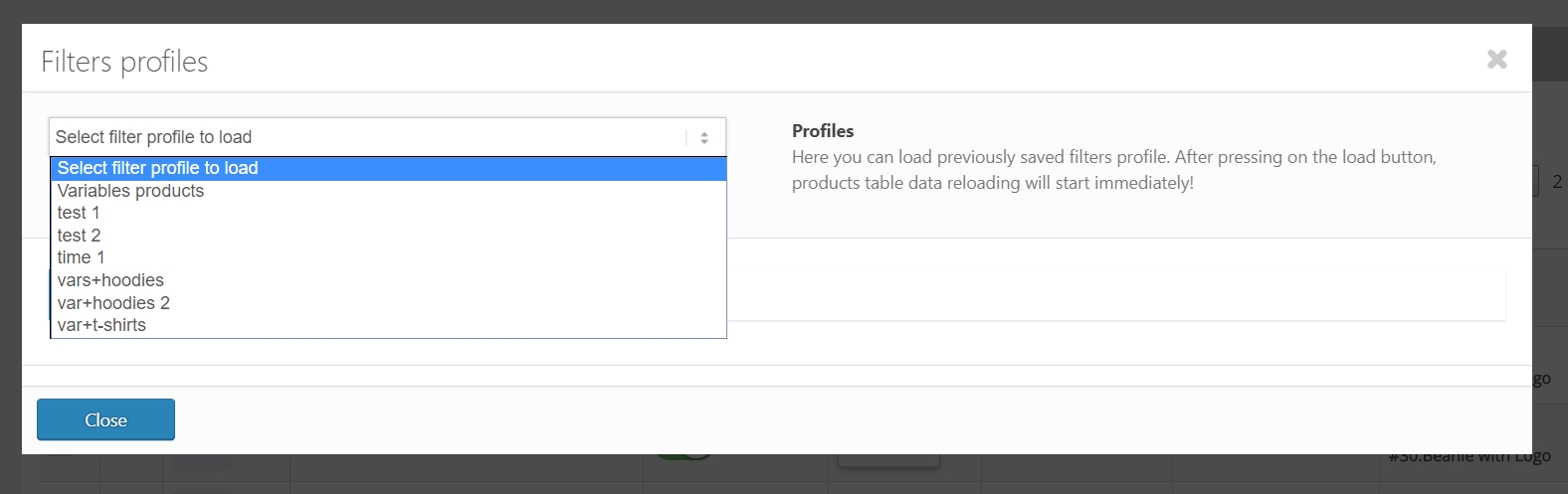
🔄 Profiles for any filters combination for quick loading
- 📚 Documentation: https://bulk-editor.com/documentation/ and https://bulk-editor.com/video/
- 🔧 Support: https://pluginus.net/support/forum/woobe-woocommerce-bulk-editor-professional/
- 🌟 The Premium version: https://bulk-editor.com/downloads
Fields possible to edit in FREE version of the plugin:
- 🖼️ Thumbnail
- 📝 Title
- 🖊️ Description
- 📅 Status
- 💵 Regular price
- 🏷️ Sale price
- 🔢 SKU
- 📦 Stock
- 📅 Date
- 🏷️ Categories
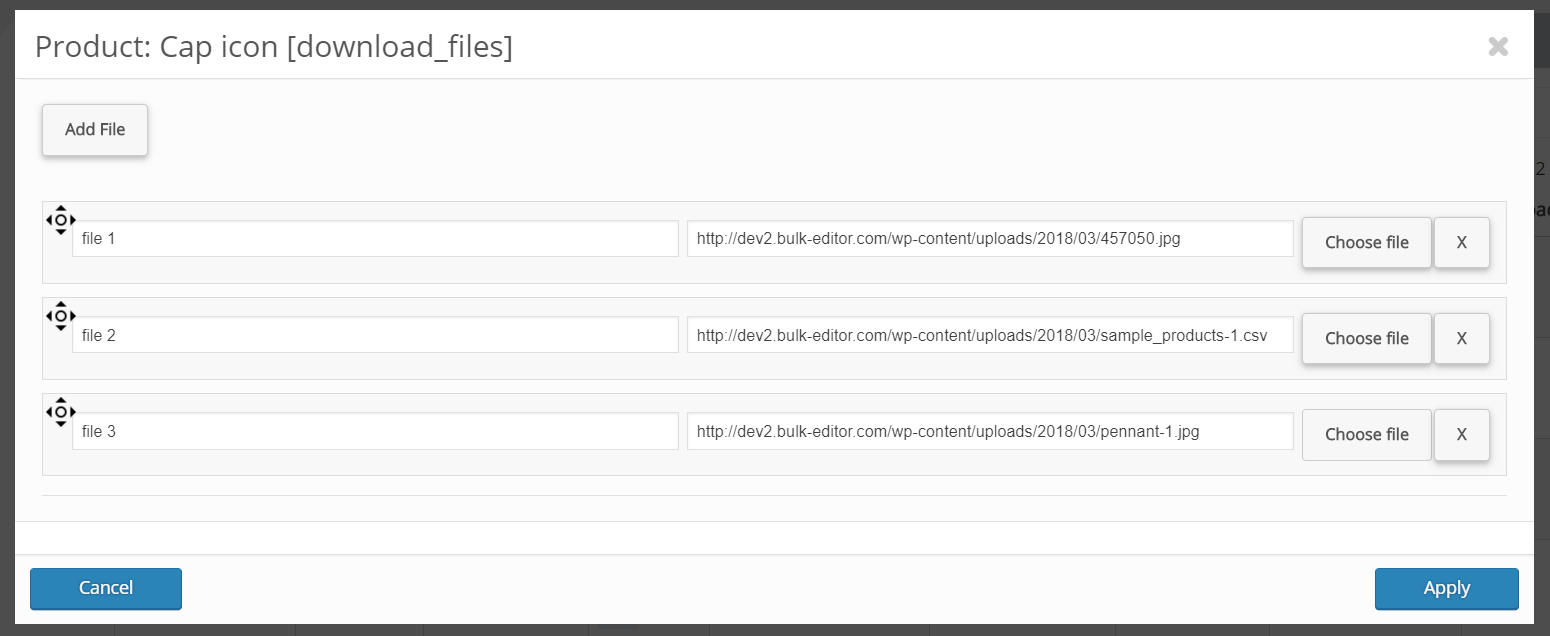
- 📂 Download files
- ⬆️ Upsells
- 🔗 Grouped products
- ⚖️ Weight
- 📏 Length, Width, Height
- 🔢 Parent ID (for variations)
- 🔢 Menu order
- 🏷️ 1 attribute
- 🧩 2 custom meta fields
- 🤖 Limited count of products
🌟 See all fields available in Premium
🎥 Plugin Overview on YouTube
🔗 Get Premium version
Related Plugins:
✅ HUSKY – Products Filter Professional for WooCommerce: products filter plugin for WooCommerce that allows your customers filter products by categories, attributes, products tags, products custom taxonomies and price – a must have plugin for your WooCommerce online store!
✅ WOOT – WooCommerce Active Products Tables: is WooCommerce plugin for displaying shop products in table format. Tables makes focus for your buyers on the things they want to get, nothing superfluous, just what the client wants, and full attention to what is offered!
✅ FOX – Currency Switcher Professional for WooCommerce: is WooCommerce multi currency plugin, that allows your site visitors switch products prices currencies according to set currencies rates in the real time and pay in the selected currency (optionally). Allows to add any currency for WooCommerce store!
✅ MDTF – Meta Data Filter and Taxonomies Filter: the plugin for filtering and searching WordPress content in posts and their custom types by taxonomies and meta data fields. The plugin has very high flexibility thanks to its rich filter elements and in-built meta fields constructor!
✅ TABLEON – WordPress Post Tables Filterable: WordPress plugin for displaying site posts and their custom post types in table format. Tables makes focus for your customers on the things they want to get, nothing superfluous, just what the client wants, and full attention to what is offered!
✅ WPCS – WordPress Currency Switcher: is a WordPress plugin that allows to switch currencies and get their rates converted in the real time on your site!
✅ WOLF – WordPress Posts Bulk Editor Professional: is WordPress plugin for managing and bulk edit WordPress posts, pages and custom post types data in robust and flexible way! Be professionals with managing data of your site!
✅ Taxonomy Chain Menu: is WordPress plugin with one shortcode, which allows to create taxonomies terms chain menus using dropdowns with inbuilt or custom types of WordPress taxonomies.
License
This plugin is copyright pluginus.net © 2012-2026 with GNU General Public License by realmag777.
This program is free software; you can redistribute it and/or modify it under the terms of the GNU General Public License as published by the Free Software Foundation; either version 2 of the License, or (at your option) any later version.
This program is distributed in the hope that it will be useful, but WITHOUT ANY WARRANTY. See the GNU General Public License for more details.
Screenshots

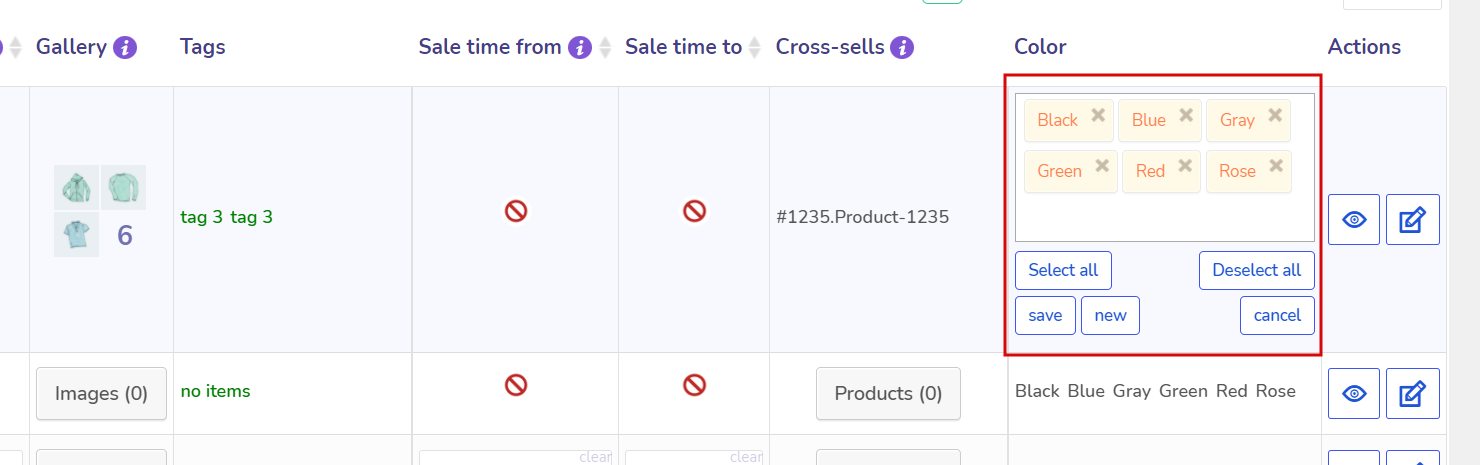
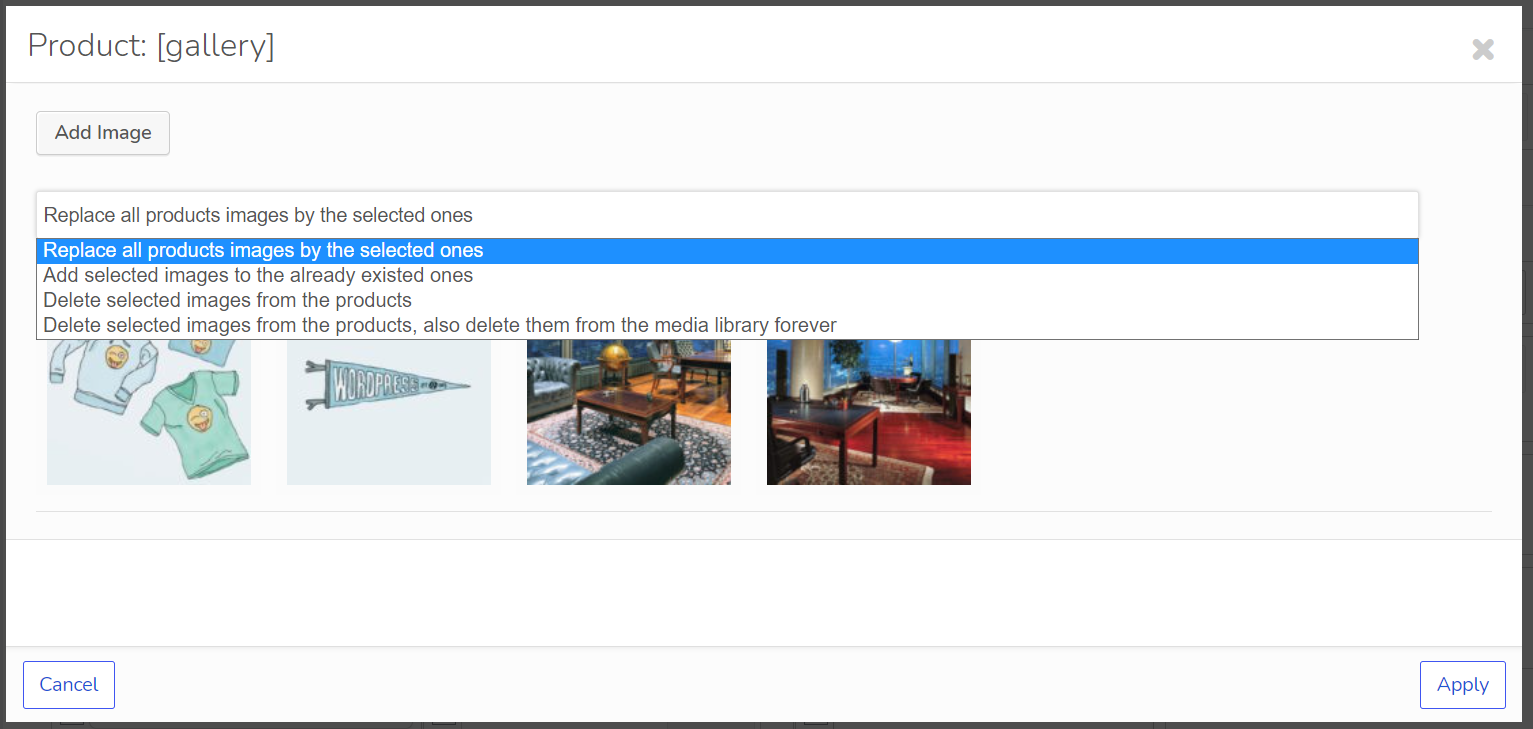
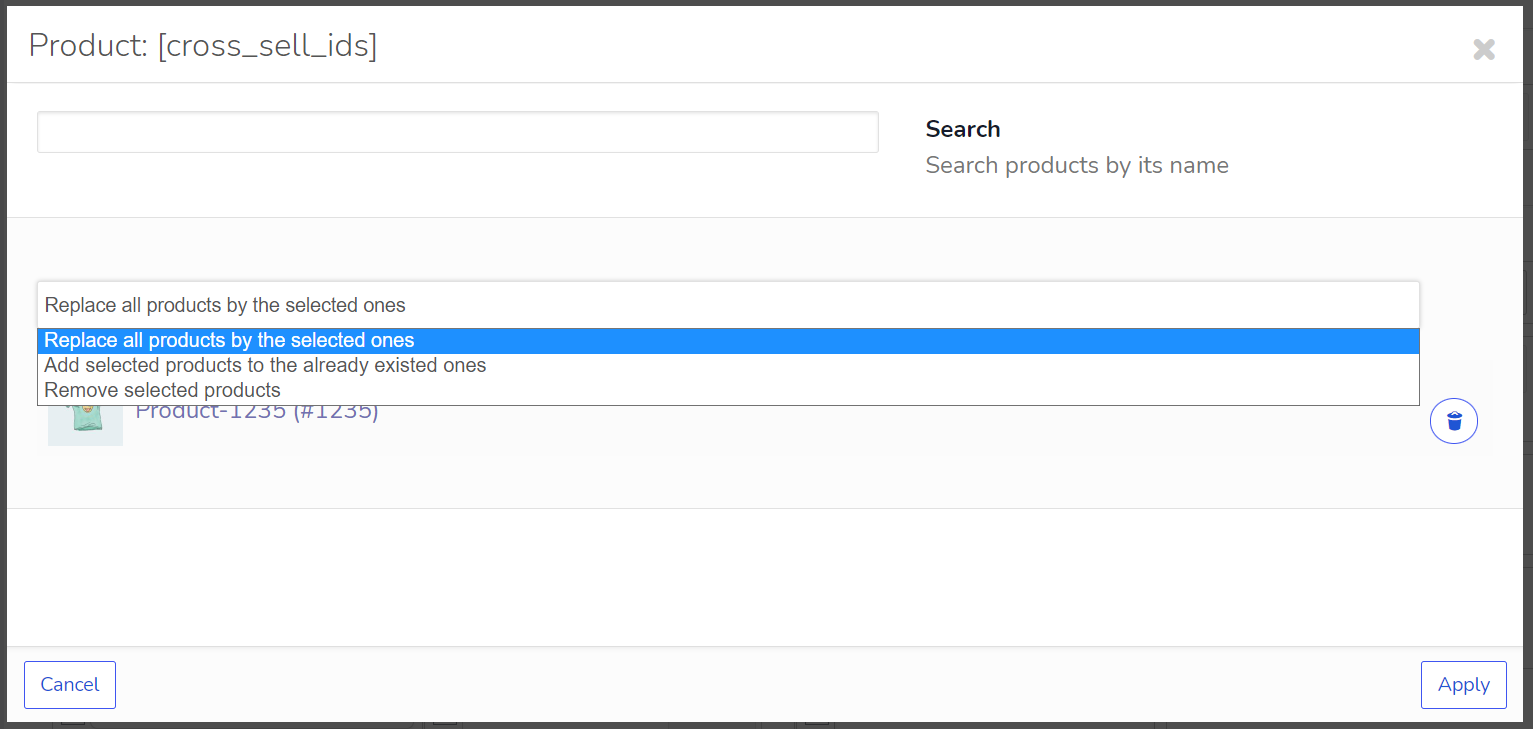
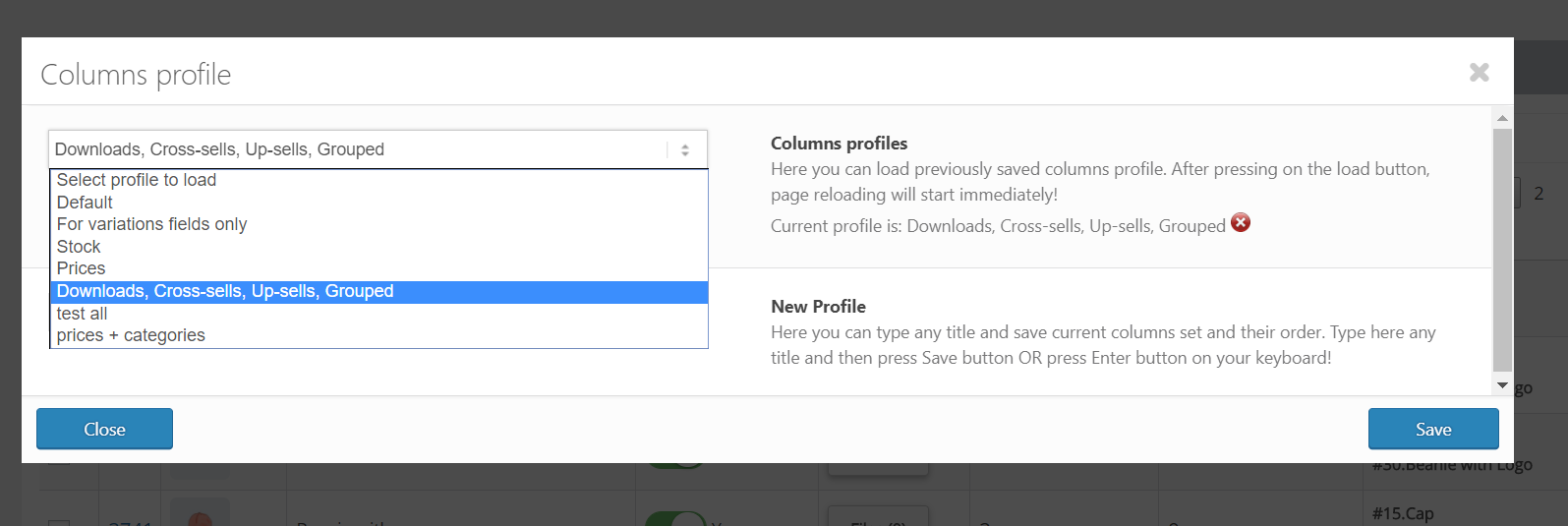
Installation
- Download to your plugin directory or simply install via WordPress admin interface.
- Activate.
- Use.
FAQ
Q: Where can I see video tutorials?
R: https://bulk-editor.com/video/
Q: Where can I get the Premium version of BEAR WOOBE (name of Bear is Woobe)
R: Premium version
Q: How to create a custom taxomomy?
R: Use this plugin https://wordpress.org/plugins/custom-post-type-ui/
Q: FAQ?
R: FAQ
Q: Documentation?
R: https://bulk-editor.com/documentation/
Q: I have an idea, can I discuss it with you?
R: Support
Q: Where can I send security bug report about the plugin?
R: You can report security bugs through the Patchstack Vulnerability Disclosure Program. The Patchstack team help validate, triage and handle any security vulnerabilities. Report a security vulnerability.
Reviews


Contributors & Developers
“BEAR – Bulk Editor for WooCommerce Professional. AI assistant on board (MCP Server)” is open source software. The following people have contributed to this plugin.
Contributors
“BEAR – Bulk Editor for WooCommerce Professional. AI assistant on board (MCP Server)” has been translated into 7 locales. Thank you to the translators for their contributions.
Interested in development?
Browse the code, check out the SVN repository, or subscribe to the development log by RSS.
Changelog
1.2.4
- MCP server: MCP access for selected users – the administrator grants MCP to named users, each gets a personal key and works under his own WordPress account and rights; two-factor connection is always on for them.
- MCP server: permission map for MCP (hook woobe_mcp_permissions) – full / read / none per area of the shop, per user.
- MCP server: every report answer says in one line that its figures come from WooCommerce Analytics and, while Analytics imports orders on a schedule, how many newer orders are not in them yet.
- NEW: History shows who made each change and whether it was done by hand or through the AI assistant; administrators see and can roll back everyone’s history, other users see only their own.
- Change: History filter “by Author” replaced by “Who made the change” with an extra “by hand / through AI agent” filter (administrators only).
- Change: stock quantity, weight and dimension filters – an empty “from” now means no lower limit, so “to” alone also finds negative stock (it started at 0), as through the MCP server.
- MCP server fix: GET request to the MCP endpoint caused a PHP fatal error.
- MCP server fix: MCP rollback left an empty bulk entry in History.
- MCP server fix: woobe_find_products refuses a filter key it cannot use, or a value in another shape, and says why; before, such a condition was ignored and the whole catalogue was selected.
- MCP server fix: number ranges of the product filter work as the tool description says – from included, to excluded, a missing end open, from equal to to exactly that value; a stock range 0 to 0, a stock “from” alone or a weight of 0 selected the whole catalogue.
- MCP server fix: whole_catalogue in the answer of woobe_find_products is true whenever the selection holds every product.
- MCP server fix: arguments of the wrong type are refused with a readable error instead of PHP warnings or an HTTP 500; a text such as “maybe” no longer counts as a confirmation.
- MCP server fix: several product finds in one request carried each other’s conditions.
- MCP server fix: a product read of an id that is no product caused a PHP fatal error.
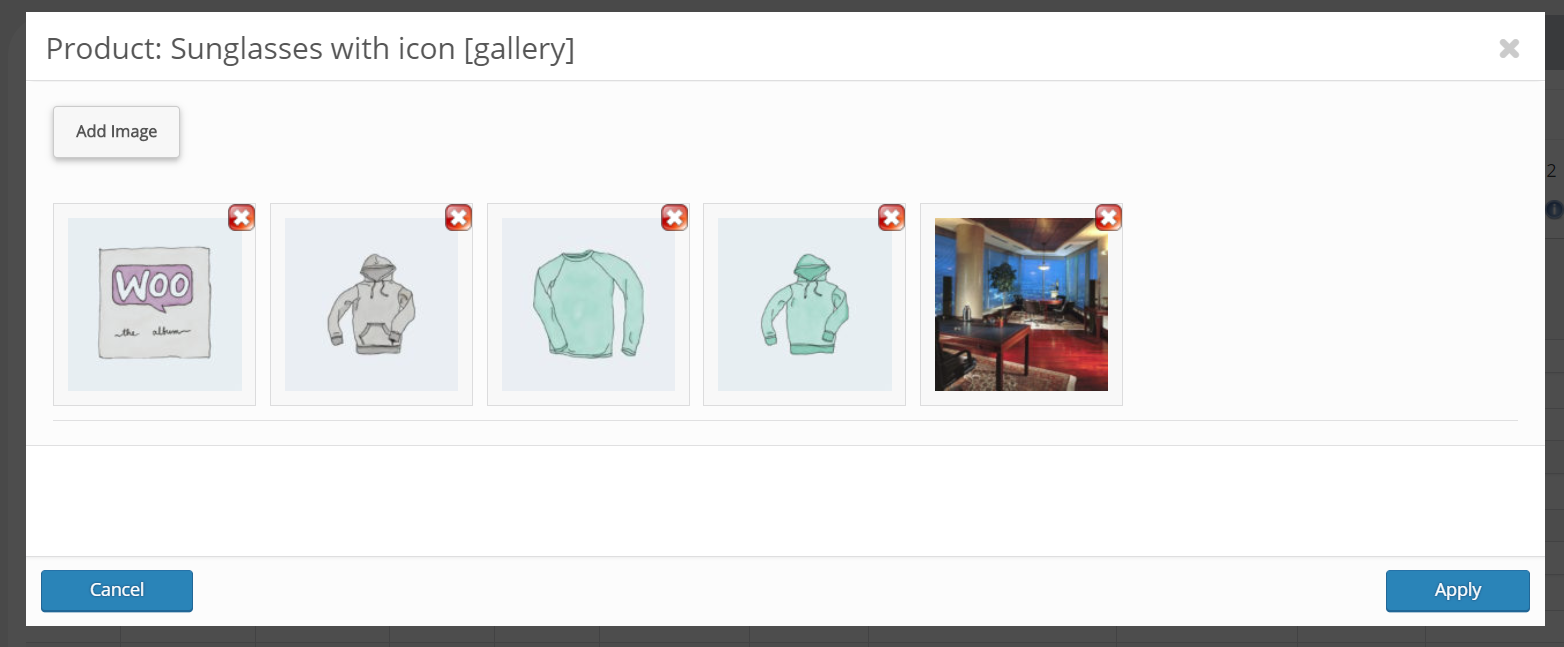
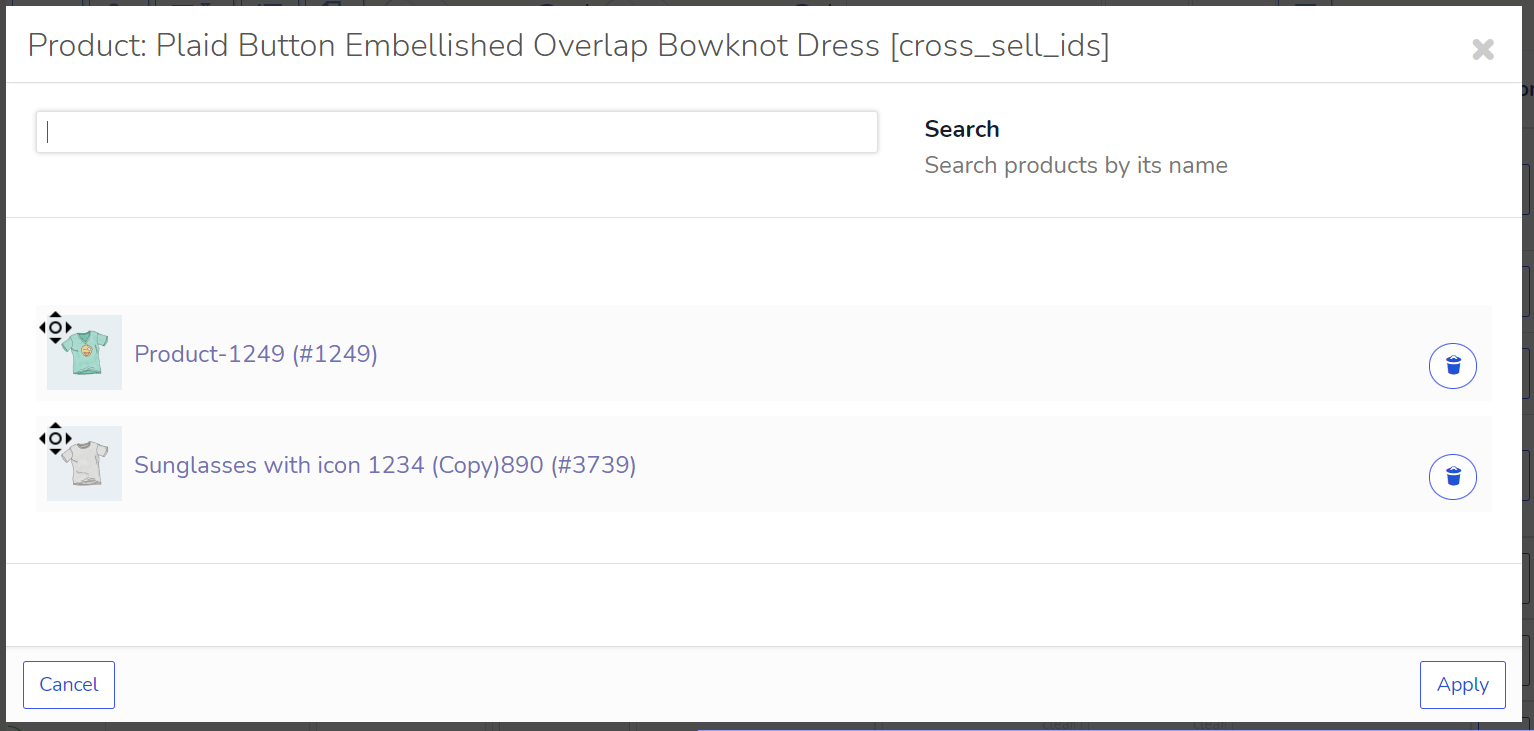
- MCP server fix: gallery, upsells, cross-sells and grouped products given as a list of ids were emptied.
- MCP server fix: creating a product with a SKU already in use now says the SKU was left empty.
- MCP server fix: creating a product with a category name or a missing category id now warns instead of saying nothing.
- MCP server fix: an order for a customer that does not exist is refused.
- MCP server fix: the margin report logged a WooCommerce notice per product when Cost of Goods Sold was off.
- MCP server fix: a unix timestamp given for a date field (the sale dates) was stored as 1970 – it is read as the day it falls on in the shop’s time zone, and woobe_list_fields names the formats a date field takes.
- MCP server fix: the bulk preview checked each operation of a run against the stored values, so a sale price set together with a new regular price showed as refused; it follows the run’s operations in order now, as the apply does.
- MCP server fix: creating a variable product refused a list with the same variation twice; both were created and checkout sold only one.
- MCP server fix: adding variations with the same combination listed twice dropped the second one without a word; it is now refused.
- MCP server: the product creation preview now warns about a SKU already in use and about attribute values that look like existing ones (S next to Small), before anything is written.
- MCP server fix: the “product with this name already exists” warning no longer counts products in the trash.
- MCP server fix: the bulk preview showed a new stock for variations that sell from their parent’s shared stock and for variable products without stock management, although nothing is written on them; they are now shown unchanged and named in the stock_not_tracked warning.
- Fix: History rows written in the same second could disappear from the list.
- Fix: PHP warnings for shop managers when the field visibility settings had never been saved.
- Fix: History pagination jumped several pages after the list was reloaded.
- Fix: the rollback of a bulk stock edit put a product that does not track its stock – a variable product whose variations hold the stock – under stock management, at 0 and out of stock.
- Fix: History revert of a gallery, upsells, cross-sells or grouped products change emptied the field.
- Fix: History revert of a sale date deleted the sale schedule.
- Fix: History list pages after the second could not be reached after the page size was changed.
- Fix: sale price filter with only “from” found nothing; PHP warnings for a price or stock range with one end.
- Fix: a stock quantity range or a product URL filter that matched no product selected every product.
- Fix: stock quantity filter with only “from” filled in selected every product (with “from” 0, only a stock of 0); an empty “to” now means no upper limit, as for the regular price.
- Fix: weight, length, width and height filters with only “from” filled in found nothing; an empty “to” now means no upper limit.
- Fix: the “Menu order from” filter found nothing.
- Fix: History revert of a stock management switch left the stock status WooCommerce had derived from it (for example out of stock); the status comes back with it.
- Fix: a bulk price edit on a selection with variable products wrote a hidden price onto the parents, which no rollback removed; the parents are left alone – their prices live on the variations -, the rollback of such an earlier edit removes the leftover, and through the MCP server a price edit on variable products only is refused, as it would write nothing.
- Fix: weight, length, width and height filters from 0 (or exactly 0) found products whose value was left empty; an empty value is no longer part of any range.
- Fix: a stock of 0 entered on a variable product that does not track stock switched stock management on for it, and every variation without a stock of its own went out of stock; the revert did not bring them back. The value is now left alone, as any other value already was – the stock of a variable product is set on its variations.
- Fix: a stock of 0 entered on a variation that sells from its parent’s shared stock detached it from the shared stock with a stock of its own, and the revert did not attach it again. The shared stock is changed on the parent.
1.2.3
- Security: hardening of the MCP server and the bulk editor. Updating is strongly recommended. Thanks to the WordPress.org Plugin Review Team and Patchstack for responsible disclosure.
- MCP server: now off by default and has to be switched on in the plugin settings. Without the MCP key it answers nothing at all.
- MCP server: new optional MCP two-factor connection, off by default. With it on, the MCP key alone is not enough: every AI assistant session also needs a token that the shop administrator confirms in the plugin settings, and the session closes by itself after an hour without use.
- MCP server: an AI assistant can now create products – simple, variable with attributes and variations, external and grouped – with a preview before anything is written. Products are created as drafts and can be published from the chat with one command.
- MCP server: an AI assistant can now work with product images – the media library, the featured image, the gallery and import from a link. It can also give the owner a one-time upload page, valid for 15 minutes and needing no login, where photos are dragged from the computer straight into the media library and onto the product.
- MCP server: an AI assistant can now fill a development shop with generated products – up to 5000, with guided questions, written items for small batches or a vocabulary for large ones, unique names and SKUs, written in portions.
- MCP server: an AI assistant can now create categories, tags, brands and other terms, and attributes together with their values. Non-Latin names are supported.
- MCP server: an AI assistant can now manage variations of existing products – add and remove variations, add or remove an attribute axis, set the default choices, and spot missing, duplicate and “any” variations.
- MCP server: an AI assistant can now work with the orders themselves, not only their figures – a filtered order list, a full order card with address and items, top customers, status changes for several orders at once, notes, refunds with confirmation, and manual orders, including in another currency with the FOX currency switcher.
- MCP server: an AI assistant can now manage coupons – create, edit, trash and restore them, with a preview of what the customer will get.
- MCP server: an AI assistant can now move products to the trash and restore them, export a selection to CSV with a download link, and run WooCommerce maintenance tasks such as clearing transients.
- MCP server: an AI assistant can now build reports across the whole catalogue without selecting products first – best sellers, stock velocity, dead stock and margin.
- MCP server: the sales summary an AI assistant gets now includes refunds for the period.
- MCP server: when an AI assistant puts a product into a subcategory, its parent categories are added as well – on every way of writing, from creating a product to a bulk edit – so the product shows up where customers expect it.
- MCP server: bulk edits can append taxonomy terms instead of replacing them.
- MCP server: before a bulk edit, the AI assistant is warned when replacing attribute values would leave variations that customers can no longer choose.
- MCP server: bulk edit previews show term names instead of ids, and for “append” the full resulting list.
- MCP server: order and refund previews say exactly which items will and will not move stock.
- MCP server: previews come back as a normal result rather than an error, so AI assistants and MCP clients no longer mistake them for a failure.
- MCP server: errors carry a code the AI assistant can read.
- MCP server: reports and order lists use the shop’s time zone for dates like “today”.
- MCP server fix: variations created by an AI assistant on attributes with non-Latin names were saved as “any value”.
- MCP server fix: a taxonomy filter without an operator, or with “OR”, matched the whole catalogue instead of the chosen terms.
- MCP server fix: search by product title and sorting of results.
- MCP server fix: the upload page respects the server’s upload size limit and numbers the files correctly.
- MCP server fix: with the FOX currency switcher, orders created by an AI assistant could get a doubled subtotal, and reports could convert amounts twice.
- MCP server fix: refunds with restock now actually return goods to stock, and orders created with stock reduction off no longer reduce it.
- MCP server fix: sales, stock and refund reports now count variations under their own ids.
- Fix: CSV exports are no longer left accessible in the plugin folder, and old export files are removed after 8 hours.
- Fix: product titles containing HTML are shown as text in the editor.
1.2.2
- Security: audited all AJAX handlers and added the missing nonce, capability and ownership checks. Reported by Ali Mousavi via WPScan: a taxonomy term update handler with no nonce or capability check, a meta field config handler with no nonce, and several read-by-id handlers that returned another product’s meta and protected download links to any logged in user. The audit covered every handler in the plugin, not only the reported ones, and the checks now run through a single guard in WOOBE_HELPER
- NEW: MCP server – connect Claude, ChatGPT or any MCP capable agent to your shop and work with it in plain language: filter and bulk edit products, get sales, stock and refund reports, export CSV. Every change shows a preview first and is revertible from History: https://bulk-editor.com/document/mcp-server/
- Fix: several issues found while building it – the plugin did not initialise on REST requests, currency switcher filters could distort prices read outside the editor screen, sale end dates depended on which columns a user had visible, single field edits outside the editor skipped value preparation, and unquoted attributes in draw_select_e() broke the History author filter
- Fix: saving the settings form could wipe shop wide options that were not on screen for the current user
- Fix: memory storage https://pluginus.net/support/topic/plugin-purges-object-cache/
1.2.1
- Fix: Button gallery redraw https://pluginus.net/support/topic/button-for-gallery-images-disappeared
1.2.0
- Fix: “Invalid Date” error in calendar picker when sale date field is empty
1.1.9
- Improvement: Codebase aligned with WordPress Coding Standards (WPCS) and PluginCheck recommendations.
- Security fix, thanks to Bonds and patchstack.com
- Fix: Sale price range filter could return incorrect results in certain edge cases. Type handling improved for reliable numeric comparison.
- Fix: Regular price range filter had the same issue and has been corrected.
- Fix: Improved handling of empty values in price filters.
1.1.8
- security fix, thanks to daroo and patchstack.com
1.1.7.1
- fix: clear scalar field value properly when emptied
1.1.7
- set of small fixes
- security fix, thanks to daroo and patchstack.com
- Bug: Setting stock to 0 leaves _stock meta empty (NULL) instead of 0
- Bigger Search Bar and Clear search button
1.1.6
- 2 security fixes, thanks to Dmitrii Ignatyev and wordfence.com
1.1.5
- Set of small fixes
1.1.4.7
- Fixes for the new CSS design, thanks to user feedback
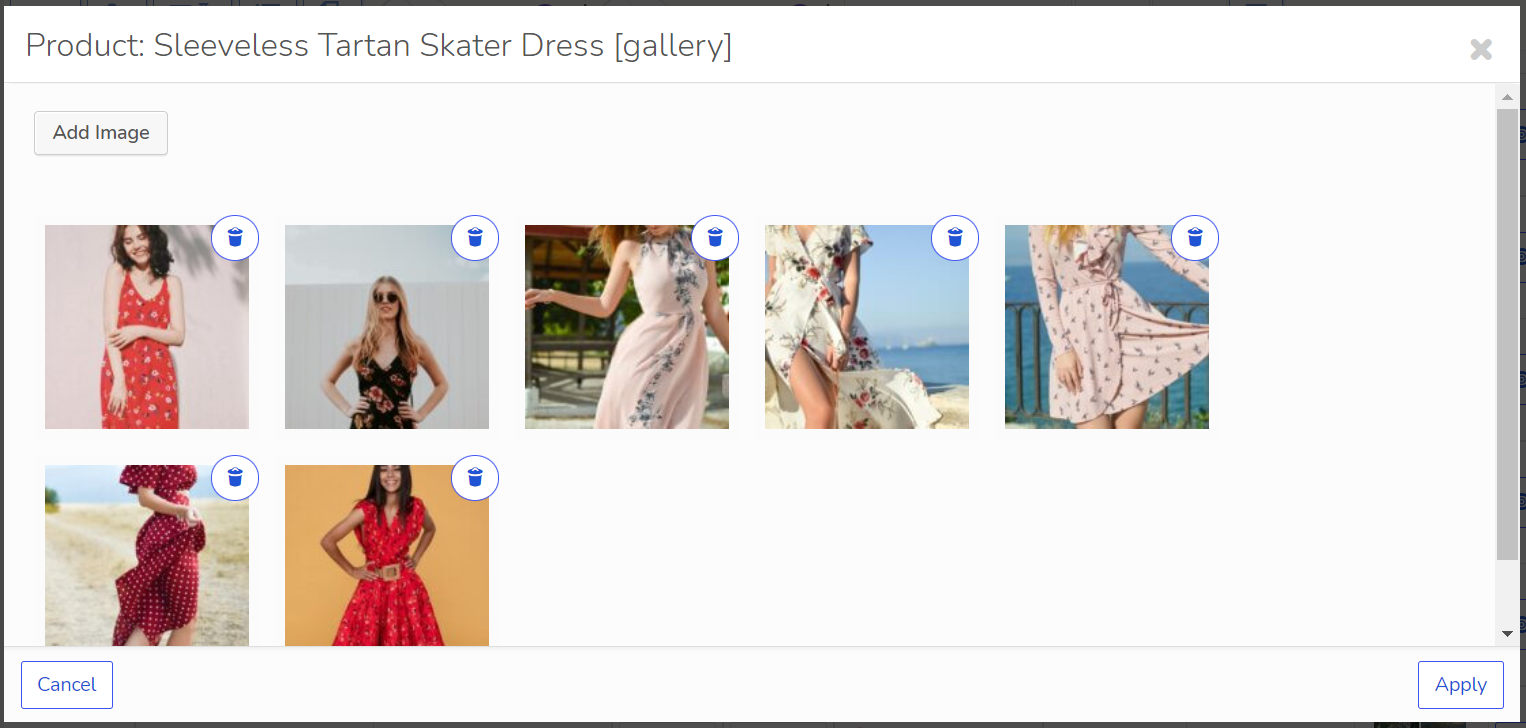
- Fix about gallery-button update after img is removed
- New feature: you can now create a woobe.css file in your current WordPress theme folder to fully customize the BEAR admin panel’s appearance
1.1.4.6
1.1.4.5
- security fix, thanks to Satrya wira yudha and patchstack.com
1.1.4.4
- security fix, thanks to Dhabaleshwar Das and patchstack.com
1.1.4.3
- security fix, thanks to Rafie Muhammad and patchstack.com
- data tables js fix
1.1.4.2
1.1.4.1
- security fix, thanks to Mika and patchstack.com
- some minor fixes
- bulk delete functionality from now is free!!
1.1.4
1.1.3.3
- fixed accidental hard code, hooks added: woobe_hide_filters_by_attribute and woobe_hide_bulk_by_attribute
1.1.3.2
- security fix, thanks to Nguyen Xuan Chien and patchstack.com
1.1.3.1
1.1.3
1.1.2
- quick fix for wordpress 6.0 cache
1.1.1
- quick fix for search panel in the products editor
1.1.0
1.0.9
1.0.8.1
- fixes for operations by author
- new hook woobe_product_statuses – allows to add more products statuses
1.0.8
- bunch of small fixes
- ability to set fields empty: https://bulk-editor.com/howto/how-to-set-empty-value/
- hook ‘woobe_storage_type’ to fix filtering if troubles with session https://bulk-editor.com/document/more-settings-implicit/
1.0.7
- 1 jQuery fix for WordPress 5.6 compatibility
1.0.6.3
- renaming WOOBE to BEAR
- code sanitizing
- 1 fix for export links
1.0.6.2
- 1 possible security fix
1.0.6.1
- 1 hot fix in ext\bulk\views\panel.php #663
1.0.6
1.0.5.1
- Hot fix for WordPress 5.3 update
1.0.5
- To remove sale price at all use ‘-1’. Works as for single operations, so for bulk ones.
- New meta field type “Calendar”
- AJAX page jumper which allows navigate by products more flexible
- Added fast access filter by: title, sku and products IDs. Enter data and press Enter
- Feature. Now it is possible to convert simple product into variative product and this product price will be attached to all variations
- For grouped products added field “Product url” by which it is possible to filter products, so and also edit them in bulk (see tab Additional)
- https://bulk-editor.com/update-2-0-5/
1.0.4
- heap of small fixes
- text search syntax: added operator AND ‘^~’. Example: 360^~cats^!mole – find all strings where is ‘360’ AND ‘cats’ but without ‘mole’.
- new column ‘Visibility’ https://c2n.me/41mlpTi.png
- to variations added shipping class https://c2n.me/41mnEjg.png
- in bulk edit operation to product title now it is possible add its attributes titles https://c2n.me/41mq1Br.png , for example: {attribute:pa-size}
- to products variations tax class added new option as ‘Same as parent’ https://c2n.me/41mmZ13.png
- to tab History added pagination and extended filter there
- new hook ‘woobe_filter_taxonomies_exists_show’ which unlock hidden feature about searching in products existance taxonomies and attributes (its attaching) https://clip2net.com/s/41sMYuT
to current wp theme functions.php file add:
add_filter(‘woobe_filter_taxonomies_exists_show’, function() {
return true;
}); - restriction of variables combinations for export https://clip2net.com/s/41sNuz5 (when swither variables enabled https://clip2net.com/s/41sNnBm)
- wp-admin/edit.php?post_type=product&page=woobe&start_page=25 – start page in link as parameter, temporary measure, in the next version will be added ajax smooth page jumping
- Read article here: https://bulk-editor.com/update-2-0-4/
1.0.3
- Some minor fixes
- Filter by authors
- Filter by catalog visibility
- Bulk edit by author (premium only)
- Bulk deleting (premium only)
1.0.2
- some bug fixes and improvements about serialized (json) meta fields bulk edit
- ALT key removed from Products editor navigation
1.0.1
1.0.0
- Release