
Description
Site Kit is the official WordPress plugin from Google for insights about how people find and use your site. Site Kit is the one-stop solution to deploy, manage, and get insights from critical Google tools to make the site successful on the web. It provides authoritative, up-to-date insights from multiple Google products directly on the WordPress dashboard for easy access, all for free.
Bringing the best of Google tools to WordPress
Site Kit includes powerful features that make using these Google products seamless and flexible:
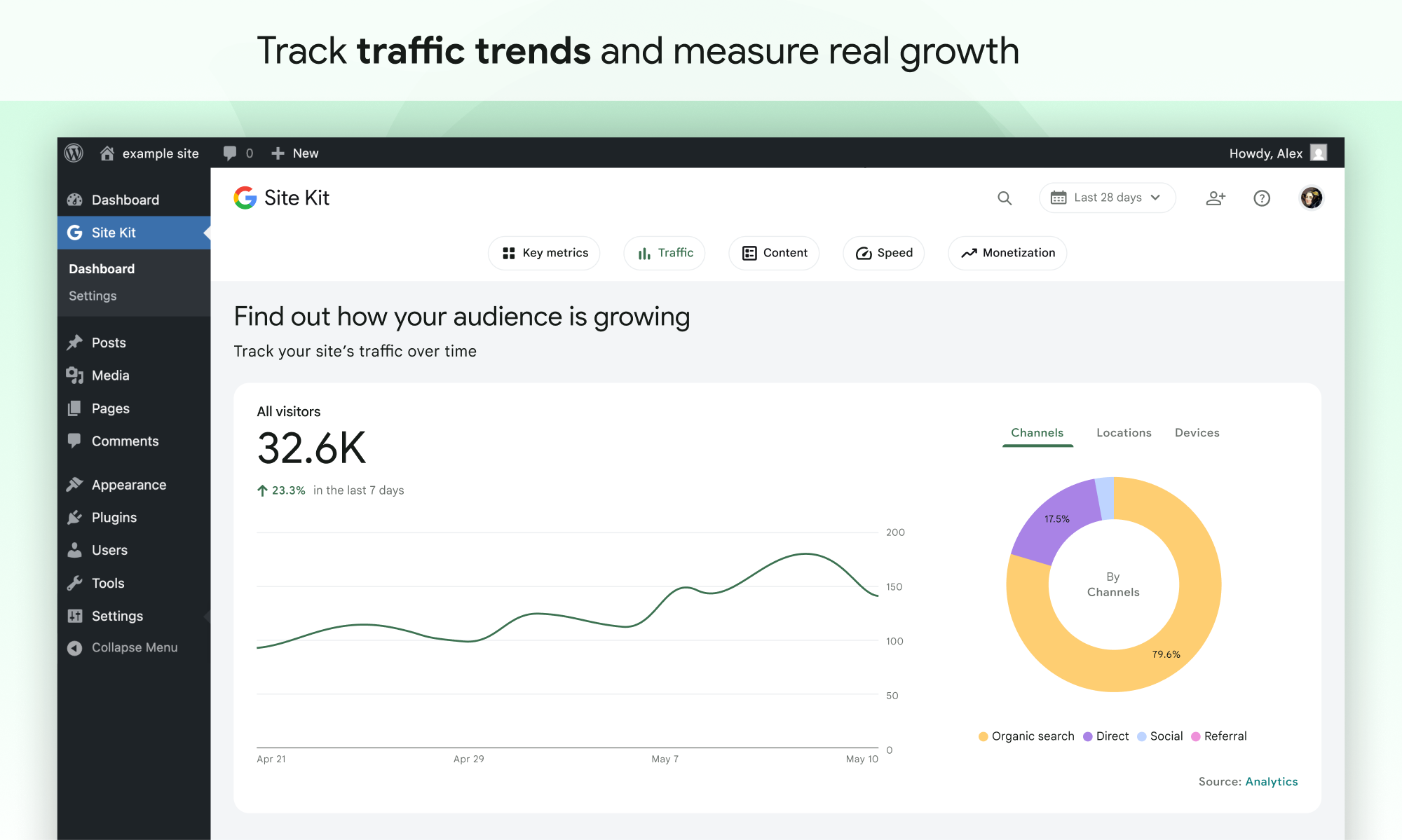
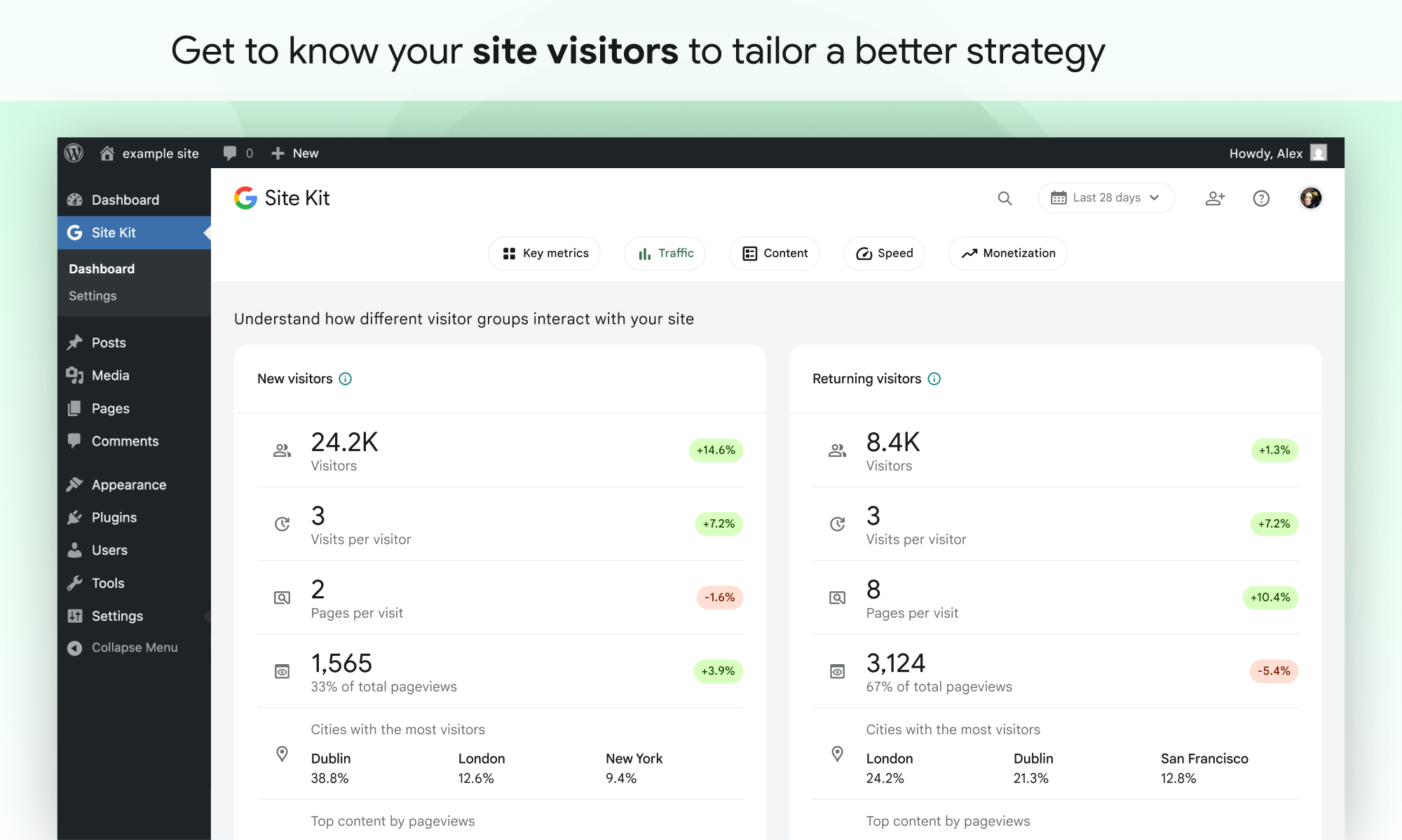
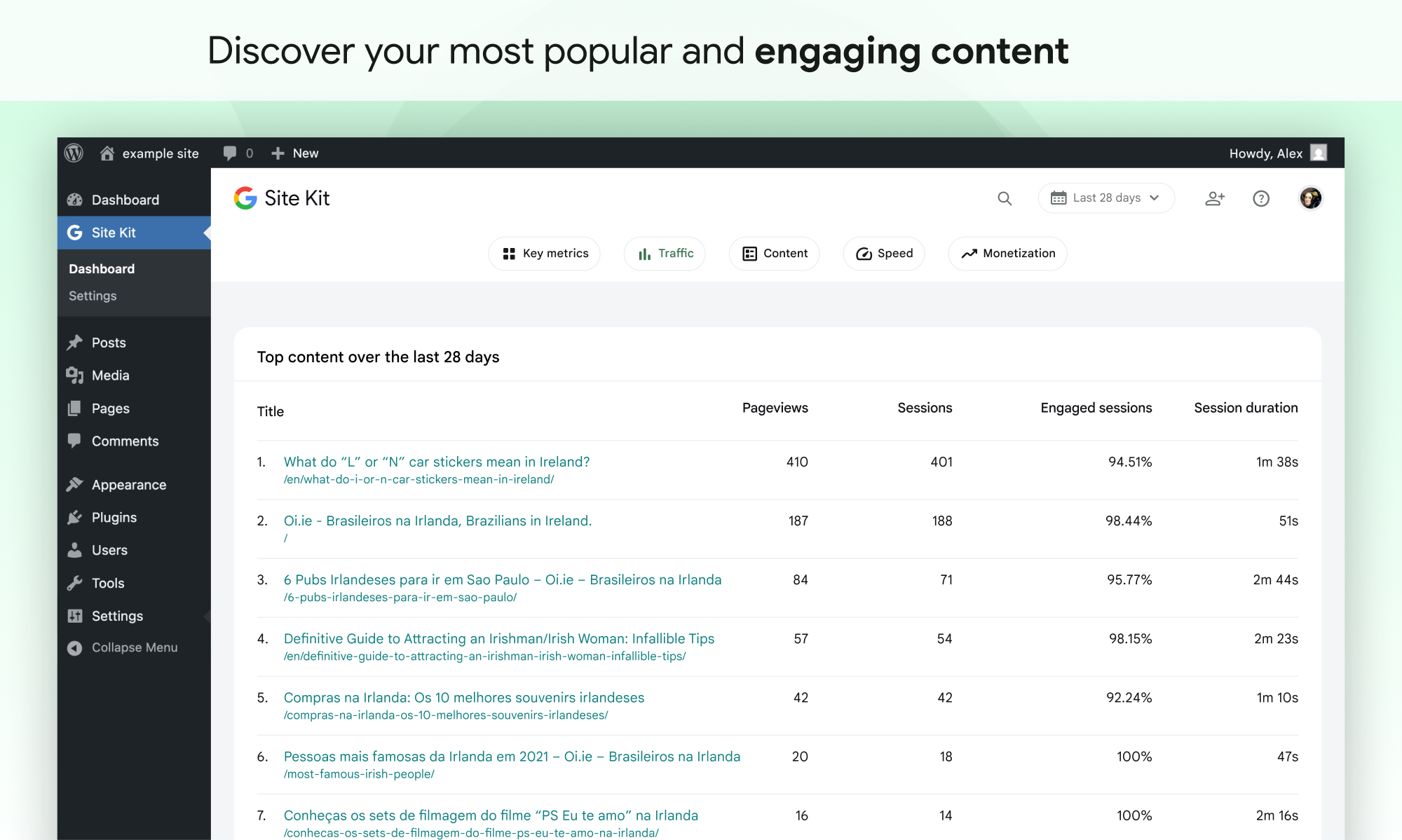
- Easy-to-understand stats directly on your WordPress dashboard
- Official stats from multiple Google tools, all in one dashboard
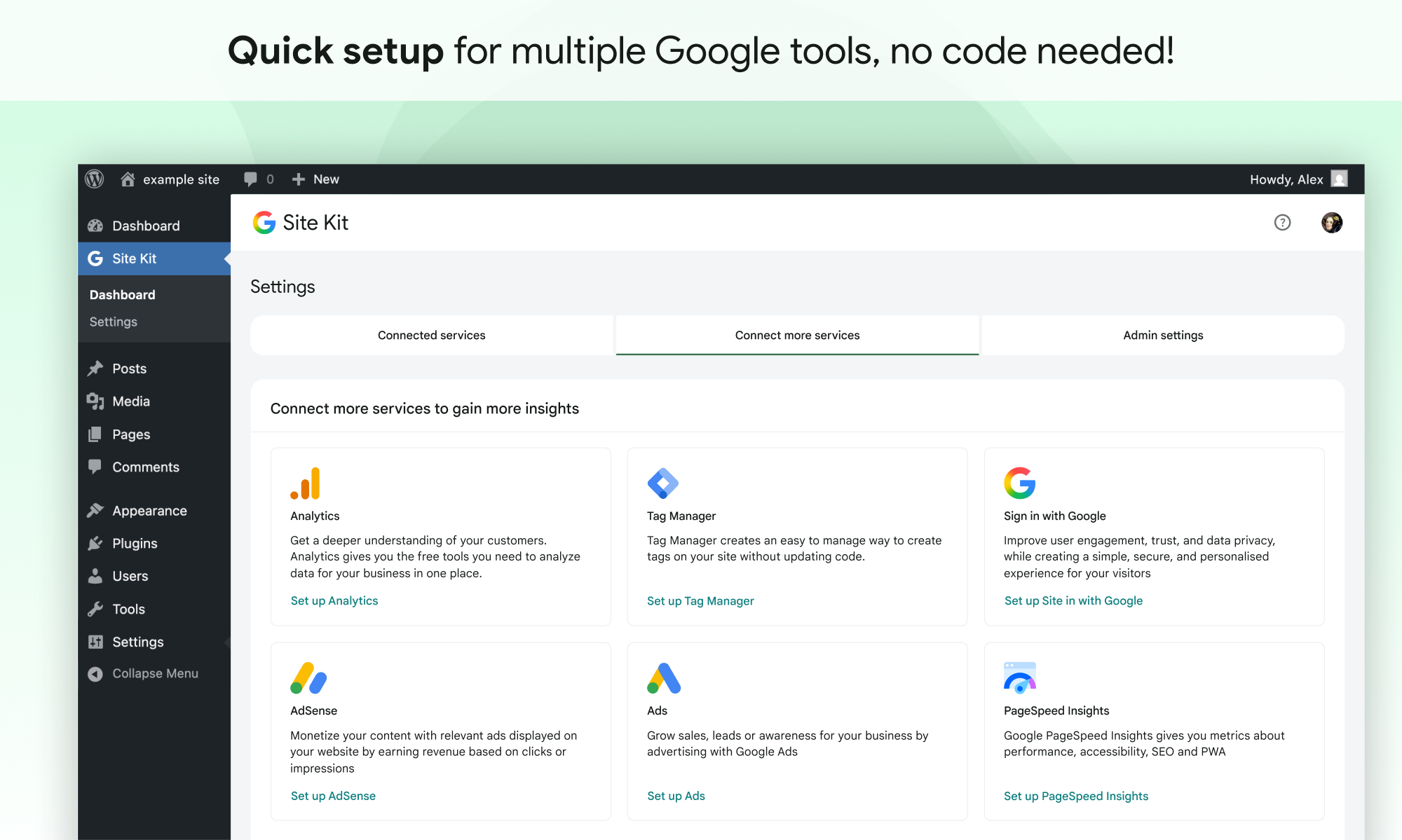
- Quick setup for multiple Google tools without having to edit the source code of your site
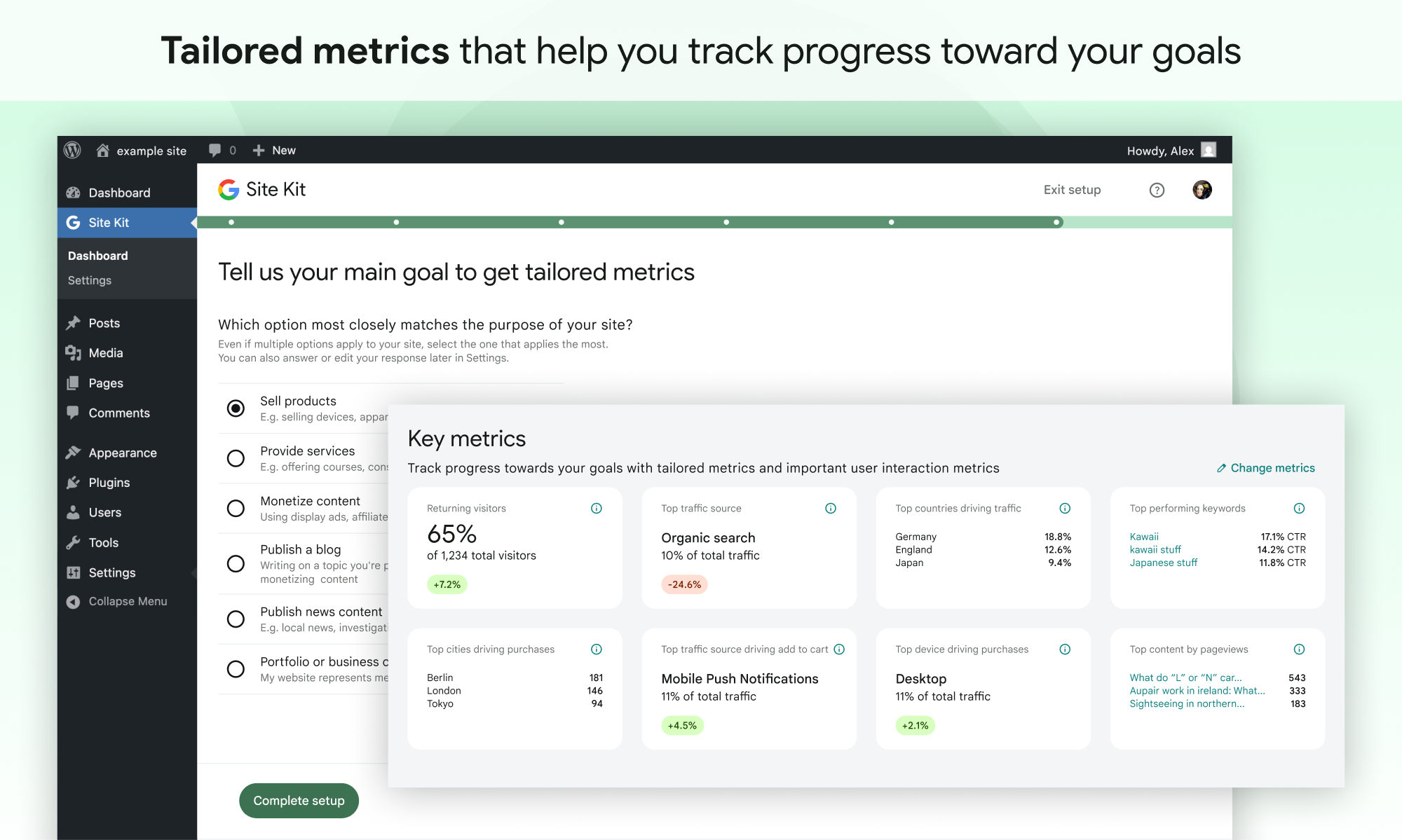
- Metrics for your entire site and for individual posts
- Easy-to-manage, granular permissions across WordPress and different Google products
Supported Google tools
Site Kit shows key metrics and insights from different Google products:
- Search Console: Understand how Google Search discovers and displays your pages in Google Search. Track how many people saw your site in Search results, and what query they used to search for your site.
- Analytics: Explore how users navigate your site and track goals you’ve set up for your users to complete.
- AdSense: Keep track of how much your site is earning you.
- PageSpeed Insights: See how your pages perform compared to other real-world sites. Improve performance with actionable tips from PageSpeed Insights.
- Tag Manager: Use Site Kit to easily set up Tag Manager- no code editing required. Then, manage your tags in Tag Manager.
- Sign in with Google: Allows visitors to sign up and log in to your site with their existing Google account.
- Reader Revenue Manager: Helps you grow, retain, and engage your site visitors via subscription, contribution, newsletters, surveys, and custom prompts.
- Ads: Get customers and sell more with targeted traffic from Google Ads.
Screenshots
Installation
Note: Make sure that your website is live. If your website isn’t live yet, Site Kit can’t show you any data. However, if you have a staging environment in addition to your production site, Site Kit can display data from your production site in the staging environment. Learn how to use Site Kit with a staging environment.
Installation from within WordPress
- Visit Plugins > Add New.
- Search for Site Kit by Google.
- Install and activate the Site Kit by Google plugin.
- Connect Site Kit to your Google account. If there are multiple WordPress admins, keep in mind that each admin must connect their own Google account in order to access the plugin.
Manual installation
- Upload the entire
google-site-kitfolder to the/wp-content/plugins/directory. - Visit Plugins.
- Activate the Site Kit by Google plugin.
- Connect Site Kit to your Google account. If there are multiple WordPress admins, keep in mind that each admin must connect their own Google account in order to access the plugin.
After activation
- Visit the new Site Kit menu.
- Follow the instructions in the setup flow.
- Go to the main Site Kit dashboard which already displays key metrics from Search Console.
- Connect additional Google tools under Site Kit > Settings. Learn more about which tools are right for you.
FAQ
For more information, visit the official Site Kit website.
-
Is Site Kit free?
-
The Site Kit plugin is free and open source, and will remain so. Individual Google products included in Site Kit are subject to standard terms and fees (if any) for those products.
-
What are the minimum requirements for Site Kit?
-
In order to successfully install and use Site Kit, your site must meet the following requirements:
- WordPress version 5.2+
- PHP version 7.4+
- Modern browser – Internet Explorer is not supported
- Is publicly accessible – it isn’t in maintenance mode, accessible only via password, or otherwise blocked
- REST API is available – Site Kit must be able to communicate via REST API with Google services. To ensure that the REST API is available for your site, go to Tools > Site Health.
-
Why is my dashboard showing “gathering data” and none of my service data?
-
It can take a few days after connecting Site Kit to a Google service for data to begin to display in your dashboard. The “gathering data” message typically appears when you’ve recently set up a Google service (i.e. just created a new Analytics account) and/or your site is new, and data is not yet available for display.
If you are still seeing this message after a few days, feel free to get in touch with us on the support forum.
-
Why aren’t any ads appearing on my site after I connected AdSense?
-
If you’re new to AdSense when you connect via Site Kit, your new AdSense account and your site will need to be manually reviewed and approved for ads by the AdSense team. Ads will not display until your account and site have been approved. Check out this guide for more information about the approval process and timeline.
You can check your approval status in Site Kit by going to Settings > Connected Services > AdSense and clicking Check your site status. This link will direct you to AdSense. If you see “Ready,” your account and site have been approved and should be displaying ads. If you see “Getting ready…,” your account and site are still under review and your site will not display ads until they have been approved.
If Site Kit has successfully added the AdSense snippet to your site and your account and site have been approved, but your site is still not showing ads, contact the AdSense Help Center for assistance.
You can find more information on how Site Kit works with AdSense in our Managing AdSense guide.
-
Is Site Kit GDPR compliant?
-
When using Site Kit, site owners are responsible for managing notice and consent requirements – including GDPR requirements – as described in Google’s Terms of Service.
By default, Site Kit does anonymize IP addresses upon activation of the Google Analytics module. This setting can be turned off in Site Kit > Settings > Analytics > Anonymize IP addresses.
There are a number of third-party plugins that allow you to block Google Analytics, Tag Manager, or AdSense from capturing data until a visitor to the site consents. Some of these work natively with Site Kit by providing plugin-specific configurations. You can find out more about these by visiting our GDPR compliance and privacy page.
-
Where can I get additional support?
-
Please create a new topic on our WordPress.org support forum. Be sure to follow the support forum guidelines when posting.
Reviews


Contributors & Developers
“Site Kit by Google – Analytics, Search Console, AdSense, Speed” is open source software. The following people have contributed to this plugin.
Contributors
“Site Kit by Google – Analytics, Search Console, AdSense, Speed” has been translated into 31 locales. Thank you to the translators for their contributions.
Translate “Site Kit by Google – Analytics, Search Console, AdSense, Speed” into your language.
Interested in development?
Browse the code, check out the SVN repository, or subscribe to the development log by RSS.
Changelog
1.186.0
Enhanced
- Add new “content events” event provider in conversion event tracking to all sites. See #13281.
- Add the initial datastore for the Feature Discovery Hub. See #13245.
- Add the
featureDiscoveryHubfeature flag. See #13243. - Align PDF export survey triggers with the survey audience segments. See #13241.
- Update PDF report titles in download options panel. See #13214.
- Show the title of Ninja Form’s content in Site Goals. See #13156.
- Add the newsletter CTA preview with pop-up and inline views for the Reader Revenue Manager express setup. See #13026.
- Add features menu for mobile and tablet viewports. See #13013.
- Add Email Reporting icon to the header. See #13010.
- Add a dashboard notification prompting users to resume an abandoned Reader Revenue Manager express setup. See #13009.
- Update the Reader Revenue Manager setup CTA banner for the upcoming sign-up form express setup. See #12946.
- Fix the email report section builder leaking the recipient’s locale on the success path. See #12883.
- Fix visual issues with email reports when viewed in Outlook 365 on Windows 11. See #12428.
- Fix various issues with email reports UI/layout. See #12427.
- Include site URL from PageSpeed Insights links. Props Solaris-star, giri256. See #10870.
- Update Sign in with Google to allow usage with sites using WooCommerce’s “open registration”. See #9942.
Fixed
- Fix key metrics click target in PDF report. See #13370.
- Prevent WooCommerce conversion tracking event provider from erroring when an order ID doesn’t resolve to a
WC_Order, for example when the order is a refund. Props mikejb37-byte. See #13270. - Fix issues with long titles in “Top performing keyboards” section in PDF reports. See #13213.
- Fix click targets in PDF report. See #13212.
- Fix bug that could cause the PDF Report generation notice to disappear when the download panel is closed and opened again. Props jibin7jose. See #13175.
- Fix bug that could cause badges to show 0% in some locales. Props Grvilla71, gunjanjaswal. See #12867.