umvielfn

Forum Replies Created
-
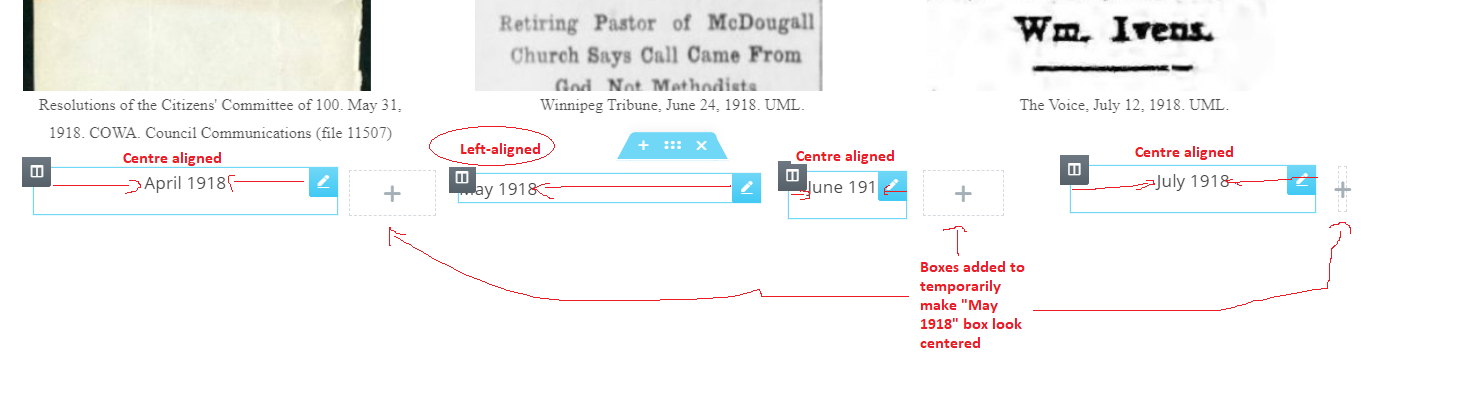
The May 1918 box is the box currently affected as shown here. All the boxes used to default to left-align previously, but you could add html code in the Linked text field in the plugin to make it centered. Anytime you updated the box, it would default back to left-align unless you re-added the html in the same field. When I went to update May 1918, it defaulted back to left-align, but now it no longer can be fixed by re-adding the html. I want “May 1918” to appear centered within the blue editing box that surrounds it. If this needs to be discussed through chat, could you provide me with a link?
Ok, we’ll try that. What about the issue with html no longer working in the “Linked Text” field so that the text can be centre aligned in the pop-up link box?
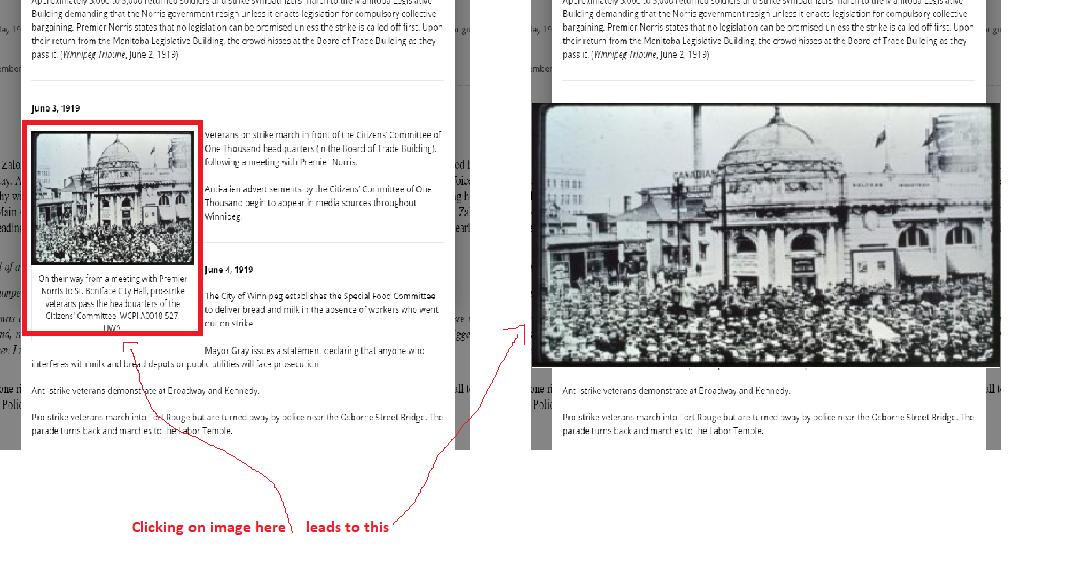
I don’t want the image to appear centered in the pop-up box itself. I only want it to appear centered, and in front of the pop-up box if someone clicks on it, like this.
Since the updates, it pops up behind the pop-up box, so it’s partially obscured, and it appears it’s in the lower right corner.
For the text box, it looks a bit centered now because I added some invisible boxes, but the May 1918 title is left-aligned, and the same thing would happen if I updated any of the other boxes. This is how it looks like in the editing view. I want “May 1918” to appear centered in the blue box around it.
Yes, although it’s happening for all boxes that have images, and I assume it would happen for any title if we updated the remaining boxes, which we may need to do periodically. I’m just avoiding updating boxes now until I can figure out how to re-centre the titles