I posted this again into the Twenty Thirteen support section so I’m going to change the topic to “resolved”. Sorry for the mess 🙁
[contiued at http://wordpress.org/support/topic/image-resizing-doesnt-work-properly?replies=1 ]
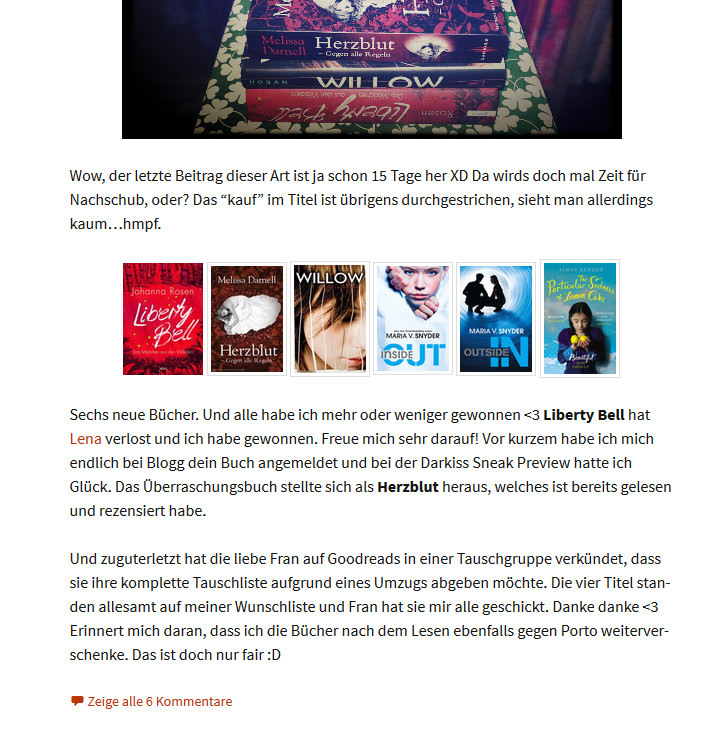
With the “.entry-content img.neuebuecher” part all images get the same size but still not the one I defined. Now they all are 72px × 120px …
It doesn’t even work when I put the sizes directly into the image code like <img src=”blabla” width=”80″ height=”128″>.
Sorry, I didn’t expect anyone to search for the code on my website. It’s actually “.neuebuecher” (= newbooks in german). I cant’ post a link because I’m working with xampp. Didn’t want to destroy my live blog. But I uploaded a screenshot:
http://buecherblog.org/bilder/screenshot.jpg
It’s the basic Twenty Thirteen theme with my database backup and a Child Theme style.css with just the one style from above. No other changes.