methnen

Forum Replies Created
-
Forum: Plugins
In reply to: [M Chart] Please allow us to download M ChartHey Albert.
I didn’t actually discontinue the plugin and removing it from the WordPress Plugins Directory was not my choice.
I intend to do what’s necessary to get it back in the directory. But keep in mind that I work on this plugin when I can find the time around my own job and life with two kids. So I can’t say when I’ll be able to finish the work necessary to do this.
In the meantime you can still download the plugin from Github.
For more info on exactly what the problem is go here:
Forum: Plugins
In reply to: [M Chart] How to generate clustered columns?Closing this since the OP has not replied.
Forum: Plugins
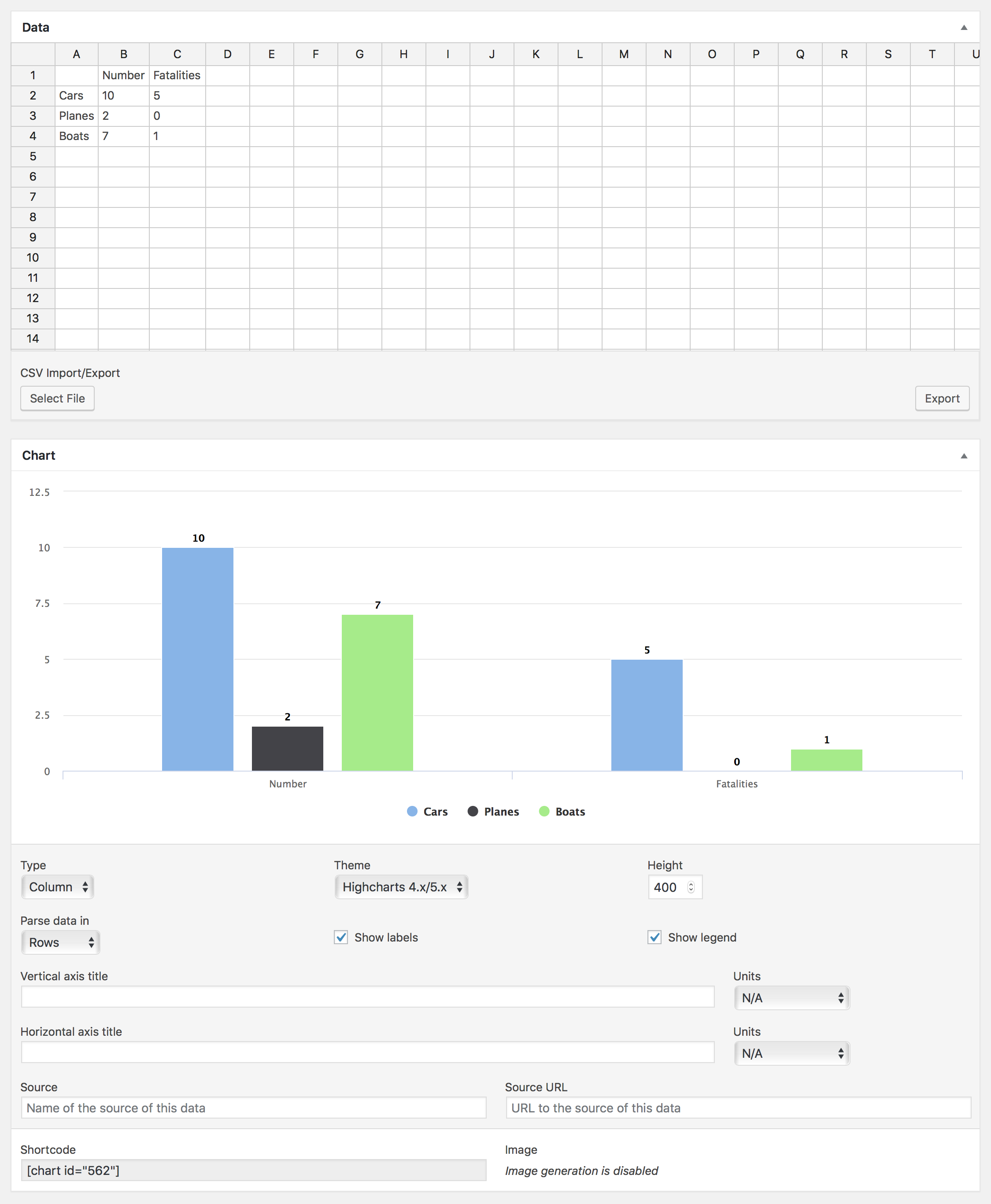
In reply to: [M Chart] How to generate clustered columns?Hey @primalgabe, You mean like this?
https://methnen-dropshare.s3.amazonaws.com/pb-MdD2op4AkV.png
Forum: Plugins
In reply to: [M Chart] Variable Highcharts not foundClosing this ticket since there’s been no replies from the OP.
Forum: Plugins
In reply to: [M Chart] Add gradient to the ThemeHey,
If you click View Options on that demo page you’ll see some gradient settings on the plot options stuff. You’d want to replicate that in M Chart Theme form.
For a bit more on themes please see the WIKI:
Forum: Plugins
In reply to: [M Chart] Changing the colors of the lines in the line chartPlease see the WIKI for an example of how to do this:
https://github.com/methnen/m-chart/wiki/Themes
Also for future reference localhost installs are not visible to anyone else so we can’t actually follow your link.
Forum: Plugins
In reply to: [M Chart] Variable Highcharts not foundThis is not an error I’ve EVER seen reported before and it seems to imply the plugin isn’t available by the time the shortcode tries to retrieve the chart. That’s pretty weird. Is your WordPress install unusual in any way?
Forum: Plugins
In reply to: [M Chart] Problem in Data Import for line chartThis was dealt with in via email.
Forum: Plugins
In reply to: [M Chart] Problem in Data Import for line chartHey Dheeraj,
I’m not quite sure what might be happening without seeing the data and the type of graph your attempting to build. Can I get a screenshot of your chart settings as well the excel file/csv of the data?
If you want to send it all privately feel free to email me at jamie AT methnen.com
Also you got lucky that I just happened to visit the WordPress Plugins page today but generally I don’t see request for help here very quickly and it’s much better to create an issue at Github where I get immediately alerted.
Forum: Plugins
In reply to: [M Chart] WidthOK, this is a weird one and I can’t duplicate it outside of your specific theme.
After looking at it for a bit I think what’s happening is that theme isn’t finished rendering until AFTER the Highcharts code has started rendering the charts. That means Highcharts is doing it’s thing before it knows the width of the containing div.
This isn’t the prettiest solution but probably the simplest fix would be to run the Highcharts reflow function on any charts in the page after small timeout (whatever is enough to give the them time to finish rendering).
Something along these lines SHOULD work:
var m_chart_refresh = {};

(function( $ ) {
	'use strict';

	m_chart_refresh.init = function() {
		setTimeout(function() {
			m_chart_refresh.reflow_charts();
		}, 500 );
	};

	m_chart_refresh.reflow_charts = function() {
		$( '.m-chart' ).each(function() {
			$(this).highcharts().reflow();
		});
	};

	$( function() {
		m_chart_refresh.init();
	} );
})( jQuery );
Obviously you’d want to adjust the timeout to be as small as possible while still reliably kicking in AFTER the theme has finished rendering.
Forum: Plugins
In reply to: [M Chart] Unique colour for each column of the chartTerribly sorry for missing your last reply.
I’d look at the CSS styling that is available in Highcharts. I’m pretty sure you could do something like that via a CSS selector.
https://www.highcharts.com/docs/chart-design-and-style/style-by-css
Forum: Plugins
In reply to: [M Chart] WidthHey,
Sorry again for the delay. Life has been busy. Looking at that page I’m pretty sure the div that the chart is inside of is not a full width div which is why you aren’t getting a full width chart.
You’ll notice if you make the browser window small enough the chart is acting responsively.
Forum: Plugins
In reply to: [M Chart] WidthHey vandsimy I’m glad you like the plugin.
I’d need to see the specific case where this is happening to figure out what might be happening.
There’s nothing in particular in the code that should ever be limiting the width to 600px when a chart is embedded in a post and I’ve actually never seen this issue crop up before.
Forum: Plugins
In reply to: [M Chart] Unique colour for each column of the chartHey october,
I can’t get alerts on WordPress.org support requests so I sometimes miss these for a bit since I have a full time job that actually pays.
Highcharts (which is used to draw the charts) does not do this by default.
However, using the theme functionality you could add a theme that does this.
See this JS Fiddle that shows someone doing what you want:
In M Chart theme form that would look like this:
<?php

/**
 * Theme Name: Bar/Column Rotated Colors
 */

return array(
	'colors' => array(
		'#59a80f',
		'#9ed54c',
		'#c4ed68',
		'#e2ff9e',
		'#f0F2dd',
	),
	'plotOptions' => array(
		'column' => array(
			'colorByPoint' => true,
		),
	),
);
The colors can be whatever you want and as many as you want.
Forum: Plugins
In reply to: [M Chart] Unique colour for each column of the chartNot sure why my first reply isn’t showing up. So trying again.
Apologies on the delay in reply. I don’t get alerts on WordPress.org support requests (which is why I encourage using Github for that.
Highcharts does include options to do what you want and it should work via a M Chart theme.
Something like this should work:
<?php

/**
* Theme Name: Bar/Column Rotated Colors
*/

return array(
	'colors' => array(
		'#59a80f',
		'#9ed54c',
		'#c4ed68',
		'#e2ff9e',
		'#f0F2dd',
	),
	'plotOptions' => array(
		'column' => array(
			'colorByPoint' => true,
		),
	),
);