SUBSEO.DE

Forum Replies Created
-
that would be very nice because services like typebot do this already and if you like to use an ai chatbot as leadgenerator it is a must have.
third party tools provide solution for this use case. see youtube. Imagine the possibilities…
Forum: Plugins
In reply to: [AI Engine - The Chatbot, AI Framework & MCP for WordPress] Own GPTsi need GPTs integration now! In the Pro Version you say you have support for assistants ?
- This reply was modified 2 years, 5 months ago by SUBSEO.DE.
i will message you via the kontakt form via freemius in the backend .
- This reply was modified 2 years, 10 months ago by SUBSEO.DE.
Update.. forms working again but the linebreak problen and incomplete response thing is still there
- This reply was modified 2 years, 10 months ago by SUBSEO.DE.
Also the response for logged in users gives me linebreaks in the result but if the user is not logged in, i got response without linebreaks! For the same AI Forms prompt.
No Linebreaks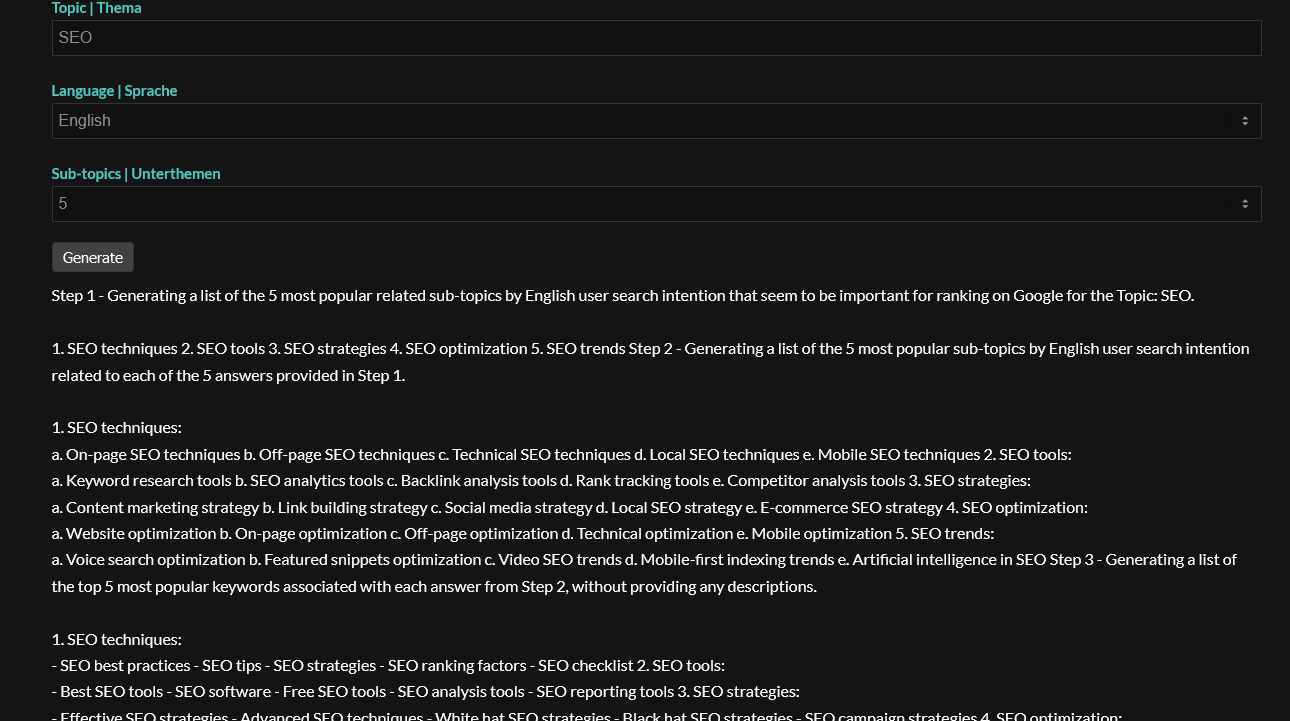
With Linebreaks
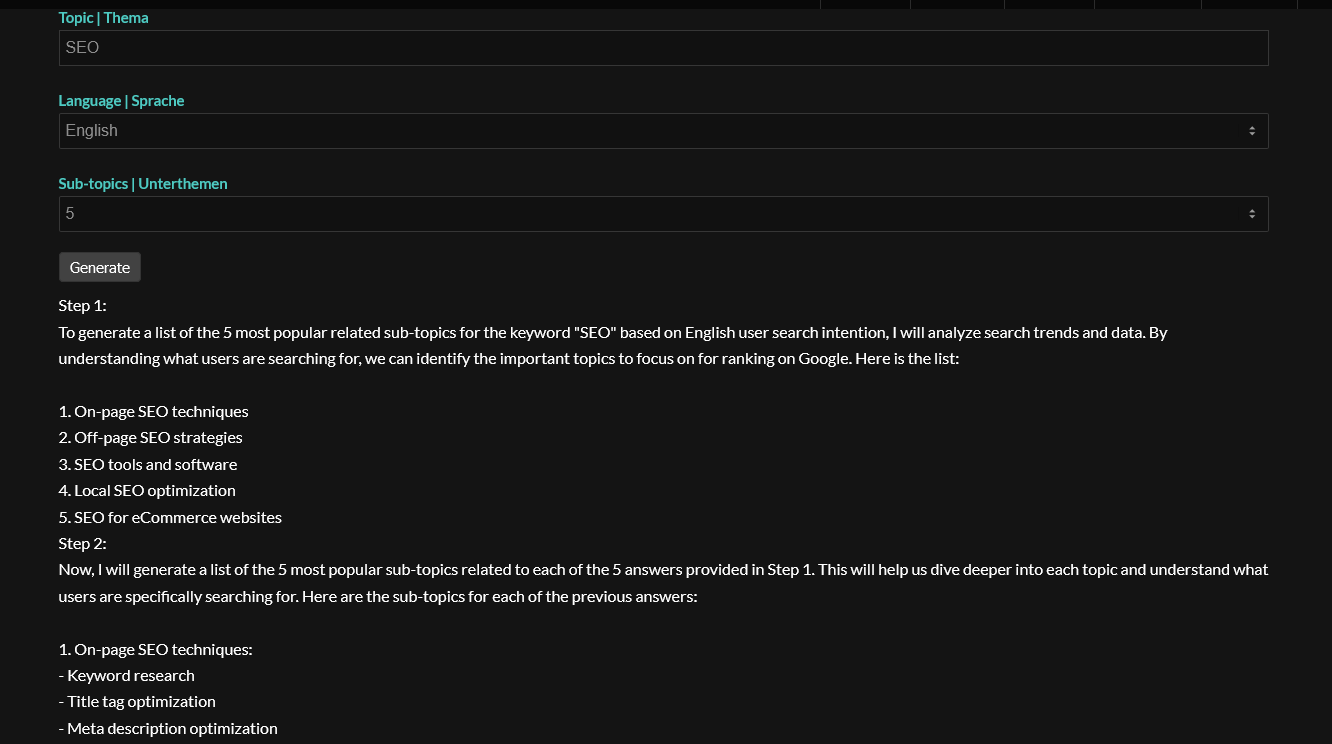
I still have the issue with the missing linebreaks if i use inline view in frontend. regards
Hello, the prompt works but it needs some time like 1-3 minutes. Try it out with keyword “SEO”. Where can i reach you the best way? regards
Would be nice to find some solution here ? Because my tools dont make sense if the output is not complete o broken. Some “continue” button or something else possible? The same prompt works in chatgpt or playground fine.
ok i just changed it to the new model 16k. Token is at 2048. But now i have that message at the end of the response “(continuation in next answer)” . If you are in Playground it works also the same, You have to click to get the full response depending o the prompt. But if you generate text with 4000 and more words from one prompt, you have always this behaviour. Would be nice if you can find a solution or insert some “continue button” please, if possible?
Ok i have the same issue on another site as well. Seems to be the issue is because of the quotation marks
". When using them inside the Welcome Message or inside the aditional context field. Without any quotation marks it works!Yes please add some option, because i think there is some demand. Like this guy may have the same problem. https://wordpress.org/support/topic/you-dont-seem-to-record-the-1st-message-in-chat-history/
Works very well. Im using it for an AI Meta Title Generator. Actually its very clear in the youtube video for me,
Why should even registered users have the option to ‘save as draft’? Save as draft makes more sense to me for site owners themselves. If users come to my site to create AI content, they can just use “Right Click & Copy” to copy the content. Or what do you have in mind for this feature?
Im using this for my SEO Meta Title Generator here. My example is an optional field to give the AI more advice for generating the right content. There is an “options” field where the user can give some more advice for the meta title that should be generated like “insert a call to action with the word: click” or “mention ChatGPT” etc. But this field should be optional for the user to fill in.
Because atm i have to write a Hint for my users on how to handle this field (because you cant leave it empty). See my example screen here. The options field is used to give the aditional advice “insert a call to action with the word: click” . Hope you understand that my request does makes sense. Would be nice if you can support this feature. Thanks!
- This reply was modified 3 years, 2 months ago by SUBSEO.DE.