Dan (a11n)

Forum Replies Created
-
I’m sorry to hear you’re having trouble disconnecting a site from your Jetpack account. As a first step, I’d suggest logging into WP Admin on your site, using each connected account, and then disconnecting the one you don’t want, from Jetpack > My Jetpack > Connection.
If that doesn’t help, could you contact us via this contact form and mention this thread?
Forum: Plugins
In reply to: [WP Super Cache] cURL error 60Hi there. Currently, we primarily provide support in English, but I can try to use a translation tool to assist you.
I’m not 100% clear on what the issue is here, which may be down to the translation, but it seems like you’re encountering a cURL error 60 while testing the plugin on your localhost.
The error you’re seeing is related to SSL certificate validation. This error typically occurs when the local development environment is not properly configured with the necessary SSL certificates.
You’ll need to install an SSL certificate on your localhost to resolve that error, e.g. https://web.dev/how-to-use-local-https/
Hope that helps!
Hi @richardsonchairmakers as confirmed via email, we are working on a fix for the excessive requests, and in the meantime you can pause the image guide from the admin bar when logged in to prevent those hits.
Forum: Plugins
In reply to: [WP Super Cache] Is s-maxage supported by the WP Super Cache config?Yes, that’s correct. You would need to write some custom code to modify the headers before they are sent in order to add an s-maxage directive to the cache-control header.
That’s beyond the scope of support we can provide here, but you can look into the developer documentation here: https://odd.blog/wp-super-cache-developers/
Forum: Plugins
In reply to: [WP Super Cache] how often does wp-cron preloads WP super cache pages?Hi there
There’s a setting to adjust that interval in the Preload tab of WP Super Cache settings
Hope that helps!
Forum: Plugins
In reply to: [WP Super Cache] Problems in trying to view the debug logHi there
By default the file should be found in https://www.domain.org/wp-content/cache/. The plugin does not add any extra directories to that file path.
What is your cache location set to in Settings > WP Super Cache > Advanced?
Do you have any other plugins or custom code that might be responsible for the additional
/newssubdirectory? You can perform a plugin conflict test by disabling other plugins one by one and checking if the issue persists.Do you have any custom settings in your
wp-config.phpfile related to file paths?That’s because the Latest Posts widget is part of WordPress while Top Posts is part of Jetpack, and they are not built the same.
You can check the widget code here to see what filters are available. As JS mentioned, we are not able to help with custom coding.
Hi @akiraanastasia – It looks like you have several different security plugins, which may be blocking our requests. Specifically, the message mentioned above seems to come from the Cerber Security plugin.
Are you able to allowlist our IPs in any security plugins you are using? Alternatively, you might try temporarily deactivating them while you try reconnecting, so you can determine if that’s where the issue lies.
Forum: Reviews
In reply to: [Jetpack Protect] It crashed my siteI’m sorry to hear that your site crashed after installing Jetpack Protect. We haven’t had any other reports of this, so it may have been an isolated incident, perhaps a conflict with something else on your site. If you’d like us to look into it further, feel free to contact us via this contact form and mention this review.
Hi @sabba911
I see we are in touch with you by email now. We’ll keep the communication there for now to make sure we don’t miss anything. Thanks!
Hi there
There isn’t anything in Jetpack that would cause that, unless there’s a bug we’re not aware of. Have you tried temporarily deactivating Jetpack to see if the same issue still occurs?
Beyond the problem with the Media Cleaner, do you experience those session issues in general, getting logged out very quickly? Have you tried a plugin like Persistent Login?
@oscareducation and @firecrackerlead
Could you please start your own thread, as per the Forum Welcome guidelines?
https://wordpress.org/support/plugin/jetpack#new-post
Thank you!
Hi there
Can you confirm, when you’re scheduling posts, are they brand new posts that you added via Posts > Add New, or are they duplicated from existing posts or imported somehow
Could you please post your site URL here so that we can have a look?
If you want it to remain private, you can also contact us via this contact form. If you choose to reach out directly, please include a link to this thread.
Thanks!
Hi there
There does indeed appear to be a network issue affecting the connection. Our requests to the site’s xmlrpc.php file are returning a 503 Service Unavailable error.
I’d suggest contacting your hosting provider and asking them to check their security logs for any blocked requests to the xmlrpc.php file on your site, using the
Jetpack by WordPress.comuser agent.You can also ask them to allow our IP addresses listed here:
Please note that these IP addresses could change (or more could be added) at any time, which could break your connection to Jetpack. For this reason, we actually discourage whitelisting specific IPs, although with some hosts it may be the only option.
Forum: Plugins
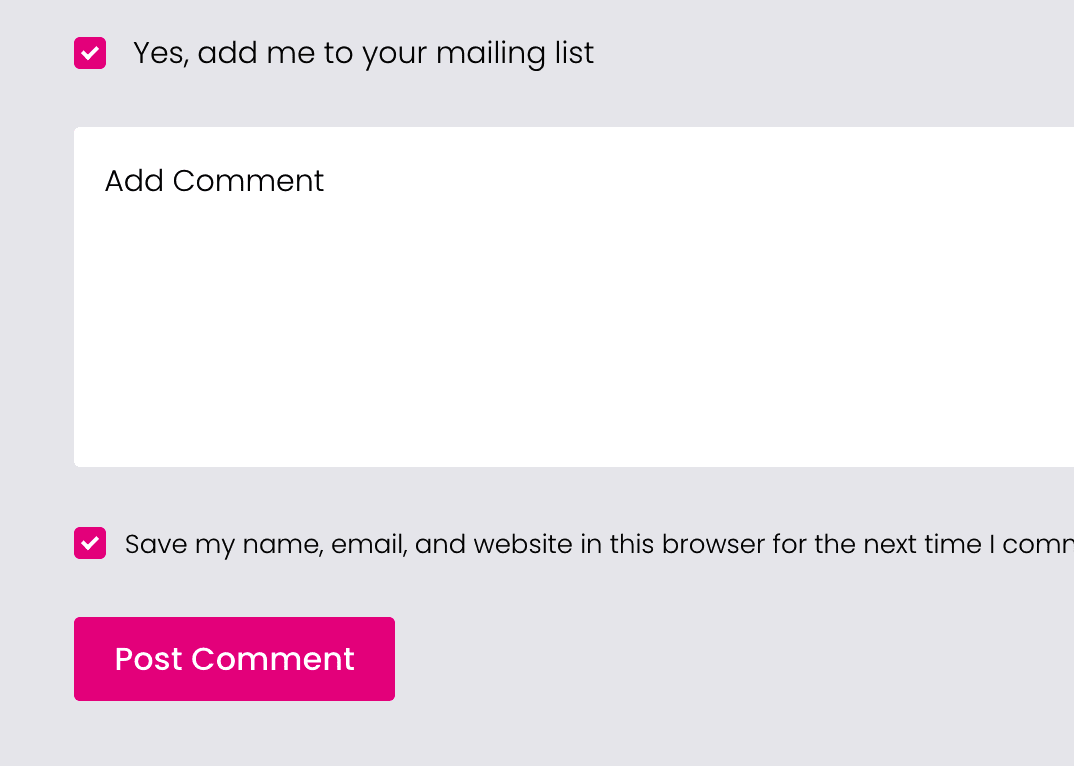
In reply to: [Jetpack - WP Security, Backup, Speed, & Growth] checkbox colorSorry for the delay here. Your checkboxes are looking good now:
Did you manage to get this figured out in the end?