I just updated WordPress 5.7.2 and Enfold 4.8.3, to the latest version. I am running Php 7.4.9. Now when I try to upload a large image it says, “Post-processing of the image failed likely because the server is busy or does not have enough resources. Uploading a smaller image may help. Suggested maximum size is 2500 pixels.”
In Media Setting a Large File is set to 2565 x 2565 and the image I’m trying to upload is 1985 x 2563. I don’t want any scaling to be done unless I activate a plugin. Is this possible?
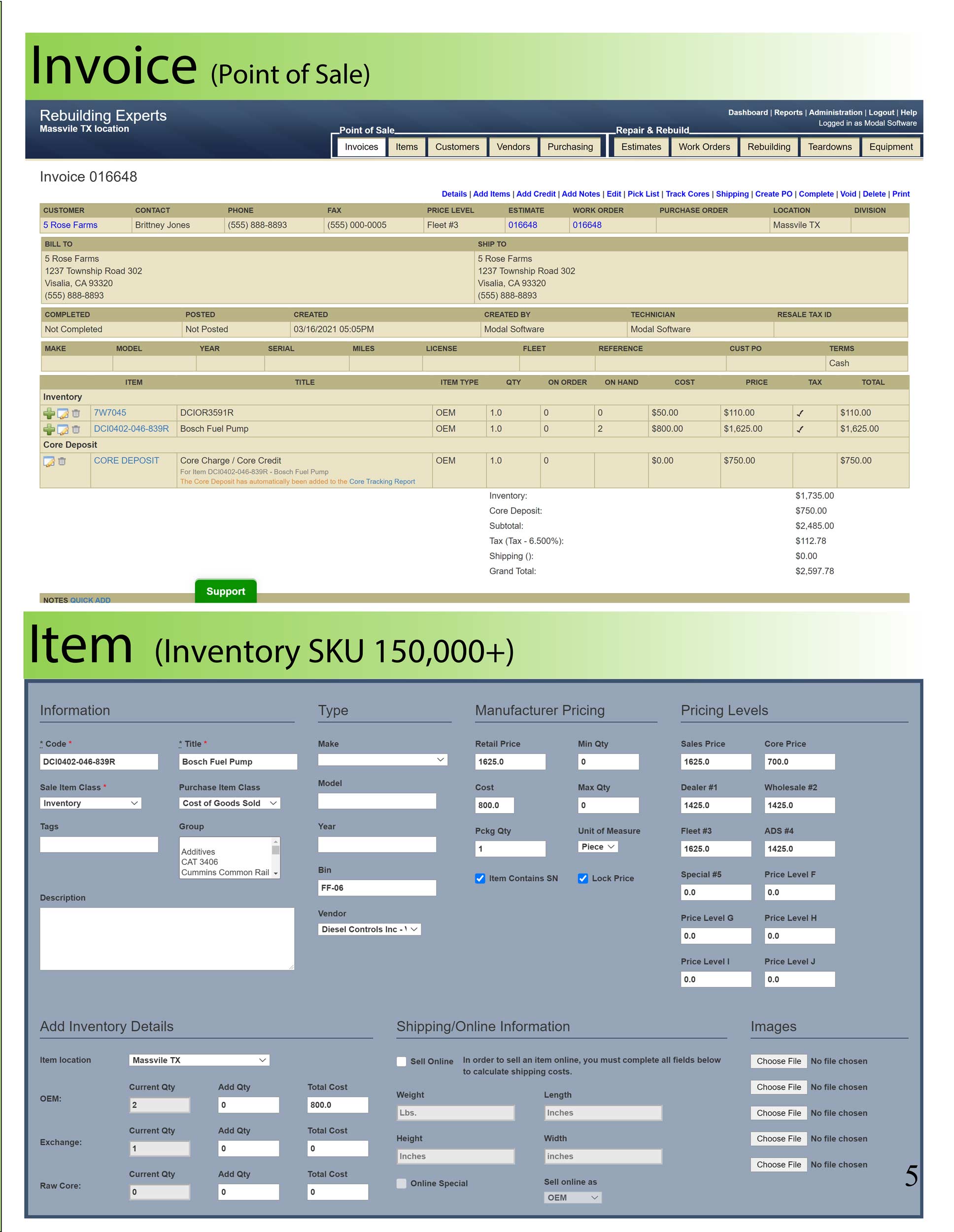
Here’s one that upscales. https://actionrev.com/wp-content/uploads/2021/05/Actionrev-Brochure-Customers-Vendors_1985x2563-scaled.jpg
Here’s an older one that isn’t huge. https://actionrev.com/wp-content/uploads/2021/03/Invoice_Items_P5_2500x1936.jpg
I think I see it now. It says “scaled” at the end… I would assume someone added code to functions.php to scale up images uploaded. I’m assuming this because I disabled plugins and there wasn’t a change after upload. If I’m correct, how would I find this code in functions.php?