• Resolved facsimilebrian

    (@facsimilebrian)


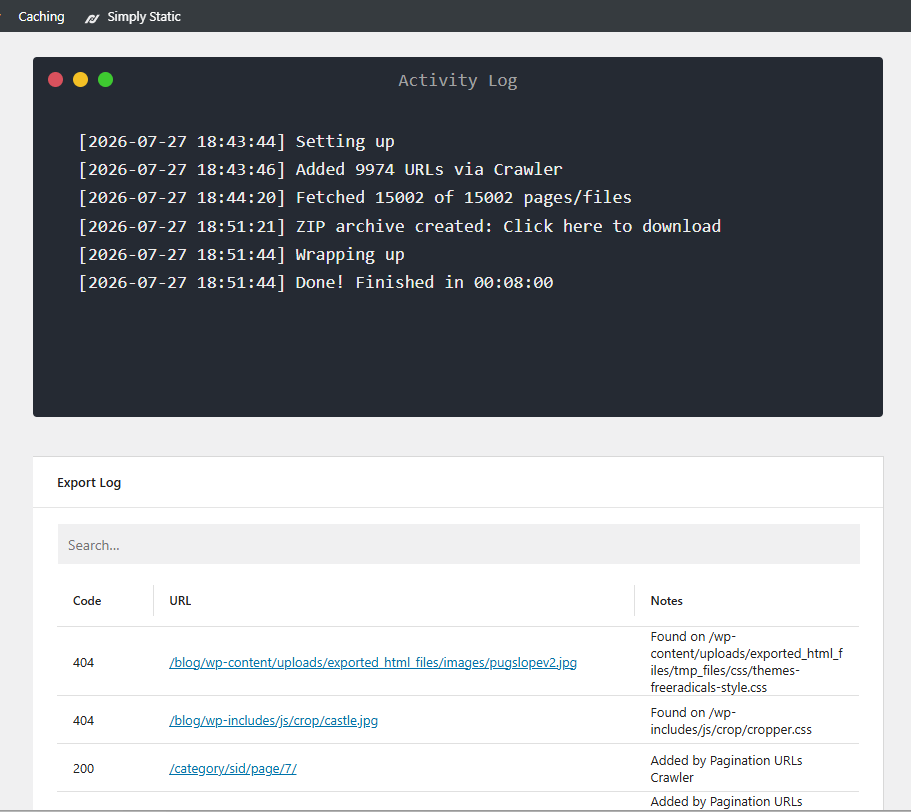
    I have an old WordPress-based blog that I would like to take offline (it is currently hosted on Bluehost) and just have a nice, complete local archive copy I can download and keep on my computer for my own personal use to view without internet access in the future. I don’t even care about hosting the blog somewhere else. I’ve followed the guides and have “Deployment Settings” set to the zip file option. In general settings, I have the “offline usage” option selected. When I press the “Push” button, the activity log does indicate that something is happening. However, when the process finishes (quicker than I might expect as the blog has over 600 posts, all with several photos each), the text “Click Here to Download” is not actually linked, like all the guides show, so I don’t have the ability to download the zip file. I’ve included a screen shot below showing how the text is not linked.

    I’m utterly confused about what may be going wrong here and I can’t seem to find anyone else reporting the same behavior. If there is anything else I can provide to get help with this I would greatly appreciate it. Thank you in advance!

    Simply Static version 3.8.5
Viewing 3 replies - 1 through 3 (of 3 total)
  • Plugin Author patrickposner

    (@patrickposner)

    Hey @facsimilebrian,

    we just fixed that now, sorry!

    Please update to 3.8.6 and re-run the export – the link should now appear correctly.

    Thread Starter facsimilebrian

    (@facsimilebrian)

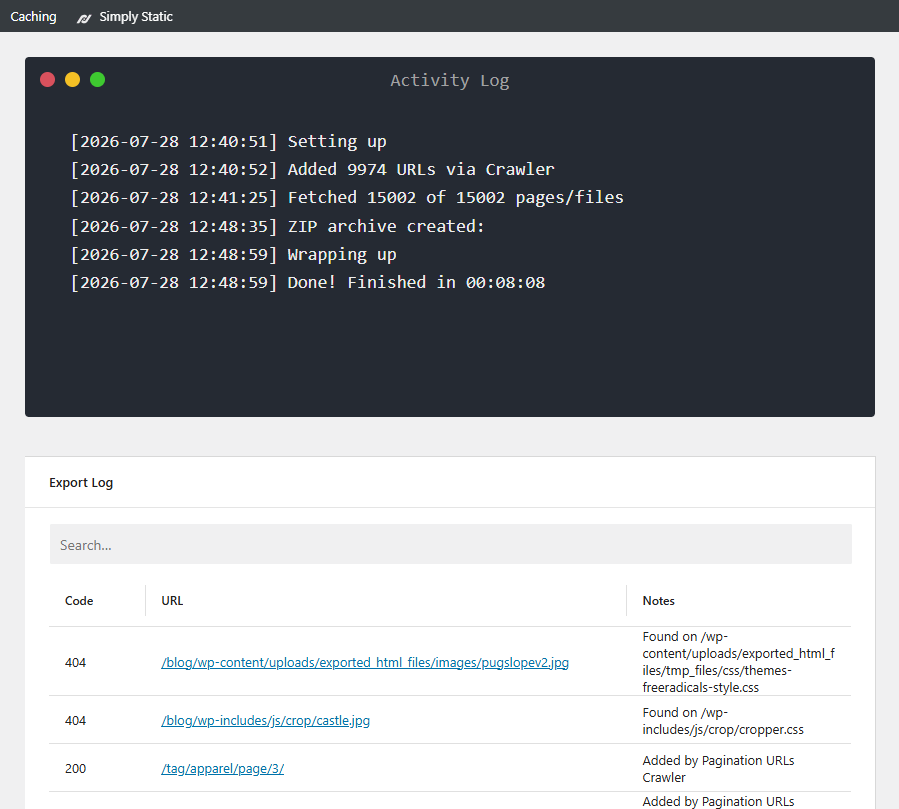
    Thank you so much for the quick reply, Patrick! As you requested, I updated the Simply Static plugin to version 3.8.6 and ran the Push process again, but it still seems to be having an issue. Simply Static’s log indicated that it did create the zip file, but now there is no linked text at all. Here is a screen shot. Am I doing something incorrectly? Also, where does this Zip file get created? Is it on my webhost (Bluehost) or does Simply Static host the zip file? Thank you!

    Plugin Support sr293

    (@sr293)

    @facsimilebrian thanks for reporting this. The ZIP may be written successfully, but Simply Static cannot derive its download URL, resulting in the empty “ZIP archive created:” entry. The team is looking into a fix for this in the next update.

    As a temporary workaround, can you try setting the Temporary Files Directory under Simply Static → Settings → Debug to a writable directory inside wp-content/uploads, then run the export again?

Viewing 3 replies - 1 through 3 (of 3 total)

You must be logged in to reply to this topic.