Hello @rene-michaels ,
I hope you are doing well.
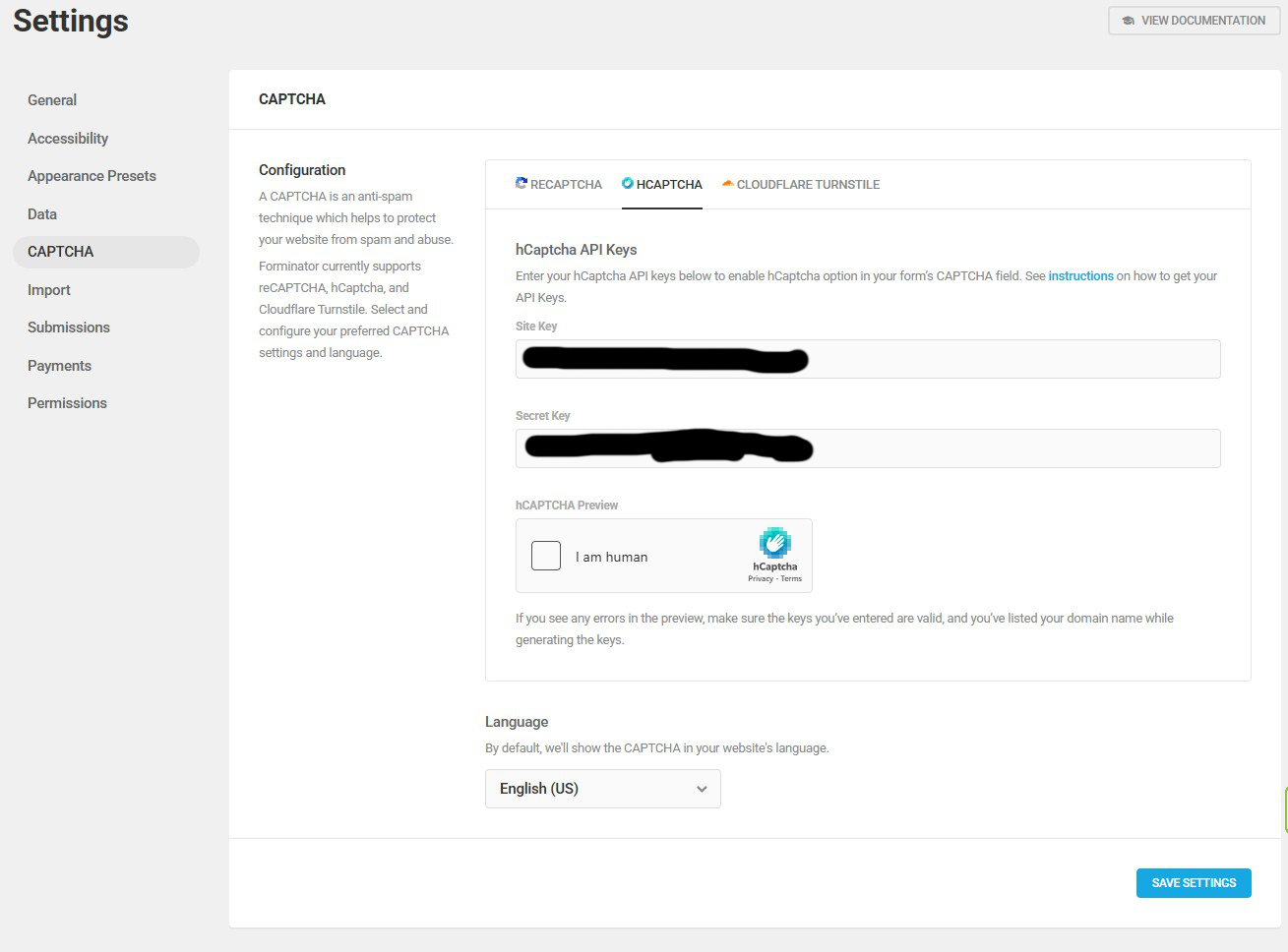
First, you will need to configure hCaptcha from WP Admin > Forminator > Settings > CAPTCHA > Configuration.
Learn more: https://wpmudev.com/docs/wpmu-dev-plugins/forminator/#hcaptcha-settings
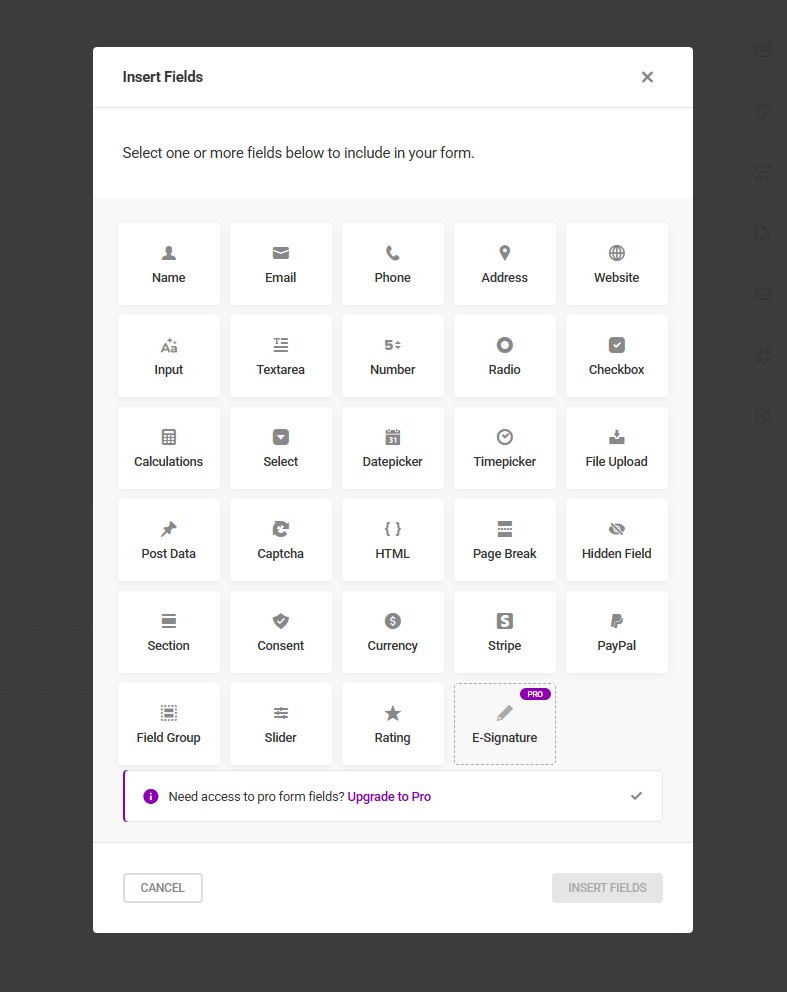
After that, you need to add the Captcha field from the Insert Form Fields section.
Learn more: https://wpmudev.com/docs/wpmu-dev-plugins/forminator/#captcha-field
Once the Captcha field is added, please select hCaptcha from the Captcha Provider.
Learn more: https://wpmudev.com/docs/wpmu-dev-plugins/forminator/#hcaptcha-field
Please make sure you have followed all the above steps. If the issue persists, please share a screenshot of your Insert Form Fields section.
Kind Regards,
Fida Al Hasan
Hello @rene-michaels
Thank you for sharing the screenshots. I was able to check those, and it seems you are looking for the hCaptcha field in the Insert Fields module
Please note that there is no dedicated “hCaptcha” field that will appear in the field selection. To add hCaptcha to your form, you will need to select the “Captcha” field as highlighted in the screenshot here https://monosnap.ai/file/xMBX9N28MNv76FqKvk04ZqkCZExpNm
After you add the “Captcha” field, you will then need to select hCaptcha as the provider. Please refer to the screenshot here https://monosnap.ai/file/6s8qMtG58V9uHFBmxNDdI1xEBhmW73
Here is the guide you can refer to: https://wpmudev.com/docs/wpmu-dev-plugins/forminator/#hcaptcha-field
Once done, you can click on Apply and check the form on the frontend, it should start showing the hCaptcha.
Please let us know how it goes.
Kind Regards,
Saurabh