• Resolved AzureDesigns

    (@azuredesigns)


    Hi
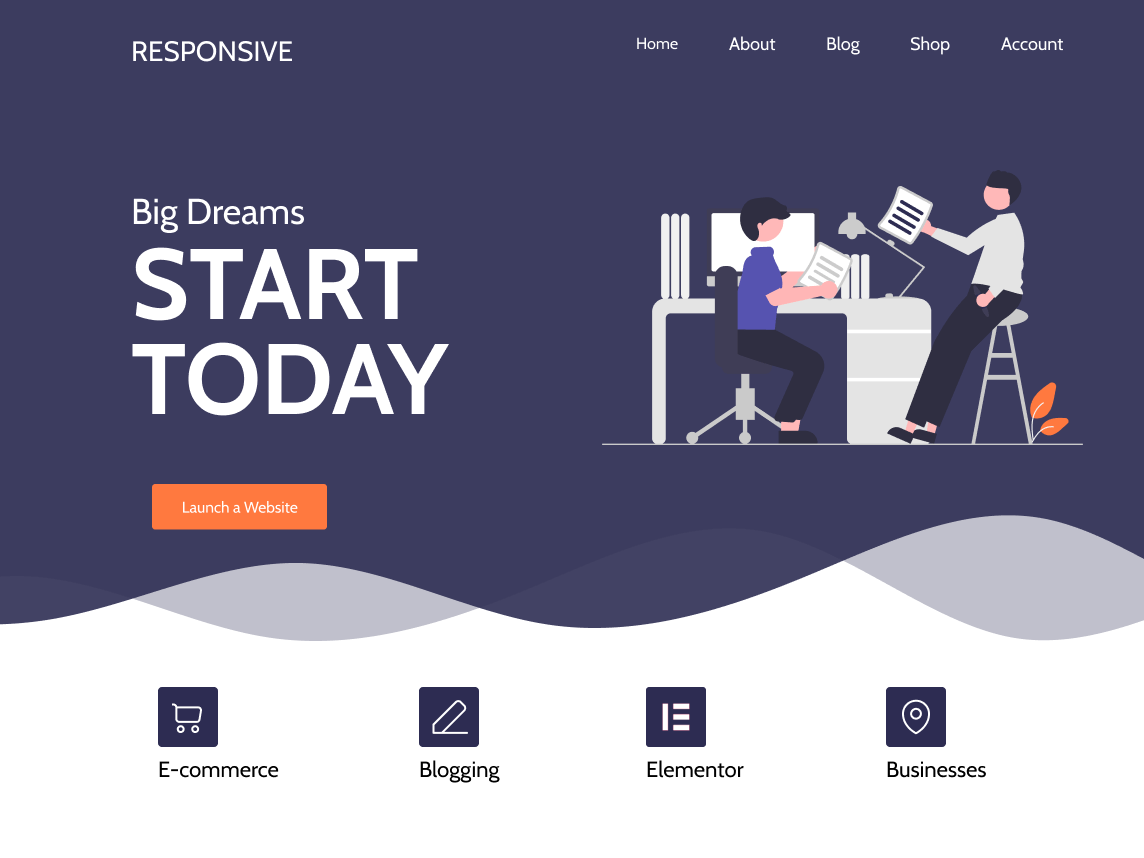
    I would like to have my theme options / Home page (the one that overrides the WordPress front page) as my index page. I have noticed that as I navigate to other pages, there is no way of getting back to the theme options / Home page. I’m sure this is something really basic, but I cannot seem to find the solution.

Viewing 2 replies - 1 through 2 (of 2 total)
  • AzureDesigns, go to theme options in your dashboard, and select Appearance -> customize. There you will see STATIC FRONT PAGE. Selecting this will allow you to toggle between LATEST POSTS and STATIC FRONT PAGE. Select Static front page, and then choose which page you wish to be appear as the front from the drop down menu.

    Thread Starter AzureDesigns

    (@azuredesigns)

    You are a star… I think I was doing things a little back to front, but it works now. I knew it would be something simple. THanks!!!

Viewing 2 replies - 1 through 2 (of 2 total)

The topic ‘Theme Options / Home Page’ is closed to new replies.