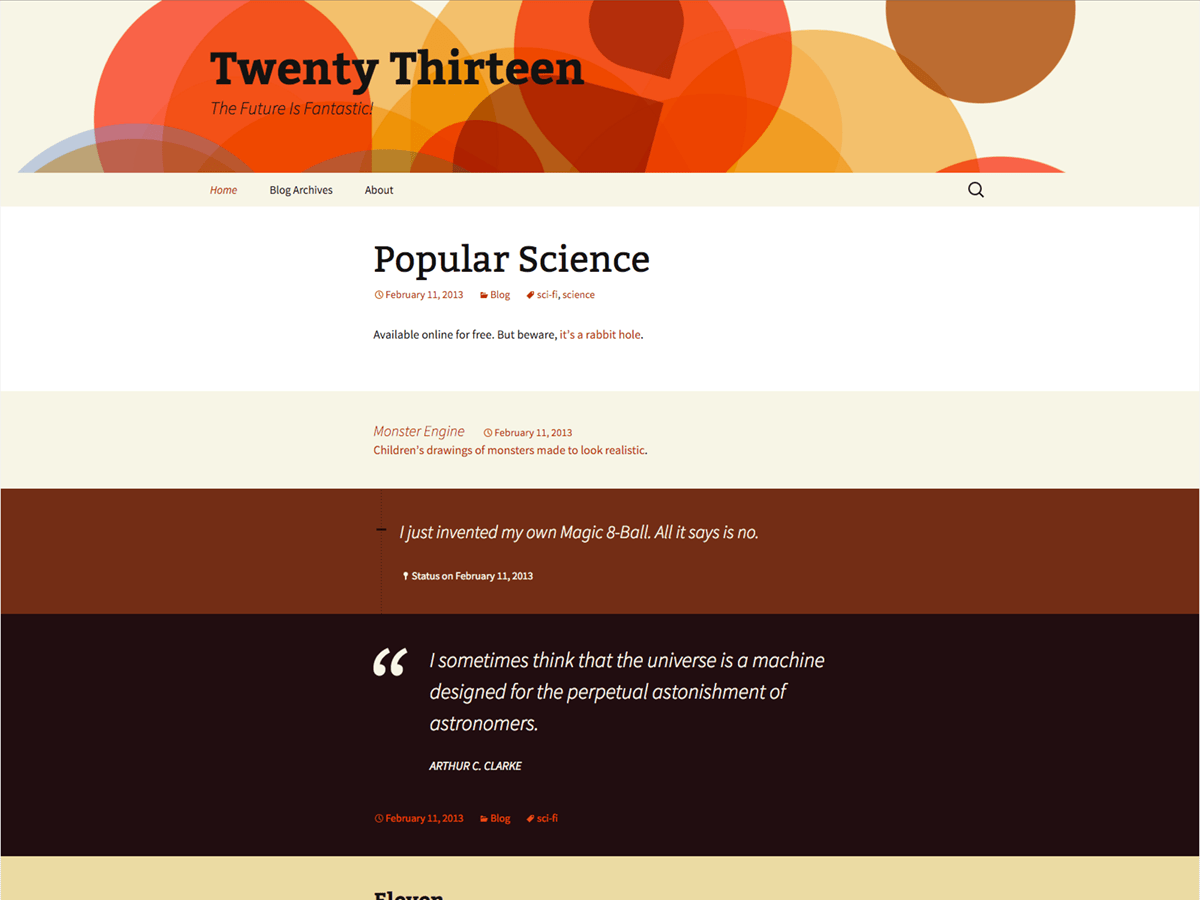
Twenty thirteen has a css editor.
If you click on “appearance” you will find “edit Css” in the bottom,
If you dont have it try to switch to twenty fourteen or fifteen.
Make sure that your wordpress is up to date and that your theme is up to date.
You shouldn’t be editing the theme files anyway. If the theme gets updated because of feature enhancements, bug fixes, or security patches, or if the theme has to be updated because of a change to the WordPress core, then your changes will be lost. Instead, either create a child theme or use a CSS plugin like Jetpack or Custom CSS Manager if you’re just making CSS changes.
Thread Starter
 goki1
goki1
(@goki1)
Thank you CrouchingBruin,
I would like to use CSS Jetpack plugin, but what CSS changes exactly should I make?
but what CSS changes exactly should I make?
It depends on what you are trying to change. I don’t see anything in your post above that says what changes you are trying to make. For instance, if you want to make all of your post titles blue, then you would add this rule by going to Appearance → Edit CSS (after you activate the Custom CSS option by going to Jetpack → Settings):
.entry-title {
   color: #0000ff;
}
Thread Starter
goki1
(@goki1)
I do not want to change anything.
Please read my first comment above.
I have the issue with my Appearance-editor, there is no editor in my Dashboard?
How could I back my editor?
If you don’t want to change anything, then why would you need the Appearance → Editor?
Some hosts will disable the editor to prevent users from accidentally making changes to a theme (as I mentioned earlier, you generally do not want to make changes to theme files because they will get overwritten the next time the theme is updated). Check your wp-config.php file and see if this line is somewhere inside of it:
define('DISALLOW_FILE_EDIT', true);
You should also disable all plugins and see if that works. Some security plugins will disable the editor as well.
Thread Starter
goki1
(@goki1)
Thank you CrouchingBruin for your answer.
There is a line inside wp-config.php file:
define(‘DISALLOW_FILE_EDIT’, TRUE); // Sucuri Security: Fri, 14 Nov 2014 19:33:55 +0000
I have no Sucuri security plugin for long time.
What is next?
Remove that line from the wp-config.php file and then you should be OK.
Thread Starter
goki1
(@goki1)
Thank you CrouchingBruin again.
After long time I have my Editor again.
Best regards.