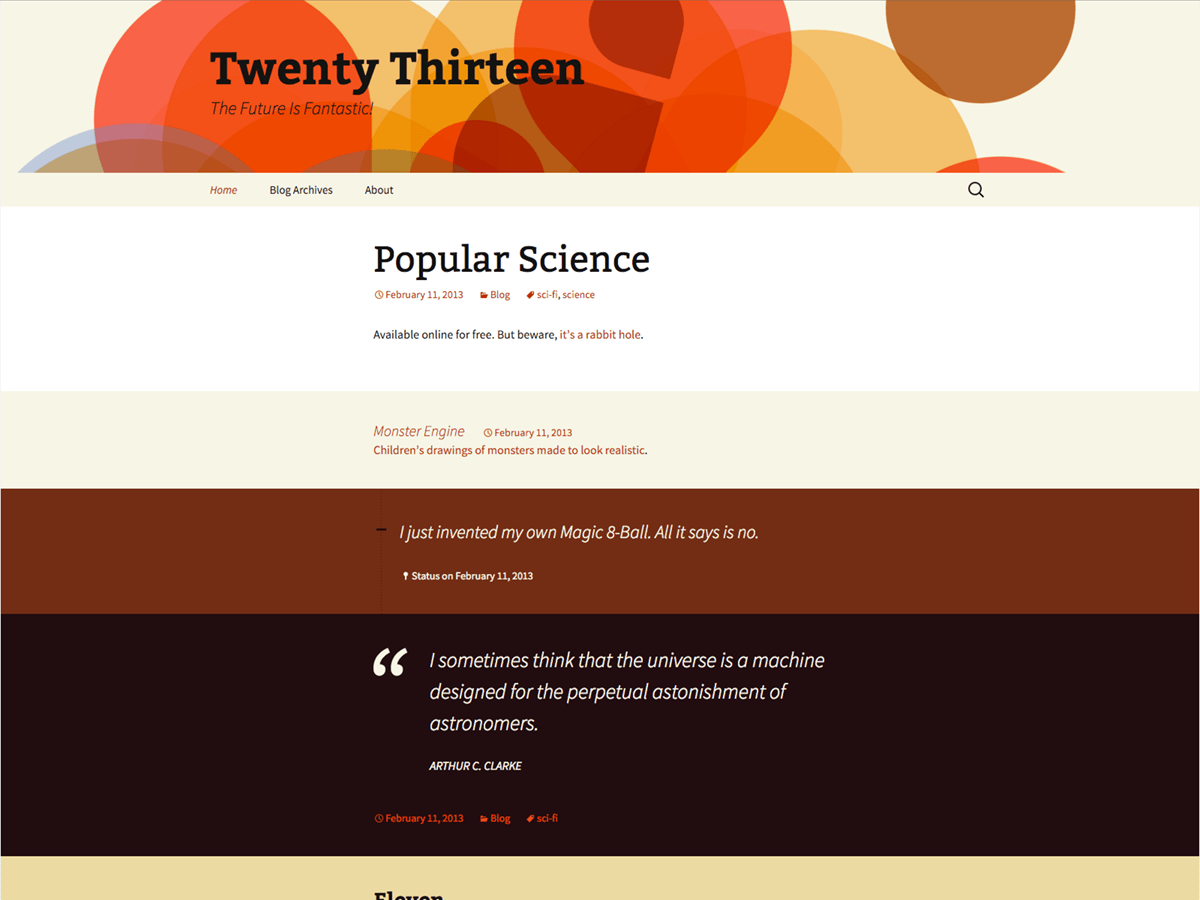
The problem is that for all pages other than the home, you have this rule in your child theme’s CSS file:
.entry-header,
.entry-content,
.entry-summary, .entry-meta {
 max-width: 80%;
 width: auto;

 /* Content Margin*/
 margin-left: 300px;margin-right: 300px;}
It’s the 300px margins that are compressing the content at narrow screen widths (you can also see the same effect if you make your desktop browser narrower).
What you need to add is a media query which defines another rule for different screen widths. For example, most developers will define a media query at 767px, which is the width of an iPad:
@media (max-width: 767px) {
   .entry-header,
   .entry-content,
   .entry-summary, .entry-meta {
       max-width: none;
       /* Content Margin*/
       margin-left: 10px;
       margin-right: 10px;
   }
}
Add the above rule at the end of your child theme’s style.css file. You can change the value for max-width to something higher, if you like.
Notice also that your header image gets cropped at narrower screen widths. This is a known problem for TwentyThirteen (and any theme which sets the header image as a background property). If you are interested in “fixing” it, you can read this post. If you decide to go that route, I would probably leave the site title & description in the header since you’re hiding it with CSS anyway and just add the image tag.
Thank you, that fixed the mobile issue. However, now my margins on a laptop are really wide. This site does not have alot of content so a narrow margin makes it look more appropriate. The home page margins are perfect. Not sure why the other pages are not following the same detentions. Do you know how to fix this?
THANK YOU so much for your help!!
Not sure why this was done, but this rule was changed from this:
.entry-header,
.entry-content,
.entry-summary, .entry-meta {
 max-width: 80%;
 width: auto;

 /* Content Margin*/
 margin-left: 300px; margin-right: 300px;}
To this:
.entry-header,
.entry-content,
.entry-summary, .entry-meta {
 max-width: 80%;
 width: auto;}

 /* Content Margin*/
 {margin-left: 300px; margin-right: 300px;}
Those extra curly braces are preventing the pages from having their original margins. Take them back out.
Oh, wait, you want the indentations the same as the home page. Hang on a few minutes, I need to get to work; I’ll reply in about 45 minutes.
OK, if you want all of your pages to have the same margins as your home page, then change this rule:
.home .entry-header,
.home .entry-content,
.home .entry-summary,
.home .entry-meta {margin: 0 auto; max-width: 960px; width: 100%;}
to this (remove all of the .home from the front of all selectors):
.entry-header,
.entry-content,
.entry-summary,
.entry-meta {margin: 0 auto; max-width: 960px; width: 100%;}
This worked perfectly! Thank you so much!! I’ve been pulling out my hair trying to figure this out. I’m just learning and know just enough to get myself in trouble 🙂
I’m going to work on the header image on mobile devices later tonight–really glad there is a fix for that 🙂
i am using twenty thirteen theme,i want to remove header background image and put the color#1173E6. but i am not able to do this ,plzz help me
plzz consider my problem.i am waiting
@alokanand, you should always open your own thread instead of attaching to another thread. You should also include a link to your site so I can see if you have a child theme installed or not.
Do this:
- Go to Appearance > Customize from the dashboard.
- Expand Header Image
- Click Hide Image
- Click Save & Publish button at top.
- Add the following CSS rule to your child theme‘s style.css file, or by using a CSS plugin like Jetpack or Custom CSS Manager:
.site-header {
   background-color: #1173E6;
}