Hello @wordpressivan007,
Please, follow the steps below. The modification will be included in the next update of the plugin:
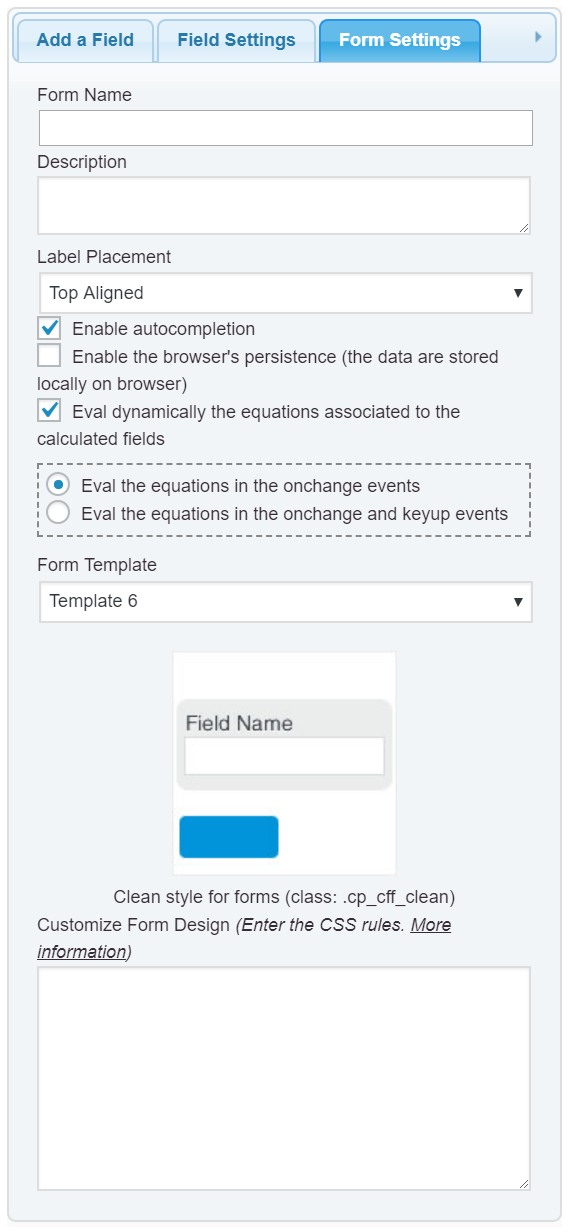
Enter the following style definition into the “Customize Form Design” attribute in the “Form Settings” tab (https://cff.dwbooster.com/images/documentation/form-settings-tab.png)
#fbuilder input,
#fbuilder textarea,
#fbuilder select{line-height:normal !important;}
and that’s all.
Best regards.
Hello codepeople!
There was no change after inserting the code…
Attached image Here
regards
Anibal
Hello @wordpressivan007,
I’ve visited your webpage and the form is displaying fine now.
The form without the last modification:

The form now, the height of fields is lower:

But even if you want reduce more the height, enter the following style definition:
#fbuilder input, #fbuiler select, #fbuilder textarea{padding-top: 10px !important; padding-bottom:10px !important;}
Best regards.
Hello codepeople!
Thank you very much for answering!
Yes, the size of the fields was reduced a bit! But it does not continue even putting the codes that you mention! It only changes in the preview of the plugin and not in the public website.
When we use the last code with 5 px it looks like this in the preview of the plugin: Here
When we use the last code with 5 px it looks like this on the public website: Here
When we use the last code with 8 px it looks like this in the preview of the plugin: Here
When we use the last code with 8 px it looks like this on the public website: Here
When we see how it looks on the web page, there are no changes from 5 px to 8 px or 10 px… There are no changes and it looks identical, it only changes in the preview of the plugin.
regards
Anibal