• Resolved smile0

    (@smile0)


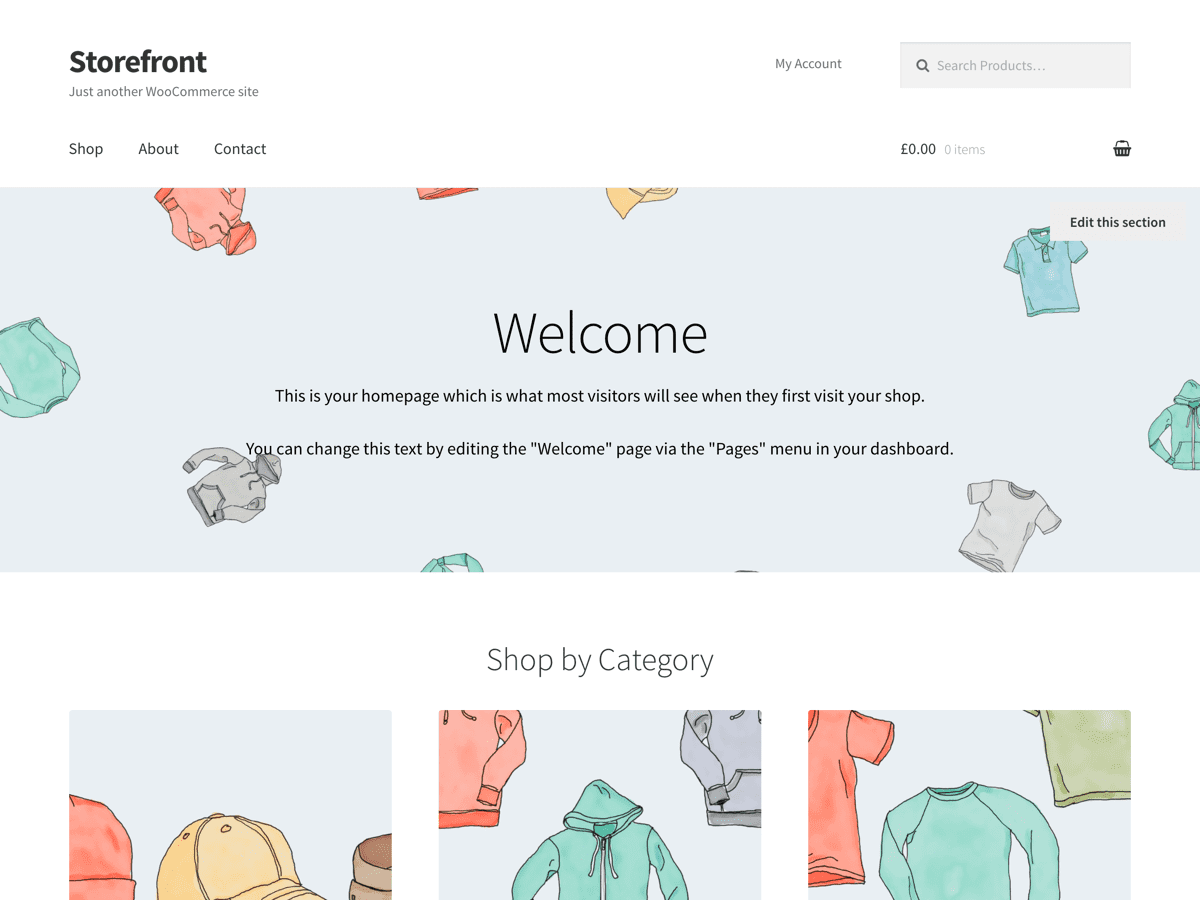
    Storefront Theme Issue – Woo Developers, please remove specified “Alignment” for “Images.” It overrides the alignment we have specified in Elementor, or any theme builder really. It keeps forcing it to the LEFT when we want it to be in tehe CENTER.

    Even the default WordPress Theme, like “Seventeen” doesn’t have this issue. So please fix this for Storefront.

    You can see the issue happening here in this video we made to show you.
    https://www.useloom.com/share/6da76721e8ad4102815dc754221948ef

    Thanks urgently in advance,

Viewing 6 replies - 1 through 6 (of 6 total)
  • Thread Starter smile0

    (@smile0)

    Any thoughts here?

    jessepearson

    (@jessepearson)

    Automattic Happiness Engineer

    @smile0 I’m not following here, can you provide a link where the default Storefront CSS is breaking a layout?

    Thread Starter smile0

    (@smile0)

    Sure, please go to our link here:https://bit.ly/2tfCc0m

    As you can see the “smilie” at the top is forced left even though we have it coded as “center”

    Thanks in advance!

    jessepearson

    (@jessepearson)

    Automattic Happiness Engineer

    Images are block level elements, so text-align: center will not center them. I added display: inline-block to that image and it made the image center how you wanted.


    Link to image: http://cld.wthms.co/PtLaUm

    Thread Starter smile0

    (@smile0)

    Hi Jesse,

    Thank you for reaching out.

    Is that something you can add to the code in the theme itself for a future update?

    jessepearson

    (@jessepearson)

    Automattic Happiness Engineer

    @smile0 No, by default images are block level elements, making them all inline-block elements would break every site using Storefront.

Viewing 6 replies - 1 through 6 (of 6 total)

The topic ‘Storefront Theme Issue – Woo Developers, Remove Specified Alignment for Images’ is closed to new replies.