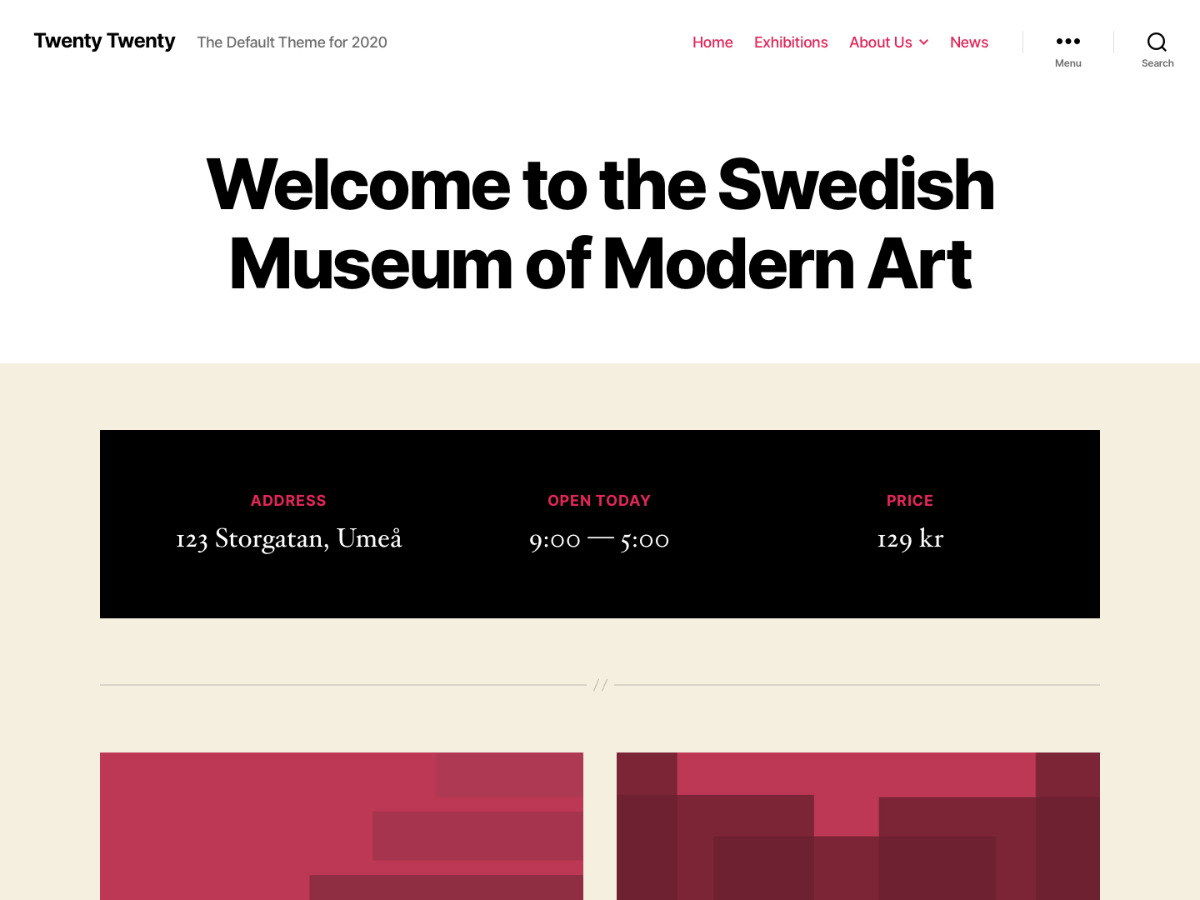
It took a look, and it looks like you’ve managed to get it working as desired. 🙂
Thread Starter
 scriks
(@scriks)
Yes, I don’t know how, but I did it. haha
Thanks @macmanx
Thread Starter
scriks
(@scriks)
Actually it doesn’t always work. I don’t know how. Any guess?
Thanks
This is what I see: https://d.pr/i/D8Tqwv
Are you seeing something different? If so, please try clearing your browser cache: https://www.refreshyourcache.com
Thread Starter
scriks
(@scriks)
No, I see the icons in black, on a dark grey background.
I cleared the cache but the problem is still there.
-
This reply was modified 5 years, 9 months ago by
 scriks.
First, please make sure that your browser is up to date: https://browsehappy.com/
If it is not, please try updating your browser or switching to a different browser.
If it is, please do these two things:
1. Try clearing your browser’s cache and cookies.
2. Try with all browser extensions or add-ons temporarily disabled.
Please let us know how each step goes for you, and which browser (and version of) you’re using if you’re still having trouble.
Thread Starter
scriks
(@scriks)
Hi,
My browsers are all up to date.
I’m working on a Mac and, while on Safari i have no issues, on Chrome I can’t see the right color for the icons.
I guess the problem is on chrome and not on the WordPress CSS.
Thanks @macmanx for the support!