• robaxxx

    (@robaxxx)


    Hi there

    Great little plugin, thanks as always!

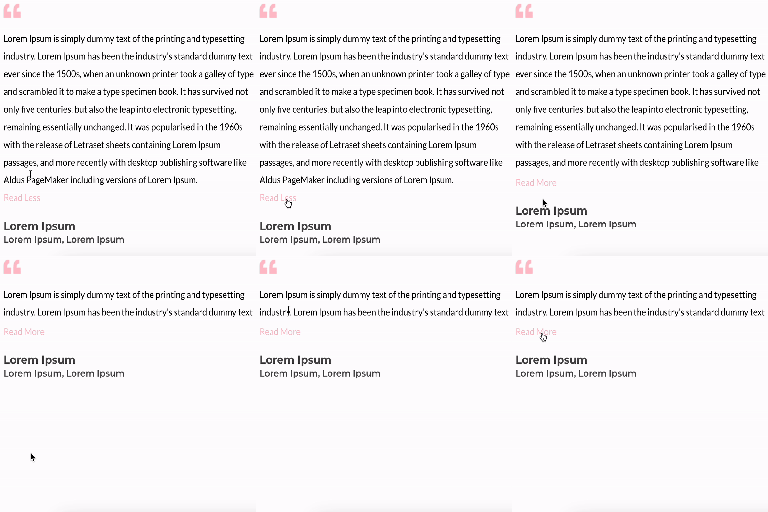
    When one sets the ‘Include Read More’ option to No, it used to unfold the content so it was visible and behaved just like a standard text widget.

    But now there is a 100px height applied inline to the wrapper(content) div that causes content to always be collapsed and without a way to unfold it:

    div class=”fswp-elt–read-more-content” style=”height: 100px;”

    Regards
    Rob

    • This topic was modified 1 month ago by robaxxx. Reason: content div
Viewing 1 replies (of 1 total)
  • Plugin Contributor ckrahul

    (@ckrahul)

    Hi @robaxxx

    Thanks for the clear report! You were right – that was a regression where the container height CSS was still being applied even when “Include Read More” was set to No.

    We’ve just pushed version 1.2.1, which fixes this: the height is now only applied when the Read More button is actually active, so with the option set to No, your content will display fully and behave like a standard text widget again, just as before.

    Could you update to 1.2.1 and confirm it’s resolved on your end? Let me know if you run into anything else.

    Thanks again for reporting it!

    Regards,
    ckrahul

Viewing 1 replies (of 1 total)

You must be logged in to reply to this topic.