hi fatimakyle…
when you use static home page. you also need to select a front page.

I did do that. And it took that page that didn’t have a sidebar, and added a sidebar to it.
This is the page I want to make the homepage:
http://ourladysarmyofadvocates.com/home/
But when I make it the front page, it adds a sidebar to it.
When I go to Customizing>Theme Options>Theme General Options and click “Show Front Page”, it removes the sidebar, but takes the content of the page and squishes it into rows under the “services”. If I go to “Service Options” and disable it on home, then it removes the services, and removes the page content.
-
This reply was modified 9 years, 4 months ago by
 fatimakyle.
-
This reply was modified 9 years, 4 months ago by fatimakyle.
Please give a screenshot of the page where you have the sidebar.
Ok, so these are the two pages where I am changing “Show Front Page” and “Static”.
(See backendshowfront.png and backendstatic.png)
[url=https://postimg.org/image/8l1orlqqh/][img]https://s28.postimg.org/8l1orlqqh/backendshowfront.png[/img][/url]
[url=https://postimg.org/image/yvwp3tehl/][img]https://s28.postimg.org/yvwp3tehl/backendstatic.png[/img][/url]
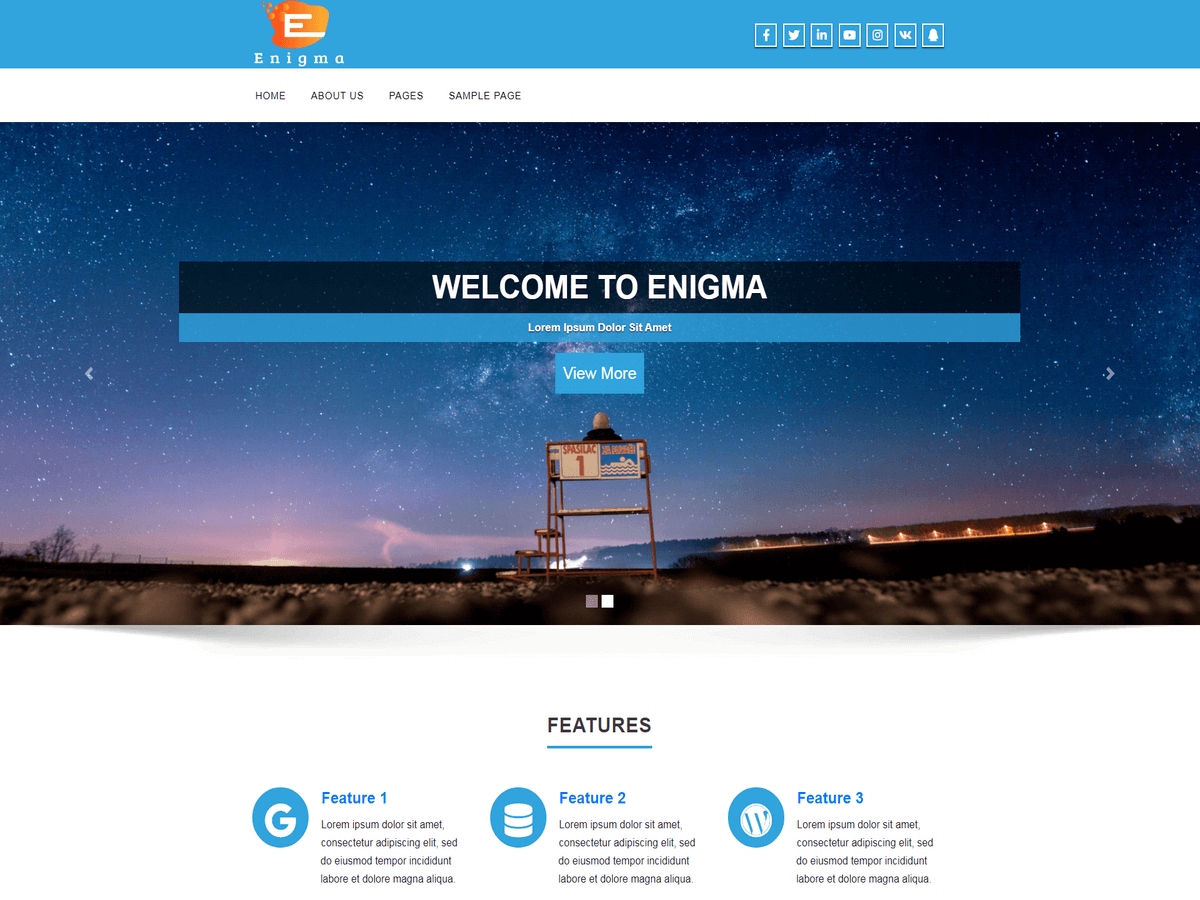
When “Show Front Page” is ON, and “Front page displays” is set to “Your latest post” then the home/front page looks like this:
(See homefrontpage.png)
[url=https://postimg.org/image/w33hjse55/][img]https://s28.postimg.org/w33hjse55/homefrontpage.png[/img][/url]
This is just using the “Services” and “Portfolio” theme options. This looks good, but we either want to add content to that page, or make a new page that is more easily manipulated.
When I turn “Front page displays” to “A static page” then I get this:
(See homestaticfront.png)
[url=https://postimg.org/image/w0jlwyahl/][img]https://s28.postimg.org/w0jlwyahl/homestaticfront.png[/img][/url]
With these settings it seems like it is taking ALL of the content I put on the page, and squishing it under each “service”.
When I turn off “Show Front Page” in “Theme General Options” I get this:
(See homeunshowfrontstatic.png)
[url=https://postimg.org/image/9m1xgq7q1/][img]https://s28.postimg.org/9m1xgq7q1/homeunshowfrontstatic.png[/img][/url]
Where it is the home page that I manually created, but it squishes the content to the left, and adds a sidebar to the right… Even though, when I edit that page, I have it set to “Full Width Page”