Hi @mariontubiana
You can try using the following Code Snippets to restrict the search filter to just use the First Name and Last Name.
add_filter('um_member_directory_general_search_meta_query','um_011022_member_search_specific', 10, 2);
function um_011022_member_search_specific( $meta_query, $search_keyword ){

    $meta_query = array(
        'relation' => 'OR',
        array(
            'meta_key'  => 'first_name',
            'value'     => $search_keyword,
            'compare'   => 'LIKE',
        ),
        array(
            'meta_key'  => 'last_name',
            'value'     => $search_keyword,
            'compare'   => 'LIKE',
        ),

    );

    return $meta_query;
}
You can add the code to your theme/child-theme’s functions.php file or use the Code Snippets plugin to run the code.
Regards,
Hi @mariontubiana
Are you using a custom user meta table? You can confirm it in WP Admin > Ultimate Member > Settings > Misc > “Enable custom table for usermeta”. Is it checked?
Regards,
@champsupertramp No, the “Enable custom table for usermeta” isn’t checked
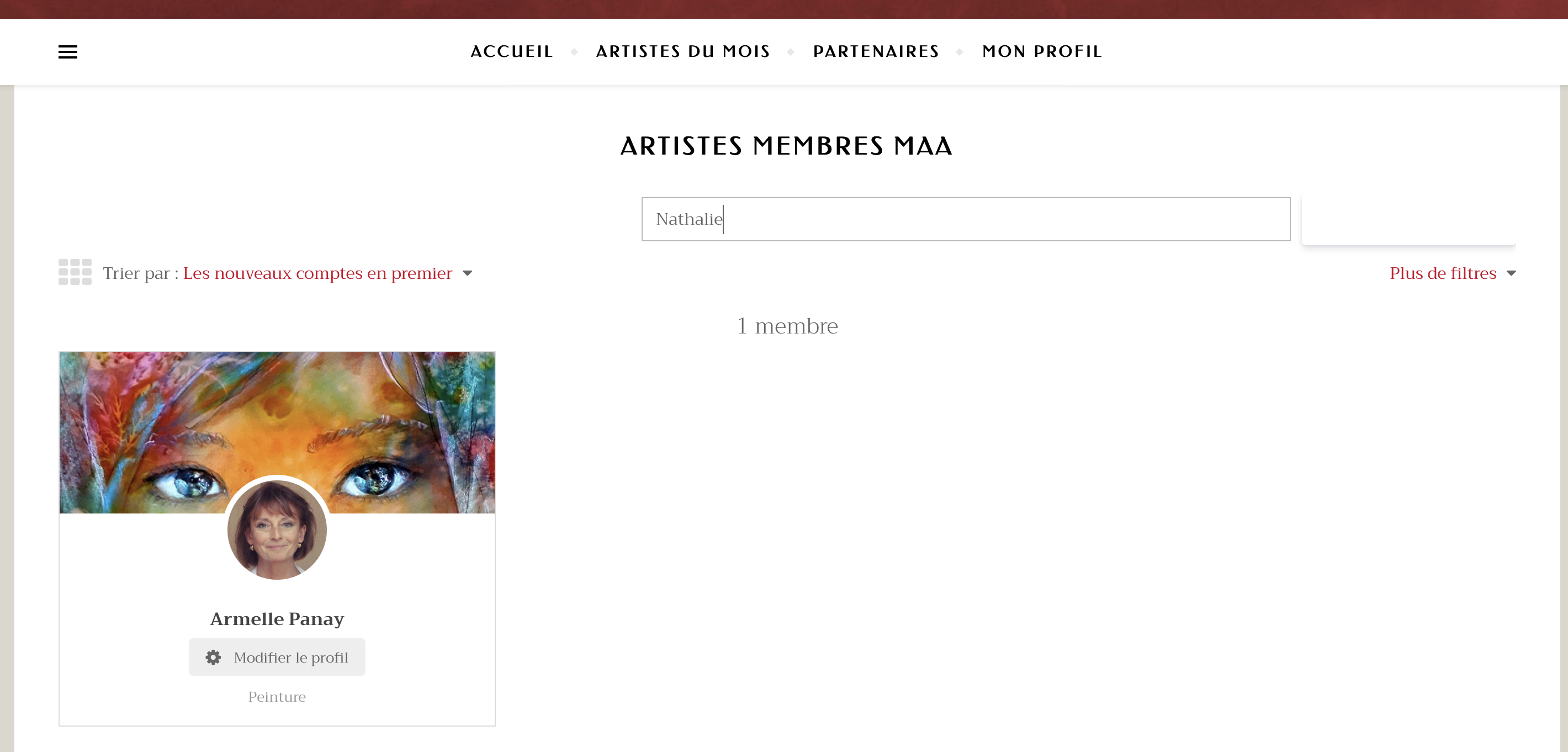
Besides, I take this screenshot to emphasize the fact that the button appears really odd with my theme (it works with the other themes tested).
I don’t know why it appears cut off and not clickable
Hi @mariontubiana
Please try adding this code. This should search the first name and last name fields only:
add_filter("um_general_search_custom_fields","um_011122_member_search_specific_field");
function um_011122_member_search_specific_field( $custom_fields ){

    return array('first_name','last_name');
}
As for the button, do you have a link to your member directory page so I can see the issue and then see if I can create CSS code to fix the issue?
Regards,
Hi @champsupertramp
The code works fine for the search function, thank you very much!
You rock in the UM team I’m super happy!
For the button, I also asked the question to the developer of the theme because it seems that the button works with the others but not with my current theme …
Here is the link for my member directory page :
https://mondialartacademia.com/members/
Regards,
Marion
Hi @mariontubiana
I just checked the button and it looks like an issue with the theme. Let me know when the theme developer responds.
Regards,
Hi,
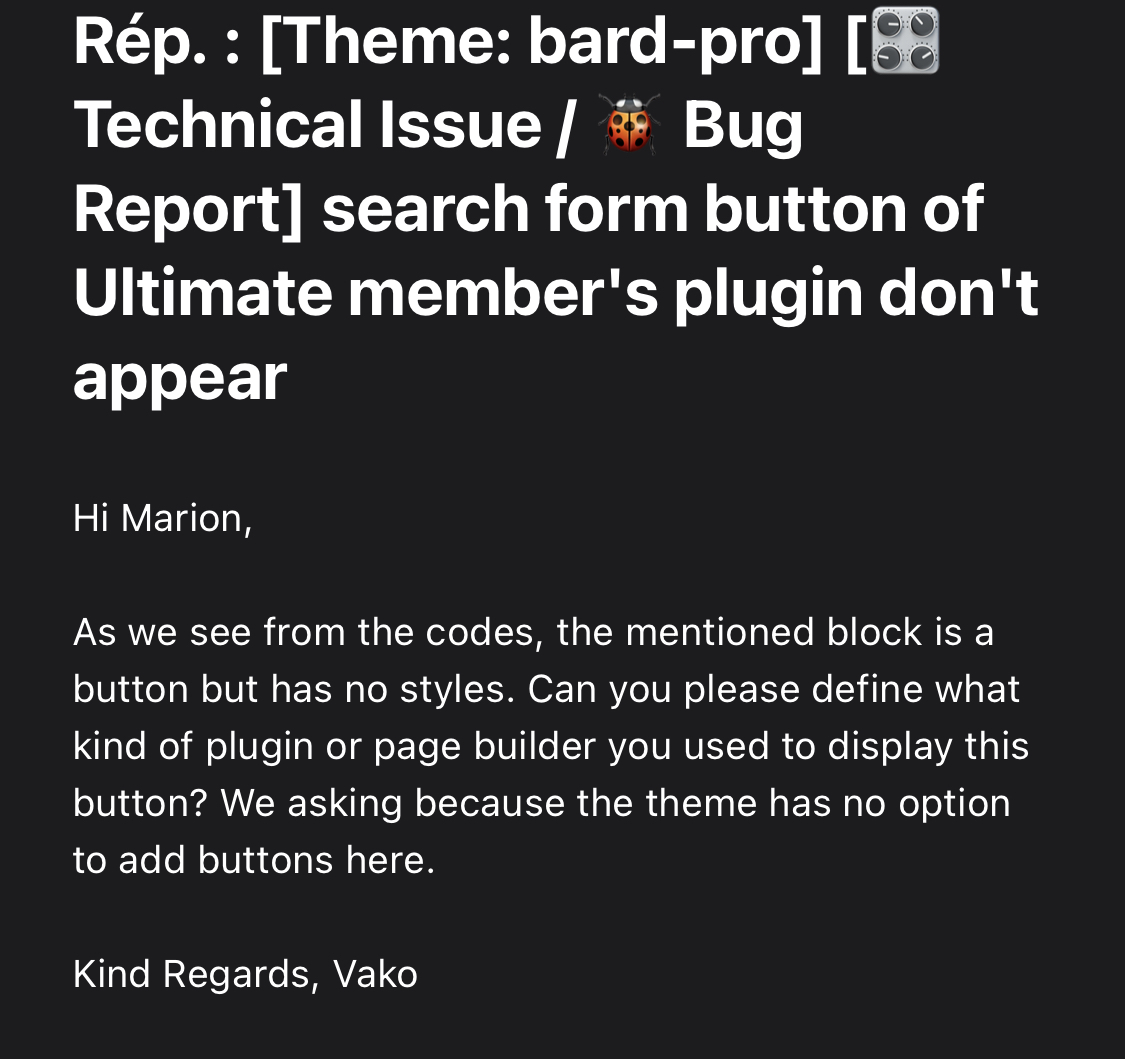
Here is the mail of Bard team :
https://zupimages.net/up/22/02/6r7n.jpeg
I reply that I use UM.
Waiting for a respons
Hi @mariontubiana
Try adding this CSS:
input.um-do-search.um-button {
    background: #896565;
    cursor: pointer;
}
Regards,
Hey there!
This thread has been inactive for a while so we’re going to go ahead and mark it Resolved.
Please feel free to re-open this thread by changing the Topic Status to ‘Not Resolved’ if any other questions come up and we’d be happy to help. 🙂
Regards,