Hi @ohdearbambi,
Please provide a link to your site, where the button is visible. Because I need direct inspection to get better context, so I can help you in better way.
Regards,
Kharis
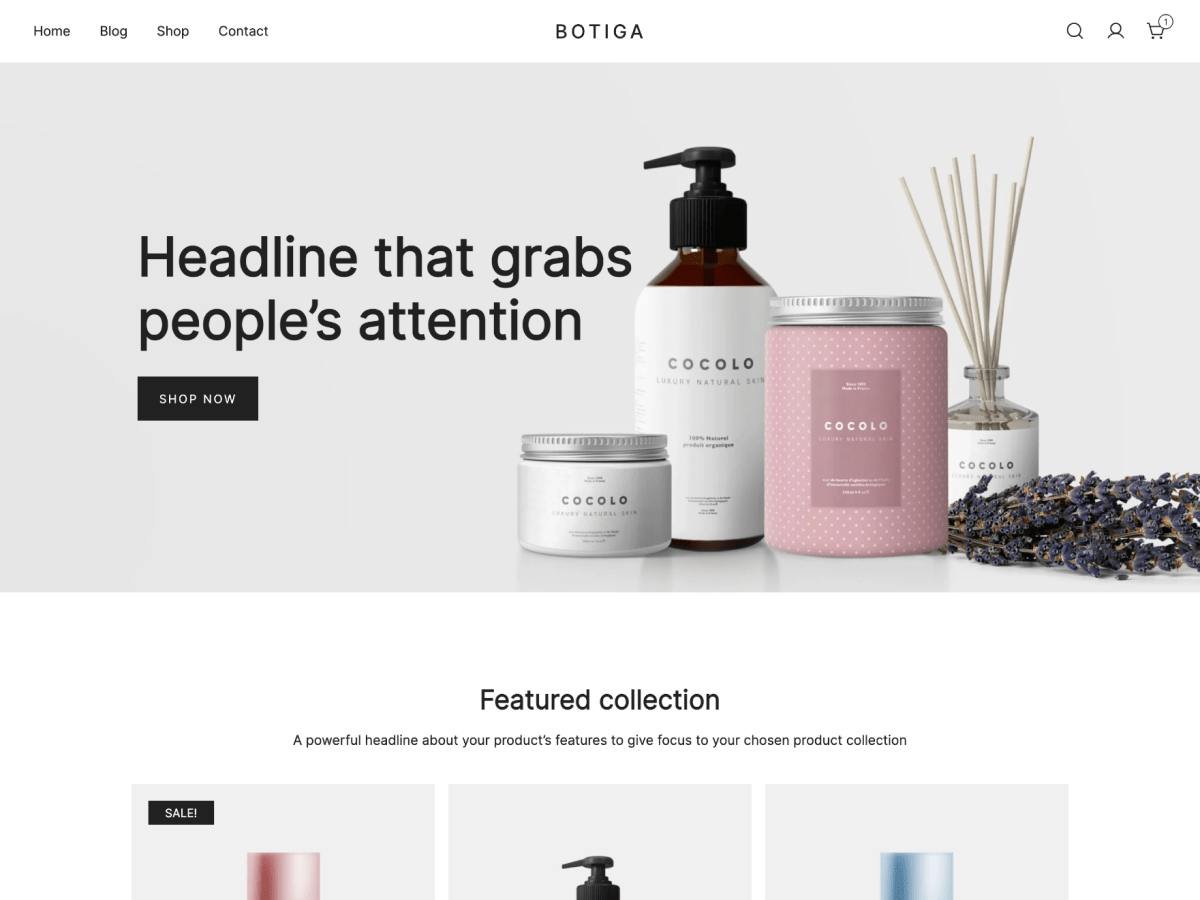
You can see the button here. It is the heart icon in between the search and my account button. I’ve managed to change it’s appearance to an icon only through css for the moment.
As for the role visiblity, I was able to make two different sections in the page and make one of them visibile to logged in users only while the other for logged out users. Not optimal but it does the job.
Hi @ohdearbambi,
Thank you for getting back along with the link and additional details.
The button enabled from Main Header (under Appearance > Customize > Header) is a static button, that doesn’t link to any conditional state.
But there is a special class name attributed to the document body (<body> tag) when user is being logged in, that is .logged-in. Thus you can use jQuery code to remove the wishlist button when user not logged in. Try:
1. Install and activate the TC Custom JavaScript plugin. Or other similar plugin that works best for you.
2. Go To Appearance > Custom JavaScript.
3. Paste the following code into the provided box:
jQuery(document).ready(function( $ ) {

   $('body:not(.logged-in) .header-elements a.button.header-item').remove();

});
4. Update
P.S.: Clear cache each time code addition or any change applied to avoid cached pages retained on your web browser.
Regards,
Kharis
Works like a charm! Thanks a lot for the help 👍
You’re welcome @ohdearbambi!
Please let us know in a new topic if you have any further questions, or if we can provide you with any other assistance.
Regards,
Kharis