Hi there,
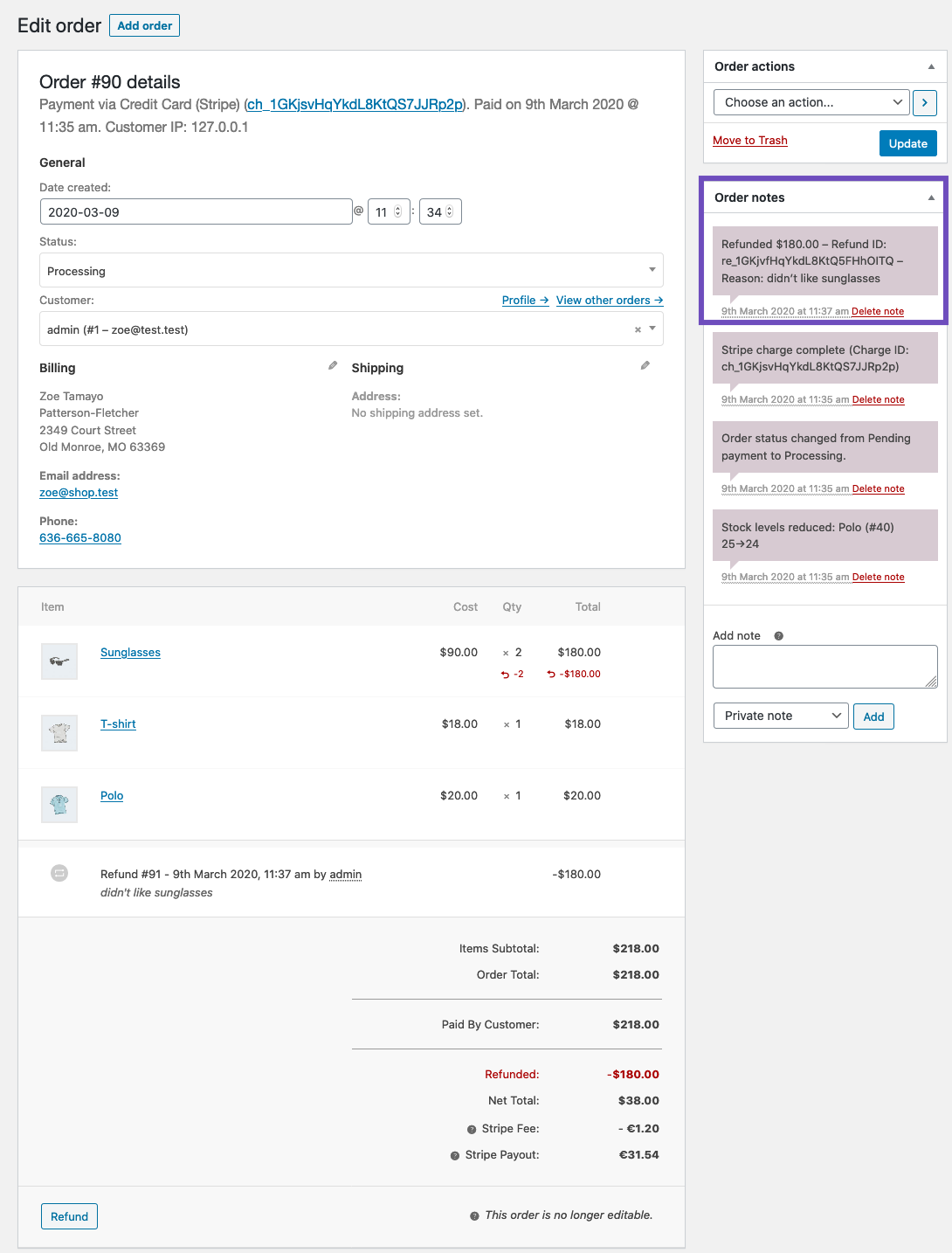
Thank you for reaching out! I understand that you’d like to change the date of a refund on one of your orders.
There isn’t a straightforward way to do that, unfortunately, especially since the refund is recorded and actually processed in the system of your payment gateway service provider.
You could try deleting the refund notes, deleting the refund itself and issuing a new manual refund, however, I can’t promise this will work (it didn’t on my test site) and most likely it won’t affect the date in the dashboard of your payment gateway service provider.
https://d.pr/i/pqRirS
https://d.pr/i/hHY7nM
Alternatively, you could try editing the data of your order in the database directly, although the data is scattered across multiple database tables.
The refund notes are in the wp_comments database table (you may want to search for comments using order post ID in comment_post_id column) and the date can be adjusted there:
https://d.pr/i/aJBQjF
You may want to back up your site before any direct database edits since that is an easy way to break the site, and perhaps do some tests on a staging site first.
If you don’t have a staging site – you can create one using WP Staging plugin.
I hope this helps!
Hi there,
We haven’t heard from you in a while so I’ll be marking this thread as resolved.
Feel free to open a new thread and link to this one if you have further questions though.
Have a wonderful day ahead!