Product image
-
Hi,
I have a question about the product image and I hope you can help me further!
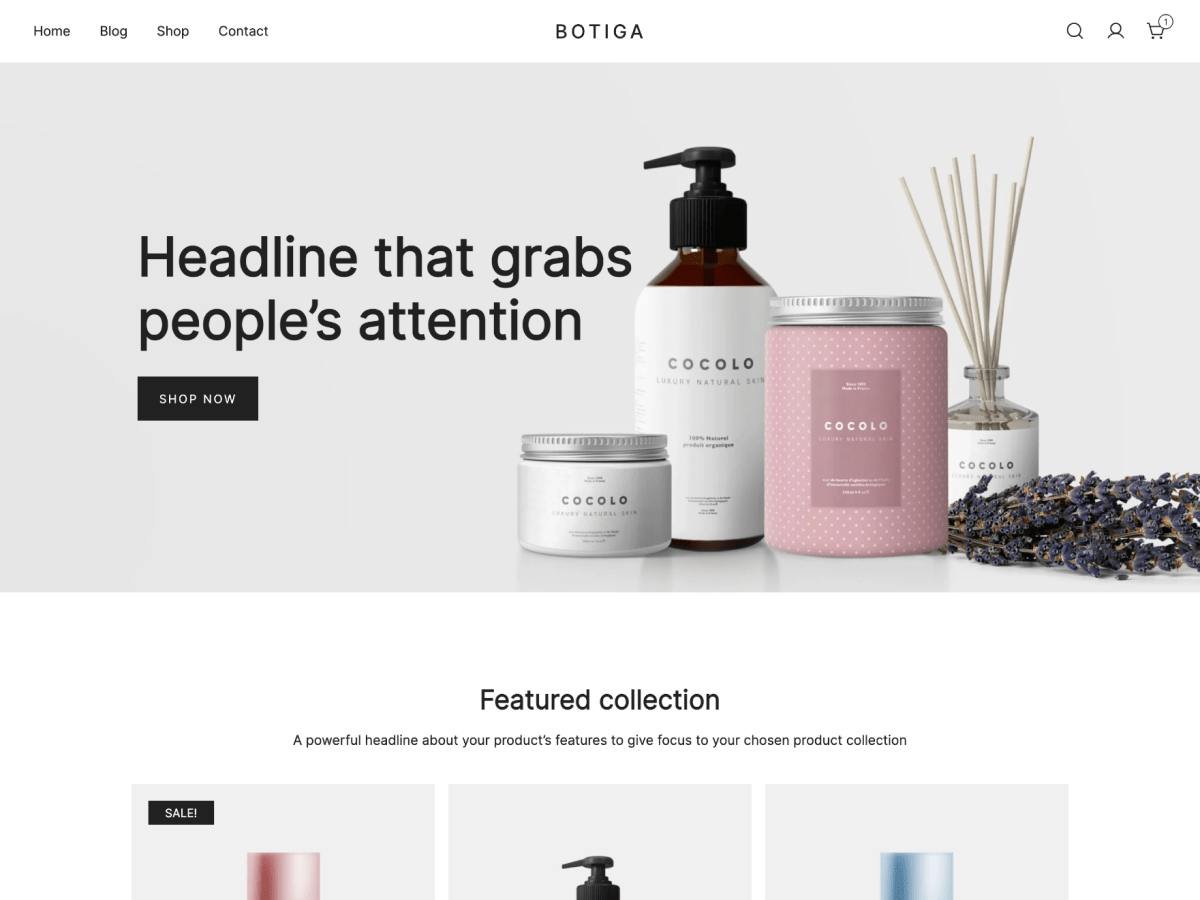
The product images that are shown on your laptop and phone are quite large. You have to scroll down to see them. And I actually want them more up and a bit smaller and a bit more from the left side, it’s too close to that too.
How can I make the product images a bit smaller and more appropriate to the title and text, also for the mobile version? I use the Shopengine plugin for this.I got a screenshot here: https://we.tl/t-4J4uQni77v
Thank you very much for answering my questions!
Greetings,
Romy

Viewing 1 replies (of 1 total)

Viewing 1 replies (of 1 total)
The topic ‘Product image’ is closed to new replies.