Hey, thanks for reaching out, and sorry you’re facing this issue.
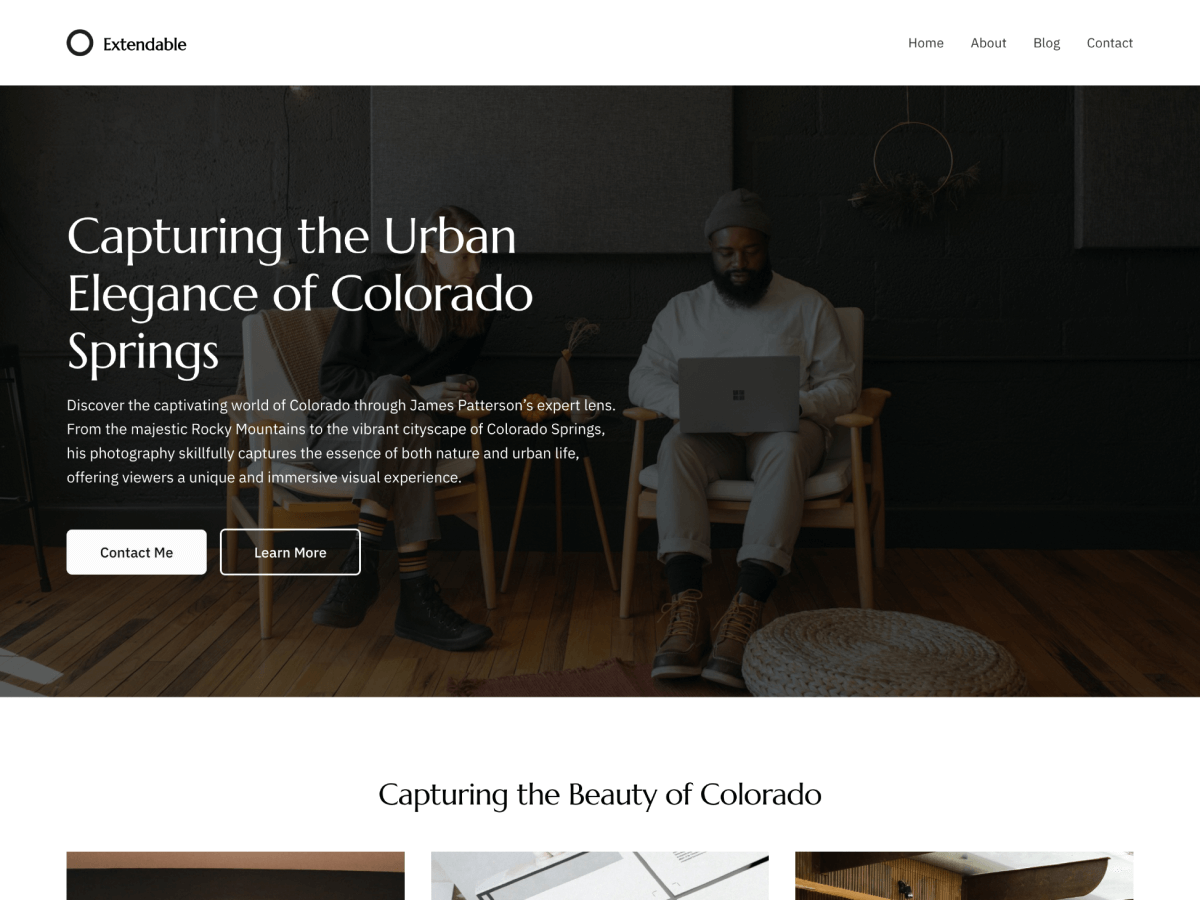
I checked the site, and it looks like the sticky behavior may be coming from another plugin rather than the Extendable theme itself. That plugin seems to be making the header sticky and is causing it to shift down and overlap the page title.
Could you try disabling the sticky header option/plugin and check again? I think that should resolve the overlap issue.
As an alternative, you can also remove the sticky behavior by disabling that sticky header plugin/setting. If it still happens after that, please let us know and I can take another look.
So it does not seem to be caused by an external sticky header plugin.
I already tried:
restoring previous header versions;
clearing browser cache;
adding CSS fixes for .o-sticky-pos-top and .o-sticky-bnr-keep;
checking active plugins.
The issue remains.
Could you please tell me where this sticky behavior is controlled in the Extendable theme, or provide the correct CSS to disable/fix it without breaking spacing and layout?