Hi,
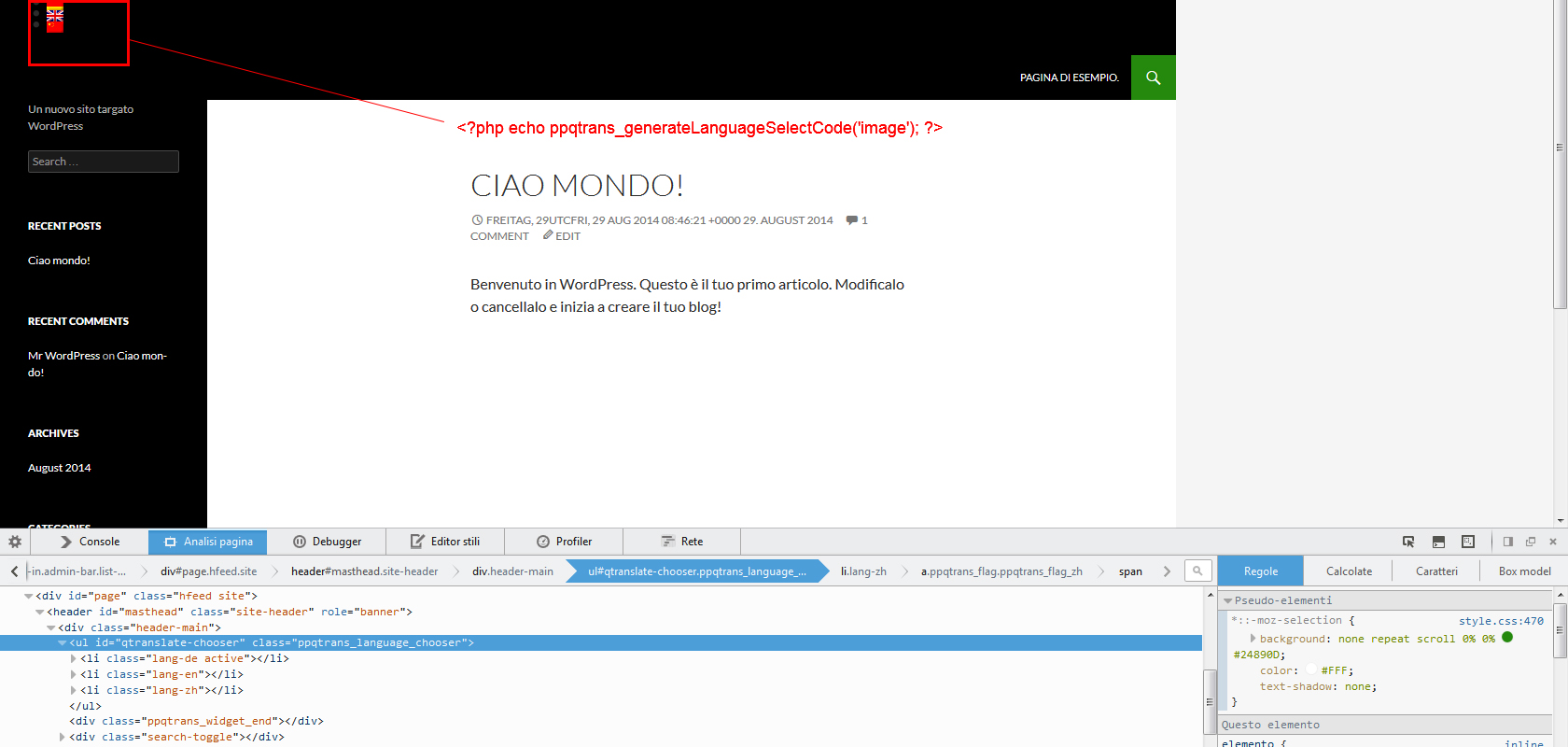
I’ve tried the function and it seems to works properly.
Screenshot
(this is a virgin blog used for tests with the last version of qTranslate Plus).
Can i check your page? So i can help you
Best regards,
Mirko
Thread Starter
 pamina
(@pamina)
sure: http://www.paminagirlschoir.eu
I have the widget active in the right sidebar and added <?php ppqtrans_generateLanguageSelectCode(‘both’); ?> in the header.php both worked with the old qtranslate plugin and the origin theme (http://alienwp.com/themes/origin/) we are using.
Thanks,
K
Hi,
probably you have only overwriten the files in the old qtranslate folder.
You have to rename wp-content/plugins/qtranslate in wp-content/plugins/ppqtranslate and then reactivate the plugin 😉
Thread Starter
pamina
(@pamina)
perfekt. now it works. the folder was automatically named “qtranslate-xp” after installation.
thanks!!
Hello!
I had the same problem and this solution works fine for the English flag.
Server returns:
.ppqtrans_flag_en {
background: url(“http://glitchcorner.260mb.net/wp-content/plugins/ppqtranslate/flags/gb.png”) no-repeat transparent;
}
But for the Spanish flag i only get:
.ppqtrans_flag_es {
background: url(“http://glitchcorner.260mb.net/wp-content/plugins/ppqtranslate/flags/”) no-repeat transparent;
}
And don’t appears visible.
Website: http://glitchcorner.260mb.net/en/
WordPress Version: 4.0
Plunging: 2.6.3
Thank you in advance 🙂
Update:
Problem solved, after updating to wordpress 4.0 some flags languages lost their flag icon reference in settings->languaje
Thank you anyway
Hi,
updating the plugin will resolve the flags problem.