Thread Starter
 Kuzz
Kuzz
(@kuzz)
No help? Please somebody?
set WP_DEBUG in your wp-config.php to ture and look for errors. and could you please tell me which woocommerce and wordpress version do you use?
Thread Starter
Kuzz
(@kuzz)
Thank you for the reply. I debugged the site and got these two lines:
Notice: get_theme_data is deprecated since version 3.4! Use wp_get_theme() instead. in /home4/designmy/public_html/wp-includes/functions.php on line 2628
Warning: Cannot modify header information – headers already sent by (output started at /home4/designmy/public_html/wp-includes/functions.php:2628) in /home4/designmy/public_html/wp-includes/pluggable.php on line 881
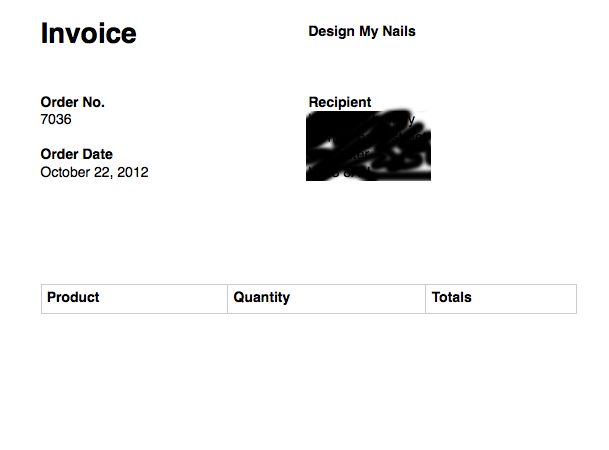
I don’t think any have anything to do with the invoice problem of the item not appearing in the table.
I am using WordPress version 3.4.1. and WooCommerce version 1.5.8.
FYI – My products are variable products and I also have gravity forms installed to allow for image uploading to a product via the customer. Not sure if that information will help.
Thanks again.
search in your theme for get_theme_data and you may find the problem. you can ignore the modify header message. good luck!
Thread Starter
Kuzz
(@kuzz)
Thank you for your help. I have contacted support for my theme and hopefully will get some help with the get_theme_data problem that will help resolve the invoice problem.
I will post the any progress here for future reference for anyone that encounters the same problem.