• ResolvedTheme Author Themonic

    (@themonic)


    Latest Version 1.7.3 of Iconic One theme

    Many users would have to modify code for these changes previously.

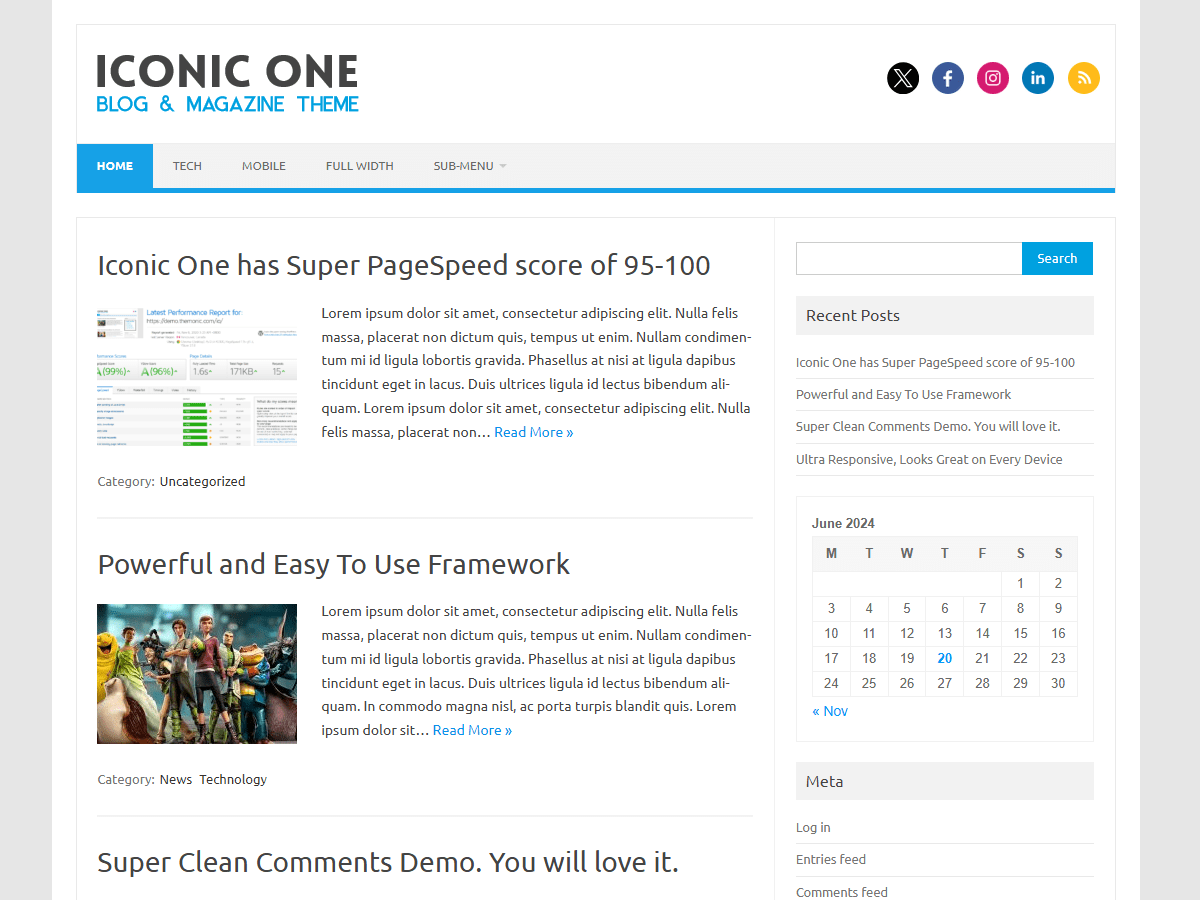
    – Now you can chose between excerpts and full posts
    – Display date and author bar option
    – Removed hgroup from header.php
    – changed translation domain from themonic to iconic-one as per the new WordPress guidelines
    – Option to remove category and tags from home
    – Minor code updates

    Go to Live Customizer > Post Settings to see the new options

    Official page – http://themonic.com/iconic-one/

Viewing 5 replies - 1 through 5 (of 5 total)
  • I had used custom CSS to add a header image as part of the hgroup and now it is gone. Since it’s been removed any suggestions on how to add an image with this new update.

    Theme Author Themonic

    (@themonic)

    You just have to replace

    hgroup

    with

    .io-title-description

    in your custom css and it should work just fine. If not please do create a new support thread with details.

    Yes That worked. Thank You

    Theme Author Themonic

    (@themonic)

    Update:

    Some users have reported that with the update instead of summaries, full posts are being displayed on home page.

    To make the theme save the new settings:

    In the Live Customizer -> Post Settings deselect and reselect the first option(Show Excerpts on Home Page) and save settings.

    Theme Author Themonic

    (@themonic)

    A new update v1.7.4 now available:

    – Setting Excerpts to default on home like before in v1.7.2

Viewing 5 replies - 1 through 5 (of 5 total)

The topic ‘New Updated Iconic One Responsive Blogging Theme’ is closed to new replies.