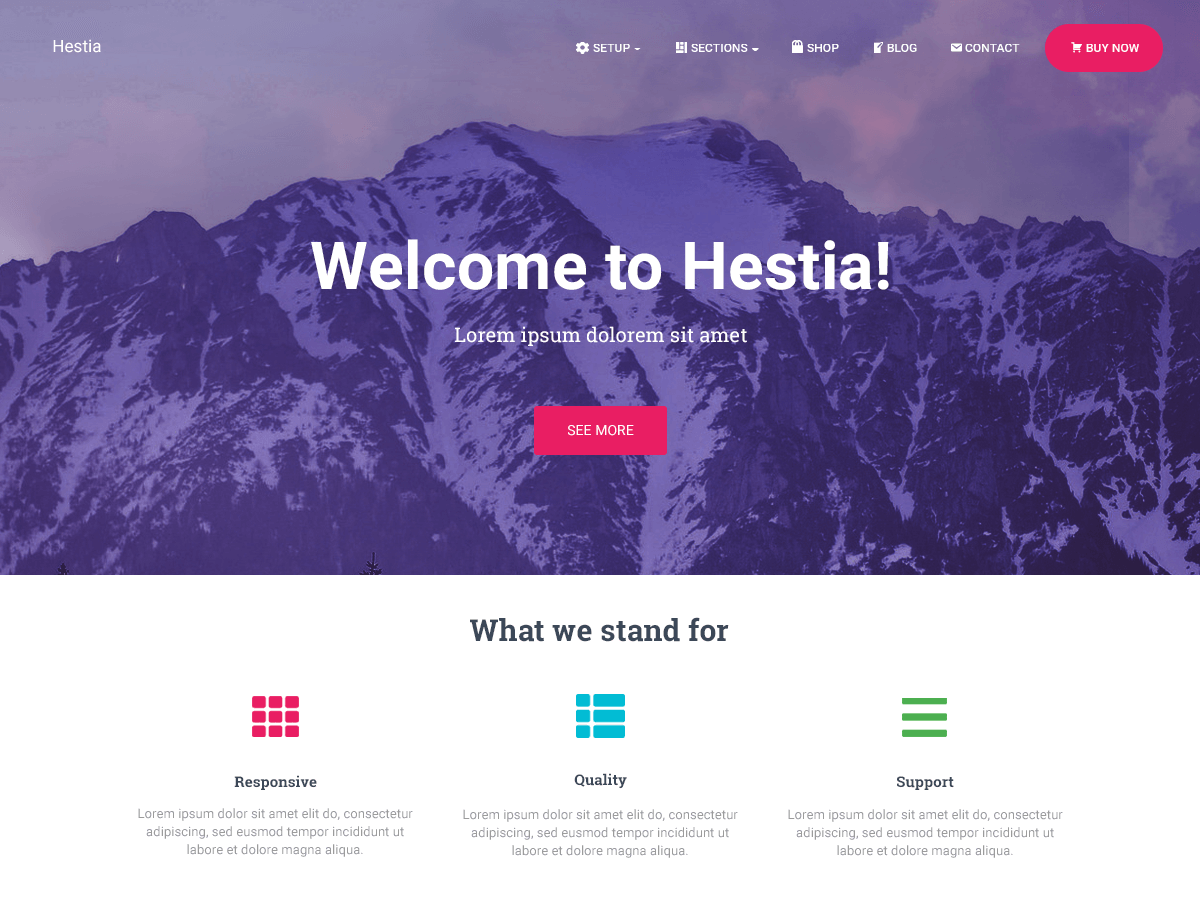
Hello @khatoria,
As far as I know, the theme does not come with the option of changing the color of categories on the blog page. If you want to change it, you will have to add some custom code to the Additional CSS section (Go to Dashboard->Appearance->Customize)
If you want to change only the blue color, you may try adding this code:
.hestia-blogs article:nth-child(6n+2) .category a {
      color:#0000b3;
}
Please note that #0000b3 is a random color I picked. You can change it with any color you want.
https://www.w3schools.com/colors/colors_picker.asp
If you need further assistance, please let me know.
Have a nice day!
Wow, that fixed it immediately. Thanks a million, ancapantilie. Was trying to figure that out for a while.
I was able to fix the third category showing up as a different color as well by changing the 6n+2 in the code to 6n+3
Need to change category colours for Woocommerce in Hestia.
I’ve tried this code, as they suggest on ThemeIsle website, but doesn’t work for me. `.hestia-blogs article:nth-child(6n+1) .category a {
color: #000000;
}
.hestia-blogs article:nth-child(6n+2) .category a {
color: #000000;
}
.hestia-blogs article:nth-child(6n+3) .category a {
color: #000000;
}
.hestia-blogs article:nth-child(6n+4) .category a {
color: #000000;
}
.hestia-blogs article:nth-child(6n+5) .category a {
color: #000000;
}
.hestia-blogs article:nth-child(6n) .category a {
color: #000000;
}`