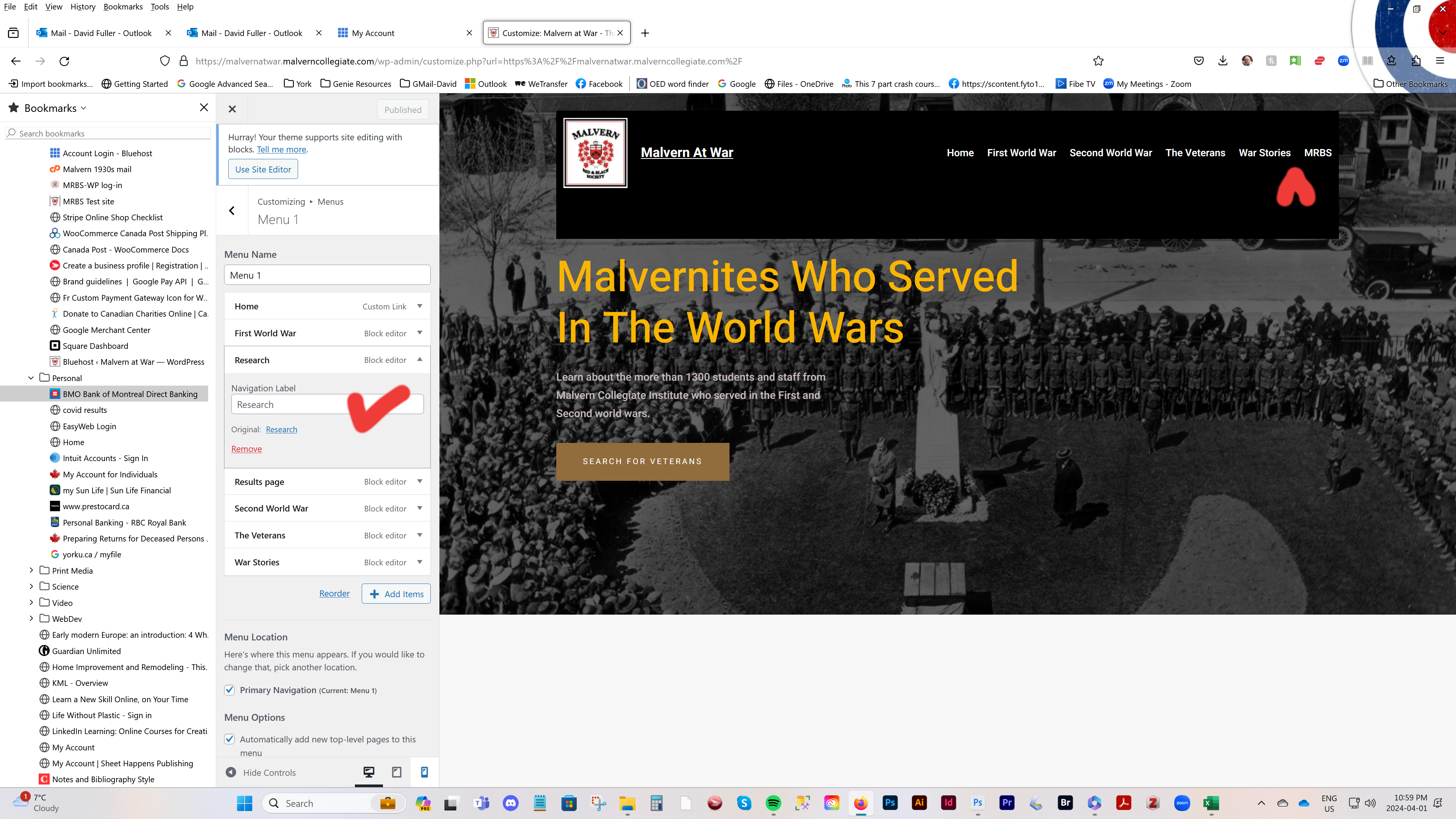
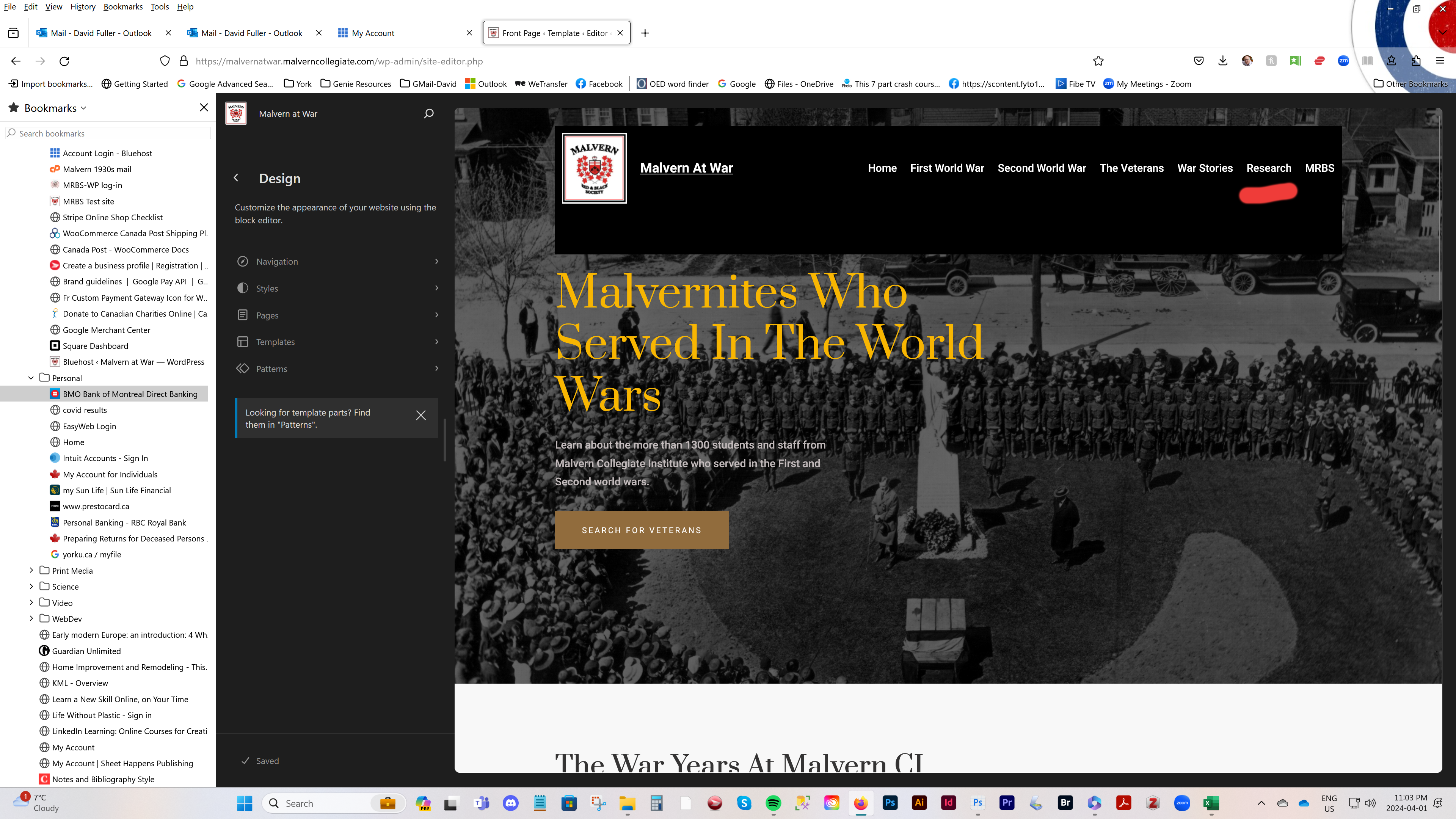
I am puzzled by the way my site’s front page appears in the editor compared with the way it appears online. In the editor, the full menu, including the Research tab is showing. But when I look at the site online a different menu appears, missing the research tab. I can’ figure out what’s going on.
The page I need help with: [log in to see the link]
try recreating your menu in Appearance > menus the way you wanted it. and then try deleting the nav menu block in the header and making a new nav menu with the new menu you created.
I am not entirely sure what the problem is, but I suspect it is because the nav menu does not find the correct menu to show in the front end.
This is infuriating… I replaced the header and the Editor still shows the correct one in place on the template. But the live version reverts to the one with a missing tab. I need help. I am presenting this site to people on Wed and I need it showing correctly.
I have replied to your email, thanks for contacting me. Here are two screenshots of what I am dealing with. Both images show the header transparency has been changed to darker, which I just did moments ago. And yet, one view has the missing Research menu tab and the other does not. Something somewhere is stuck in the system. If it was picking up an old version of the header, it wouldn’t show the change to the overlay setting. I deleted the other version of the header but it didn’t make a difference. Very weird.
Thanks for the video, but my problem was that I couldn’t find the customize tools. I finally saw it mentioned in the documentation and was able to use it to fix the menu problem. There are so many settings options that it’s hard to find the right one – and I’m pretty good at finding may way around complicated apps. Anyway, problem solved. Thanks for sticking with it.