Anonymous User 12851872
(@anonymized-12851872)
Hi,
Settings > Tempera Settings > Header, line site header
To choose “Site Title and Descrition”
http://img.cryout.eu/screenshot161113-164846.png
https://www.cryoutcreations.eu/wordpress-themes/tempera/tempera-faqs
You can set the site header via the Appearance > Header section. Just make sure your image is the proper size, otherwise it will be cropped or distorted.
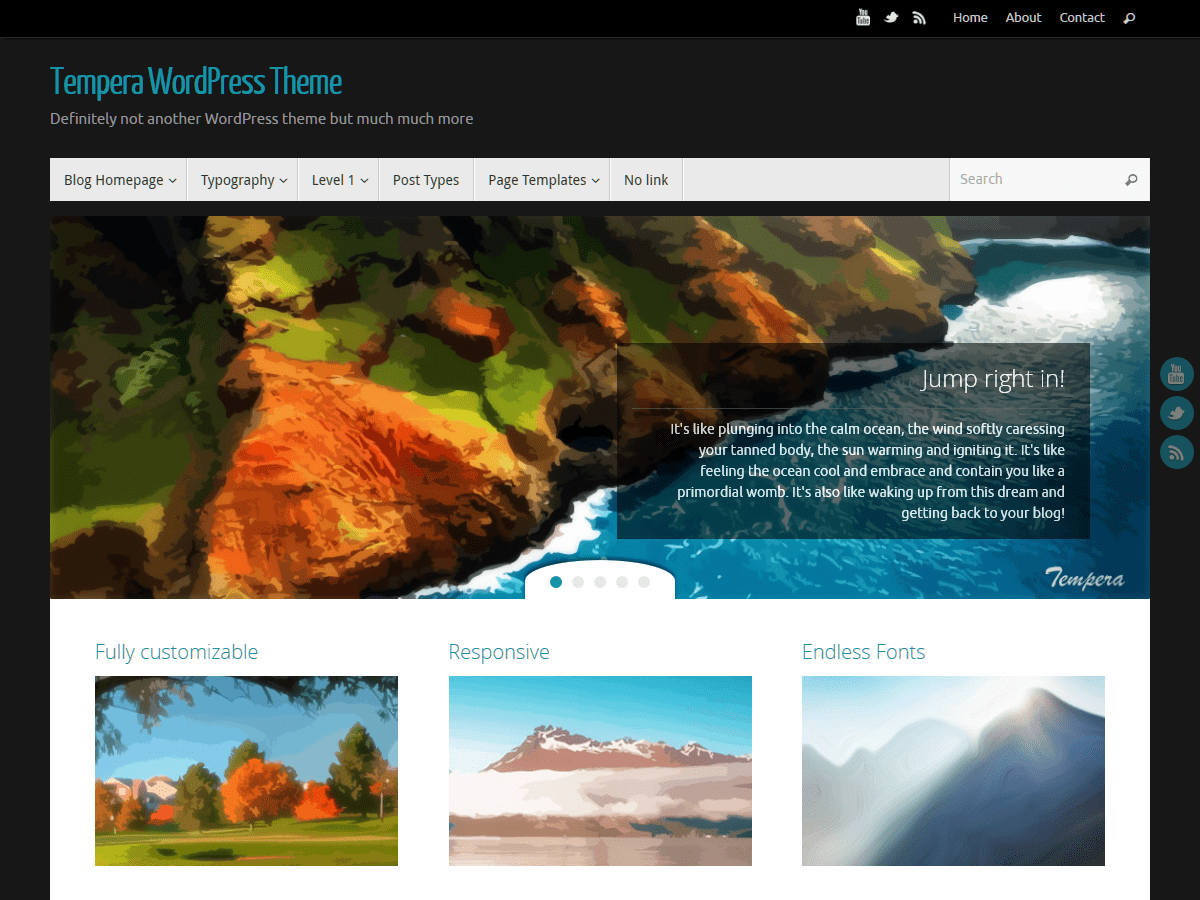
The “Site Title” option under theme settings > Header Settings allows you to chose between the classic “Site title and description”, the custom “Site Logo” (which you can upload separately from the background header image), the specific “Clickable header image” and the basic “Empty” (nothing at all).
This is no longer the case in the latest theme versions.
If you do wish to hide the previously filled in site title and tagline from the site header area, just set the option to anything but “Site title and description” – logo (if you have one), clickable header (if you’ve set a header image) or empty will all do.