Hi @krzysztof114,
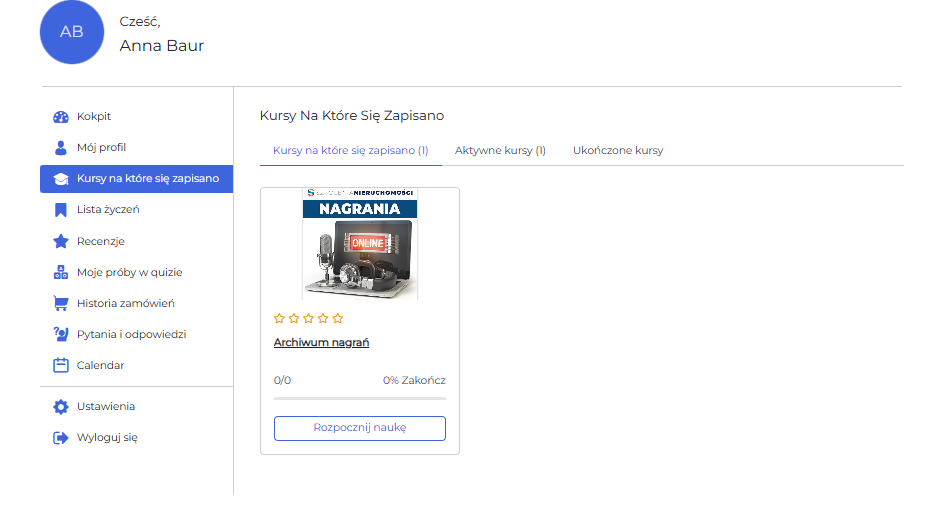
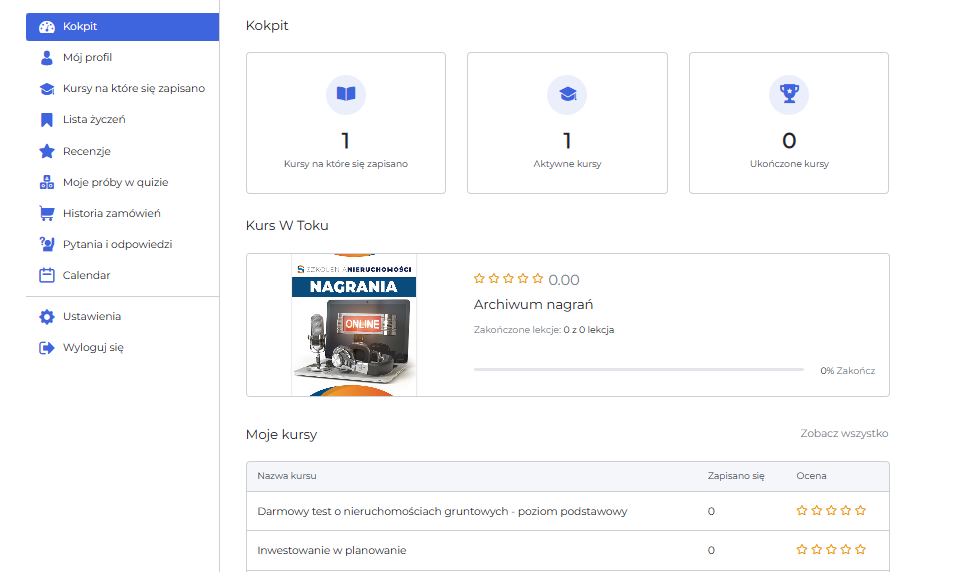
Thank you for getting back to us and for sharing the details along with the screenshots.
I understand the issue you’re facing. Unfortunately, the WordPress import/export feature does not work seamlessly with Tutor LMS. This is because Tutor LMS relies on custom database relationships and metadata to link users with their enrolled courses. These links are not preserved during the WordPress import/export process.
The reason newly added courses work fine is that they are set up and linked directly in your new environment, bypassing the limitations of the import/export process. To resolve the issue and restore access to previously obtained courses, I recommend migrating the full WordPress website instead of using the import/export feature. This will ensure that all course data, user enrollments, and settings remain intact.
Let me know if you have any other questions.
I want to avoid migrating full databese. Which tables should I export?
Hello @krzysztof114,
I apologize for the late reply.
To restore access to previously obtained courses without performing a full migration, you can export specific database tables and data. Since Tutor LMS relies on custom database relationships, you’ll need to export the following:
You need to export the wp_posts table rows where post_type is set to tutor_enrolled. This table contains information about user enrollments. Export the wp_postmeta table to include the corresponding metadata associated with the entries from the wp_posts table. This ensures that any custom metadata related to enrollments is preserved. Now, ensure the wp_users table is included so the enrolled users are recognized in the system. Include the wp_usermeta table to preserve user-specific metadata, such as capabilities and preferences.
Thank you.