Menu
-
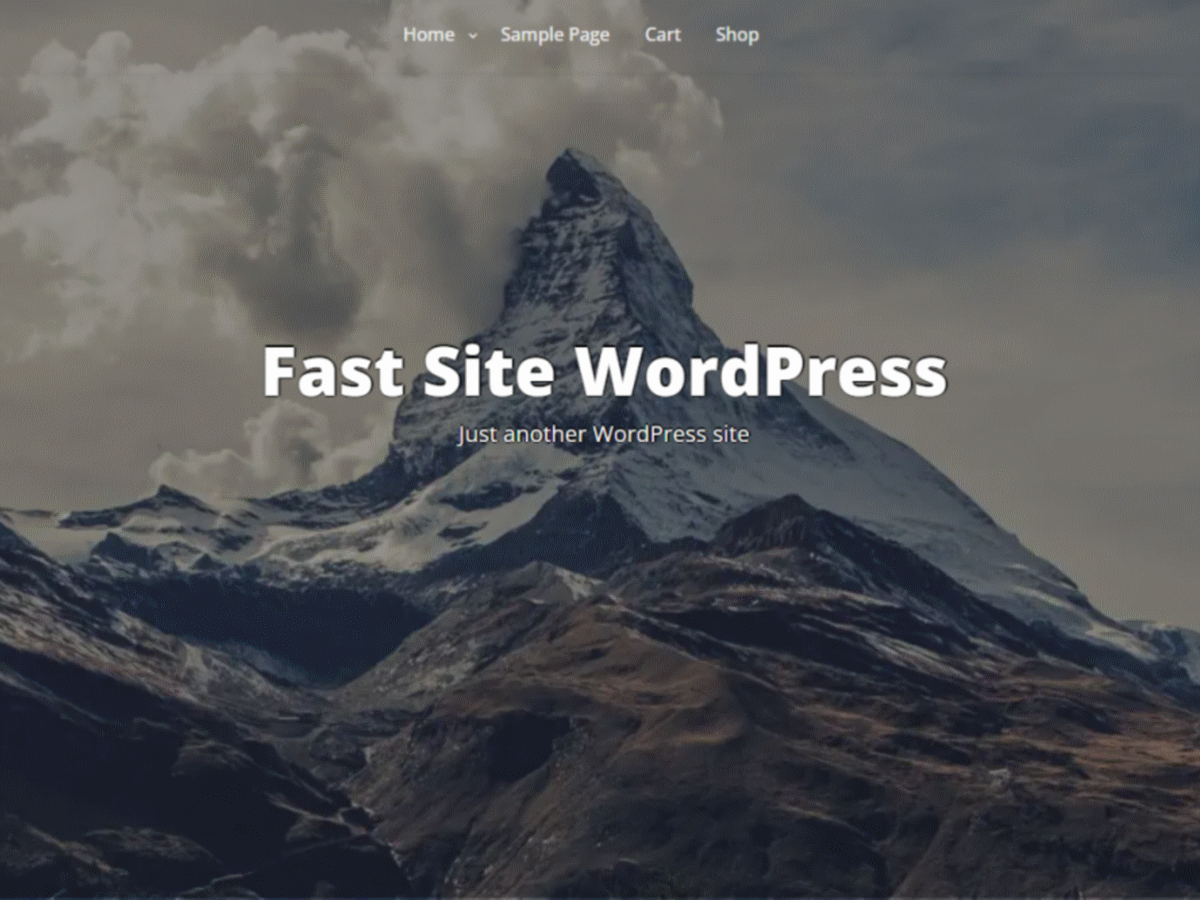
I started to build a custom sticky header that pulls from a menu I created. I’ve done this with other themes and can usually can select which menu I want to function in the customize section (or in Appearance/Menu in dashboard). My selected header/menu is at top of page, but the default Fast Press menu is right below it. If I try to delete the default Fast Press Header/menu, it deletes the menu in my custom one as well.
I can’t connect link to the site as it’s on a local host, but I can link a screen recording that explains the problem video link
The page I need help with: [log in to see the link]
-
Dear MoBlack,
Sorry this is a third party plugin and we can’t answer this question because the option is not part of the theme.
Best Regards,
SEOS THEMESThanks. I don’t need to use that plug in in particular, but I’d still like to know if there is a way to disable Fast Press’s default menu and build my own (without using a plugin)? Or am I stuck with Fast Press’s menu, no matter what?
Dear MoBlack,
Go to Customize -> Additonal CSS and paste the code below:
.grid-top #site-navigation {
display: none;
}Best Regards,
SEOS THEMESHi, I have an issue with my font colors in the menu of Fast Press. On the Homae page the font color is white, but on all others it is black. I cannot find the reason for that and/or where to change the black color to white
Please advise
regards,
PeteHi @boldylock The reason is because there may be a header image on the home page only and then the color is different. There is an option to change the color but in the premium version. Send us a link to the site and we will help you with a code once we see the problem.
Best Regards,
Tsvetomir
The topic ‘Menu’ is closed to new replies.