• [ Moved to Fixing WordPress ]

    Hey guys,

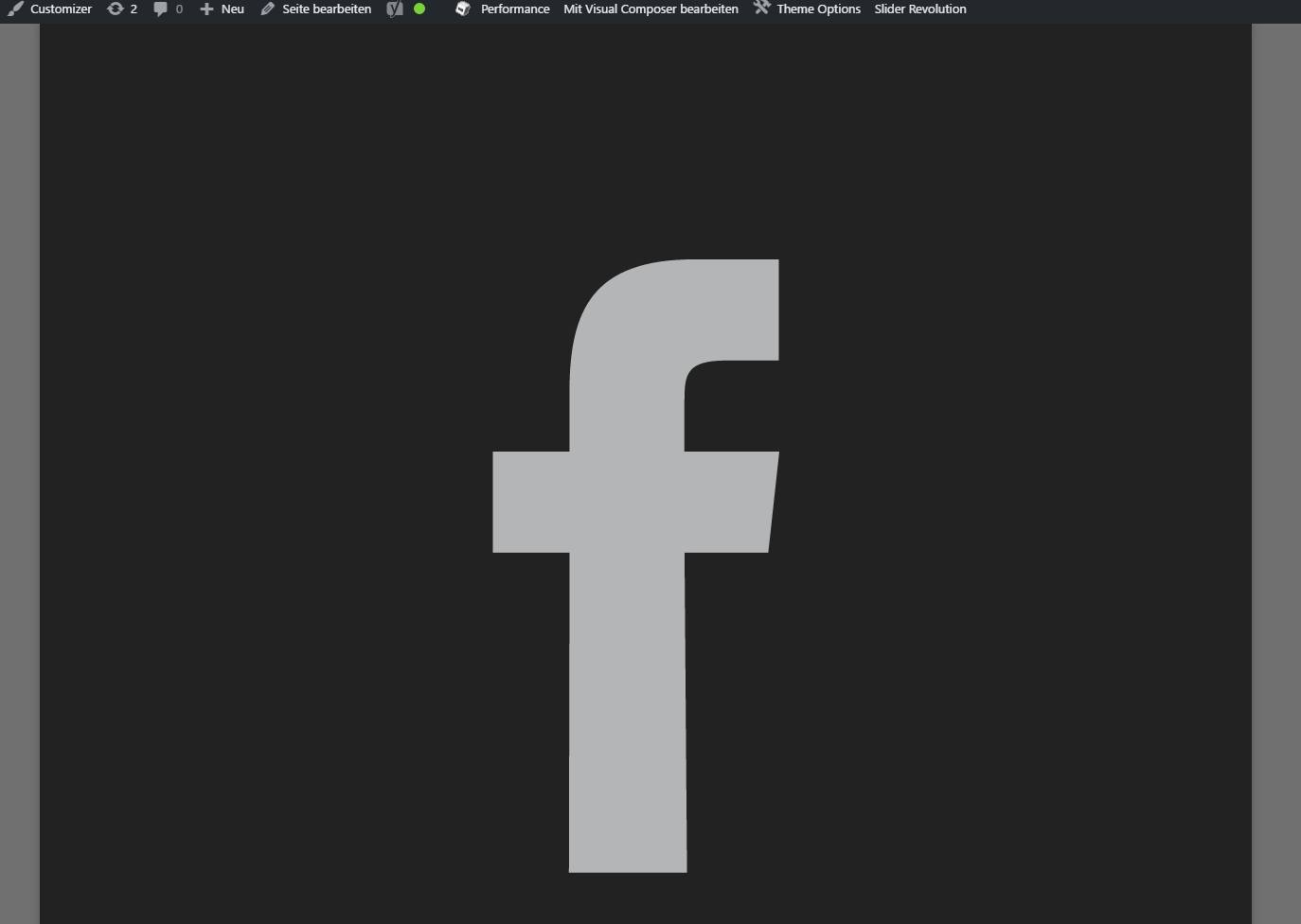
    I have a problem which always pops up. The reason for that is unclear and the solution we had is not working anymore. First of all here is the picture of the error.

    http://fs5.directupload.net/images/170203/sxouppjk.png

    Our WordPress installation works with the theme from “DreamTheme The7”. We really don’t know if this is a theme problem (simultaneous we wrote this to the developers).

    I know that this is happening regardless if i activate the social-icons in the theme options or not. Last time there was a picture from our gallery.

    We had a solution which is not working anymore.

    This was resaving the theme options, under theme-options –> Branding we had to reupload the logos from our company, delete the cache in w3total cache and delete the cache from our cdn. After that this was gone.

    But now we always have to activate an backup from the day before it happened.

    Does anyone know why this is happening here and then? Or do you have a solution for that?

    Big thanks in advance

Viewing 4 replies - 1 through 4 (of 4 total)
  • Andrew Nevins

    (@anevins)

    WCLDN 2018 Contributor | Volunteer support

    Can you describe the issue you’re seeing more thoroughly? Screenshots are good to help illustrate the problem, but you should still show the webpage with the issue.

    Thread Starter Camarabunca

    (@isacaz)

    Hi Andrew,

    I am not allowed to mention the website, so I can describe more detailed if you want.

    But the main issue is that a picture or logo is shown really really big and like i said we could fix it in the past, but now there is no chance

    Andrew Nevins

    (@anevins)

    WCLDN 2018 Contributor | Volunteer support

    Could you replicate the issue using a sandboxing tool like jsFiddle? You could remove references to sensitive information in that tool as well. Otherwise it’s unlikely we can help.

    Thread Starter Camarabunca

    (@isacaz)

    Hi Andrew sorry for the late reply,

    we were fixing the problem for a while but now it was popping up again.

    The problem last time was the minify-options. After we had deactivate the settings for minify it worked. But now it came up again.

    Can I write you a private message here? Then I could tell you the domain.

Viewing 4 replies - 1 through 4 (of 4 total)

The topic ‘Layout Problems’ is closed to new replies.