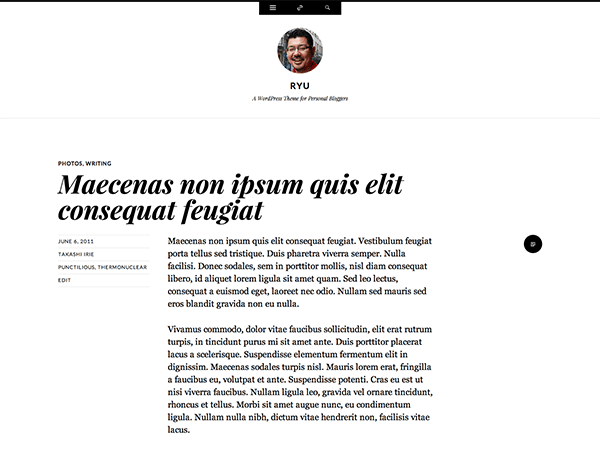
Or is it possible to add a new custom social genericon in header?
Here’s what I’d recommend as a workaround to get an Instagram link up there with the other icons.
Add a link in the text field for another service that you don’t use, for example Github.
Then, add this CSS to turn the Github icon into an Instagram icon:
.github-link a::before {
    content: "\f215";
}
Since you’re already using Jetpack, an easy way to add custom CSS is to activate the Custom CSS module. You’ll then add your custom CSS in the new stylesheet editor that’ll appear in your dashboard, under Appearance > Edit CSS.
Let me know if this does the trick!
Hi,
Thank you for your reply.
I’ve just tried but it didn’t work, the Github icon and mouseover text didn’t change into instagram’s when adding this css to my custom stylesheet nor WP stylesheet.
Any other solution?
Hmm – it worked on my test site.
my custom stylesheet nor WP stylesheet
CSS inheritance may be at play here, because the order of CSS matters. Did you try the Jetpack Custom CSS module method that I recommended?
Yes,
I added it to my Jetpack custom css, but nothing changed unfortunately.
Thank you 🙂
Is there a way to change the mouseover text as well, so that it reads instagram and not github?
Ha! I found the solution, change ‘Githum’ into ‘Instagram‘ in header.php, such as following:
<?php if ( ” != $github_link ) : ?>
<li class=”github-link”>
” class=”theme-genericon” title=”<?php esc_attr_e( ‘Instagram’, ‘ryu’ ); ?>” target=”_blank”>
<span class=”screen-reader-text”><?php _e( ‘Github’, ‘ryu’ ); ?></span>
<?php endif; ?>
Thank you again!
Best.
Glad you found a workaround. I’d recommend you make that change in a child theme, otherwise your tweak will be overwritten and lost every time you update the theme. If you’re new to child themes, you can explore these guides:
http://codex.wordpress.org/Child_Themes
http://op111.net/53/
http://vimeo.com/39023468
Once your child theme is setup with your modified copy of header.php, you can copy the CSS from earlier into your child theme’s style.css and you should be good to go.
Hi, how do I add the instagram gallery in the footer of the site? Is there a way to do this?
greendoll – Ryu does not have a social links menu or widget area in the footer, only in the top toggle panel. To change this, you’d need to create child theme and make some theme-file edits there, so your tweaks won’t be overwritten when updating the theme. Here are some guides in case you haven’t made one before:
http://codex.wordpress.org/Child_Themes
http://op111.net/53/
http://vimeo.com/39023468
If you need further help with this, please start a separate thread and provide a link to your site. Thanks.